The Short Answer
No single app finds every hidden camera. Each detector app uses one or two methods, and each method misses whole types of cameras. The combination that covers the most ground on an iPhone:
- A Wi-Fi network scanner (such as Fing) for cameras on the same network as you
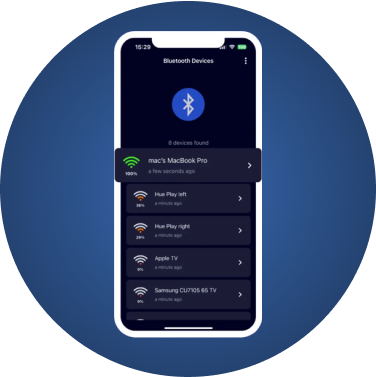
- A Bluetooth scanner (such as FindMyGear, our app) for cameras and gadgets that broadcast over Bluetooth
- Your own flashlight and phone camera for lens reflections and infrared lights, no app needed
Apps that promise to "detect any camera" with a radar animation are selling reassurance. Even their own store listings usually say they don't guarantee accuracy.
What Detector Apps Actually Do
Almost every hidden camera detector app is built from the same five techniques. Knowing which one an app uses tells you what it can find.
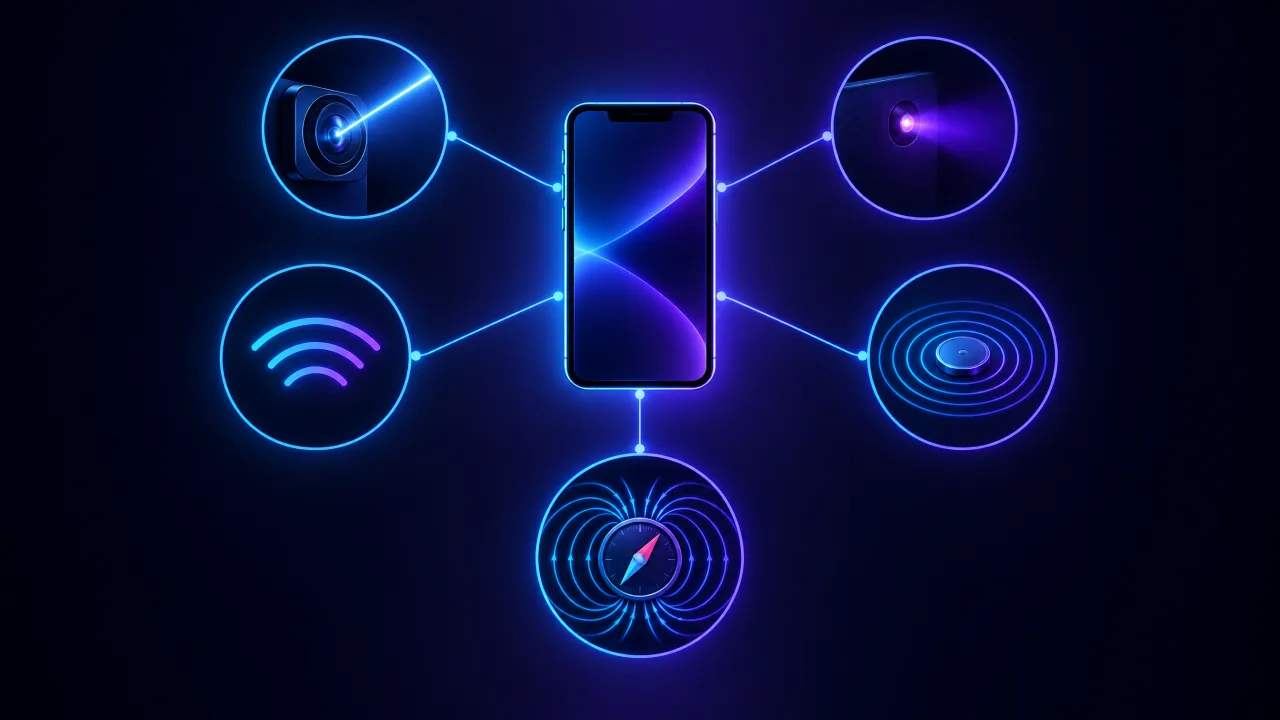
| Method | Finds | Misses | Examples |
|---|---|---|---|
| Wi-Fi network scan | Cameras connected to the same Wi-Fi as you | Cameras on another network, mobile SIM cameras, offline cameras recording to a card | Fing |
| Bluetooth scan | Cameras and gadgets that broadcast over Bluetooth | Wi-Fi-only, wired and offline cameras | FindMyGear |
| Lens reflection | Lenses pointed at you, in a dark room | Lenses hidden behind dark glass or pointed away | Flashlight-based "lens finder" apps |
| Infrared view | Night-vision cameras with infrared lights switched on | Cameras without infrared, or in daylight | Your phone camera; IR-filter apps |
| Magnetometer | Strong magnets and some electronics up close | Can't tell a camera from a speaker or a charger | Many "all-in-one" detector apps |
Wi-Fi Scanners: Best for Rentals With a Shared Network
Most hidden cameras stream over Wi-Fi, so seeing what is on the network is the most useful single check in an Airbnb or a home. Fing explains the method: join the property's Wi-Fi, run a scan, and look for devices that list a camera brand or "IP camera". BGR notes that Fing offers a few free scans a day and keeps an automated hidden-camera feature for its paid tier.
The limit is clear, and Fing states it itself: a scan only sees cameras on the network you are connected to. A host can put a camera on a second network, and a camera recording to a memory card doesn't need a network at all.
Bluetooth Scanners: The Gap Wi-Fi Scanners Leave
Many cameras use Bluetooth for setup through their companion app, and a growing number of gadgets that can record, from smart glasses to trackers, broadcast over Bluetooth. A Bluetooth scanner lists every device broadcasting around you, even ones that aren't on any Wi-Fi network you can see.
FindMyGear is our app: it shows the Bluetooth devices around your iPhone, with their names when they broadcast one and a live signal reading that rises as you get closer, so you can walk towards anything you can't account for. It won't see a Wi-Fi-only or wired camera, which is why we recommend pairing it with a Wi-Fi scan and the manual checks below.
Lens Finders and Infrared: Useful, but You Don't Need an App
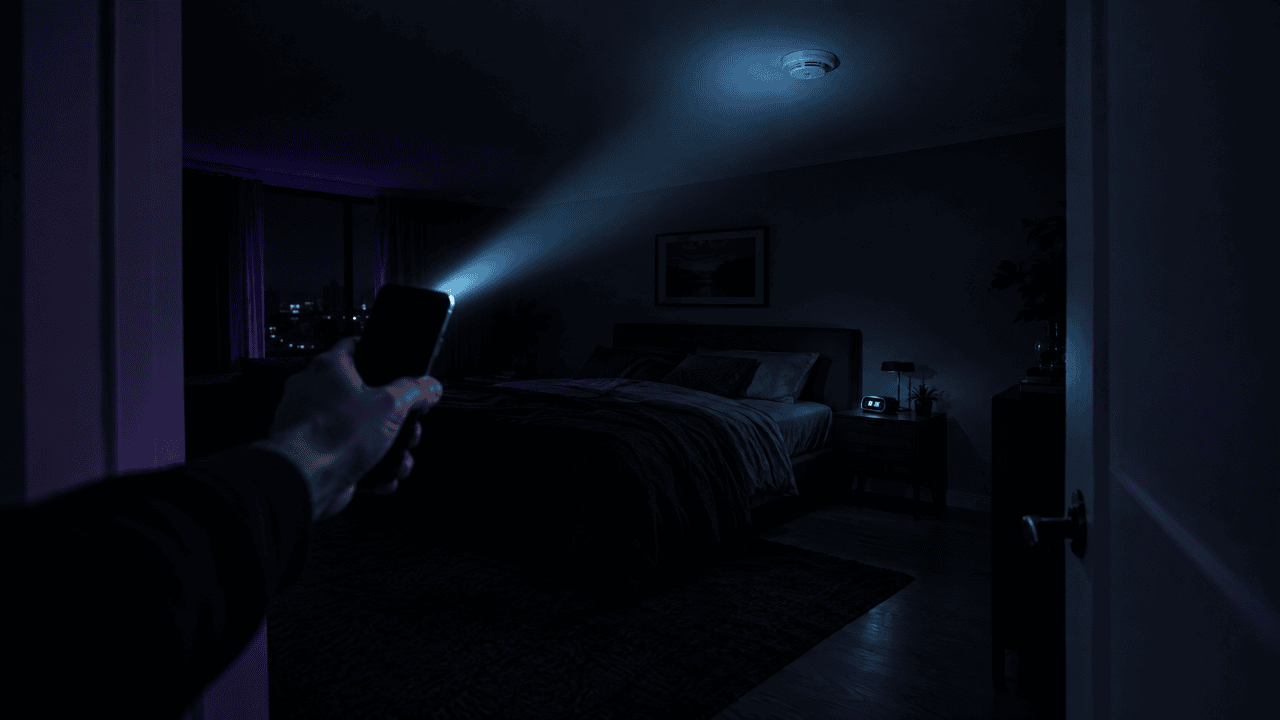
Lens-finder apps flash the light and ask you to look through the screen for a glint. That works, but your phone's ordinary flashlight does the same job: in a dark room, sweep it slowly at eye level and look for a tiny bright point that reflects straight back.
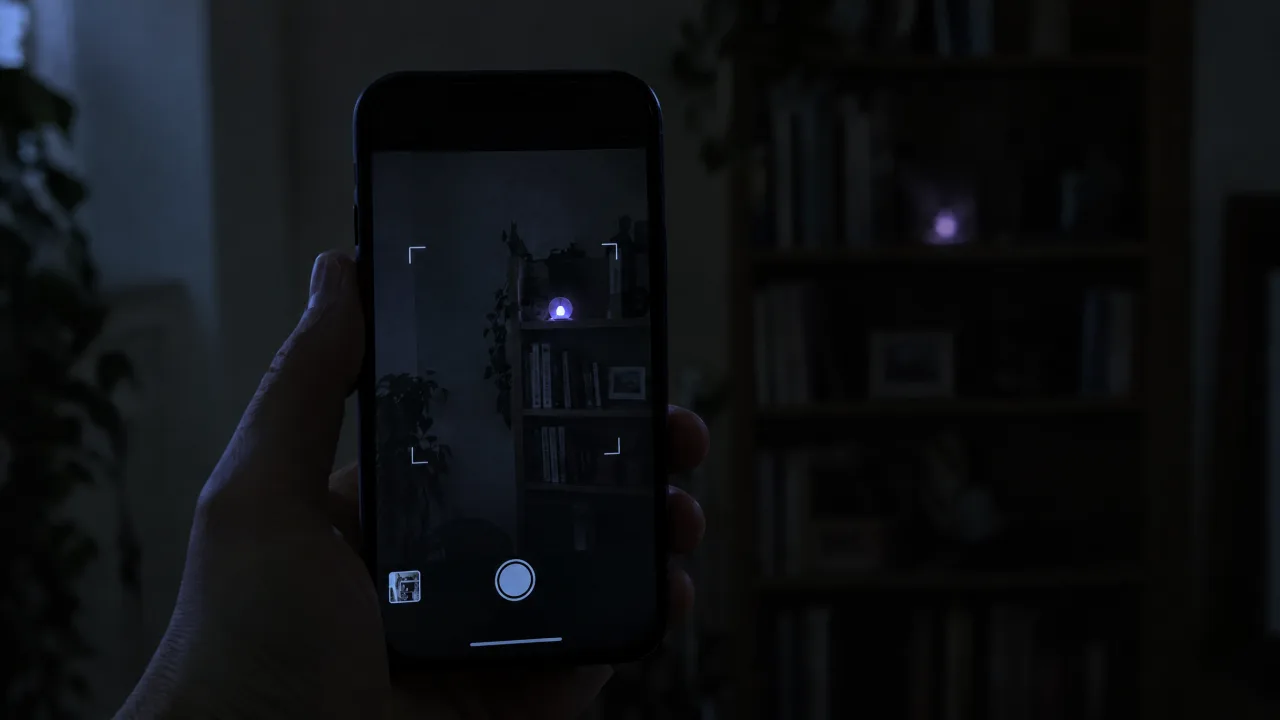
For infrared, open the normal camera app in a dark room and look for small purple or white glowing dots. Test first by pointing a TV remote at the camera and pressing a button: if you see the glow, your camera can see infrared.
Researchers have pushed this further. A study covered by Netzpolitik used the time-of-flight sensor in some phones to spot lens reflections more reliably, but it remains research, not an App Store product.
Magnetometer "Detectors": Mostly Noise
Some apps use the phone's compass sensor and claim to sense a camera's radio signal. A magnetometer can't detect radio at all. Researchers who tested 11 detector apps and a hardware detector, writing in USENIX ;login:, found the readings were practically indistinguishable whether a spy device was there or not. Any speaker, charger or metal shelf sets these apps off. Treat a beep as a reason to look closer, never as proof.
How to Spot a Bad Detector App
- A radar animation and a scary "threats found" number before you have done anything
- A weekly subscription to unlock the "full scan"
- Permissions it doesn't need, such as contacts or precise location for a lens finder
- No mention of limits anywhere in the listing
A useful app tells you which method it uses and what it can't see.
The 10-Minute Routine We Recommend
- Look first. Smoke detectors, chargers, clocks and anything facing the bed or shower. Our hotel and Airbnb guide lists the usual spots.
- Lights off, flashlight sweep for lens reflections.
- Phone camera for infrared glow.
- Wi-Fi scan with a network scanner, if you are on the property's network.
- Bluetooth scan with FindMyGear, and walk towards anything you can't explain.
At home, add a check of your router's device list and who can access your own cameras: see how to find hidden cameras in your house.
If an App Flags Something
Don't rely on the app's verdict. Find the object it points to, look at it closely, and if it is a camera, photograph it where it is before you touch it. In a rental, report it to the platform and, if you feel unsafe, leave and contact the police.