Why This Question Is Everywhere
Camera glasses have gone mainstream. Meta has sold at least nine million pairs of its Ray-Ban glasses, according to the Guardian, and the backlash is growing with them.
- On 5 October, Norway's government said it plans a bill for a temporary ban on camera glasses in places such as gyms, schools, daycare centres, healthcare facilities, parks, beaches, museums, shopping centres and public events. Private use would still be allowed. It is a proposal, not yet law.
- In the UK, restaurants, pubs and theatres have started banning the glasses or filming with them. The pub chain Wetherspoons does not allow recording customers or staff with them.
So how do you tell whether the person opposite you is filming?
Sign 1: The Capture Light
Meta's answer is a light. On its privacy page, Meta says every pair of its AI glasses has a white Capture LED that blinks briefly when a photo is taken and keeps blinking for as long as video is recording. Meta also says that if the glasses detect the light has been covered, tampered with or destroyed, they disable the camera.
What that means in practice:
- A blinking white light at the corner of the frame is the clearest sign that the glasses are capturing.
- The light can be hard to see in bright daylight or from the side.
- No light is not absolute proof. A July 2026 update extended the safeguard so the camera is also disabled if the light has been physically tampered with or destroyed, IBTimes reports, which tells you tampering was a real concern. A detector-app maker, NearLens, says at least one documented physical modification removed the light while leaving recording available.
Sign 2: Recognising the Glasses at All
Before you can watch for the light, you have to notice that the glasses are smart glasses. Look for:
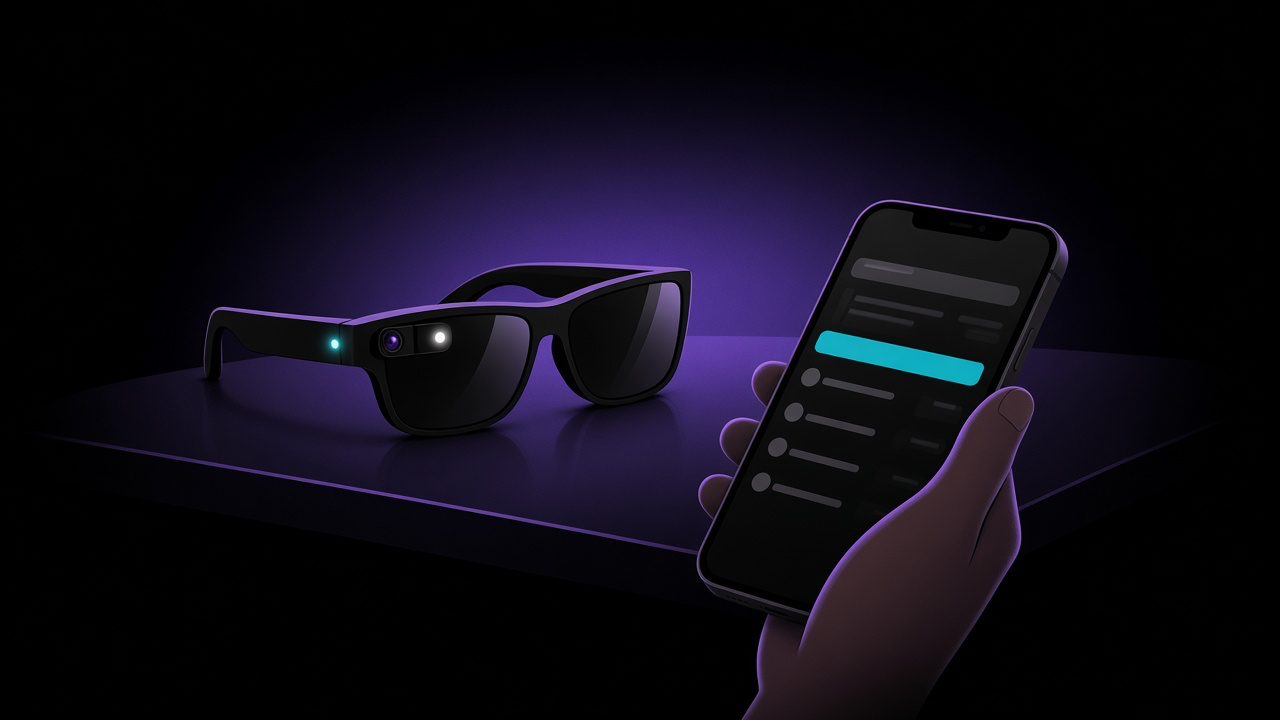
- A small camera lens at the corner of the frame, usually on one side
- Thick temple arms that house the battery and speakers
- The wearer tapping or swiping the side of the frame, or talking to the glasses
What Bluetooth Detector Apps Can See
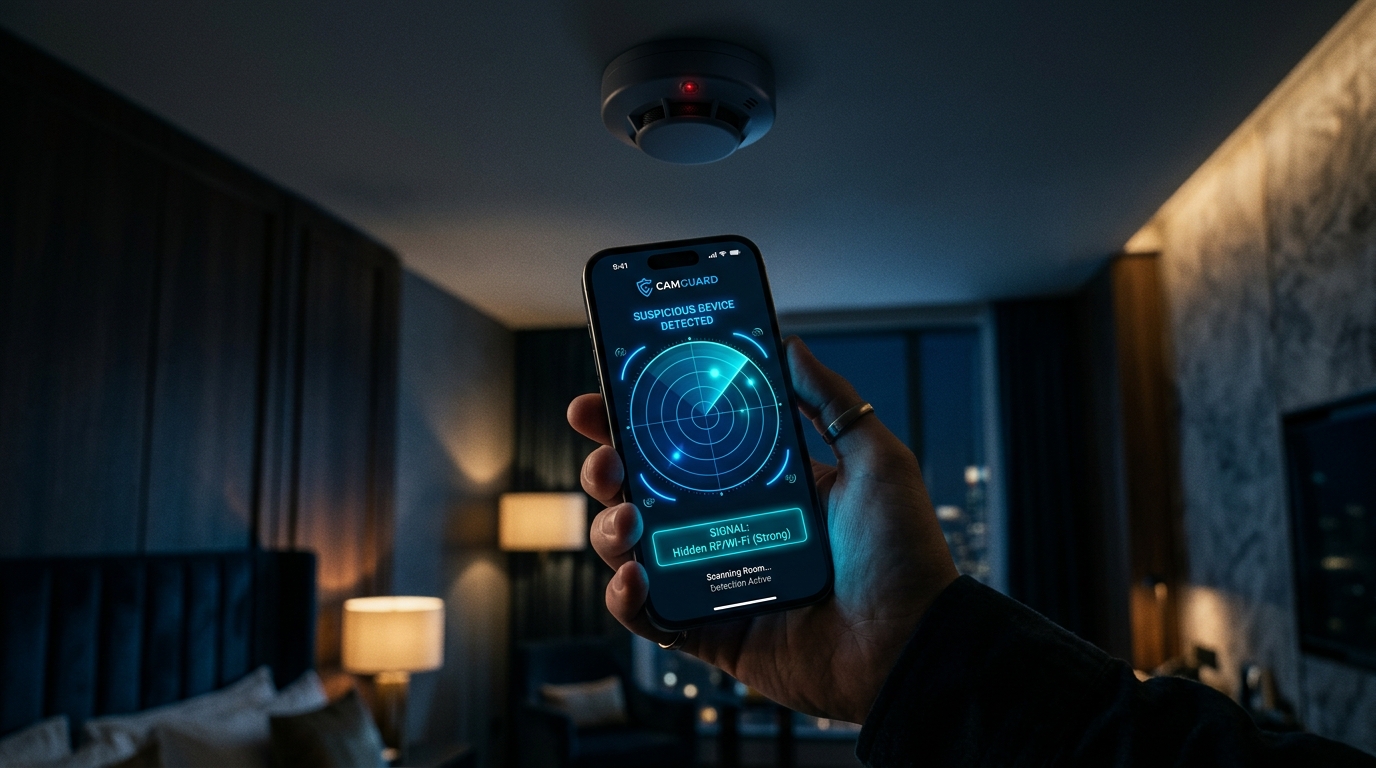
A wave of apps now promises to detect camera glasses. ZuckOff, Spectre, Spex, AntiZuck, NearLens and others all work the same way. They listen for the Bluetooth advertisements the glasses broadcast and match identifiers registered to the manufacturer. ZuckOff's website lists a Luxottica identifier for Ray-Ban Meta and Oakley Meta and a separate one for Meta wearables.
That can tell you that a pair of compatible glasses is probably nearby. But the limits are significant, and the honest apps say so themselves:
- None of them can tell whether the camera is recording. Mixed News reviewed four detector apps released or updated between 28 September and 1 October and found that none could detect recording. Two said so in their own App Store listings.
- Glasses are loudest at certain moments. Detector developers say the glasses broadcast most when they power on, pair, or come out of their case.
- Connected glasses can go quiet. In a hands-on test, Mobile Hacker found that a pair of Ray-Ban Meta Gen 2 glasses stopped broadcasting once connected to their phone, so no scanner could see them.
- Signals can be faked. The same test notes that Bluetooth advertisements can be spoofed with cheap hardware, so a detection is not proof either.
The takeaway: a Bluetooth alert means "glasses may be nearby". Silence does not mean you are not being filmed.
What FindMyGear Can and Can't Do Here
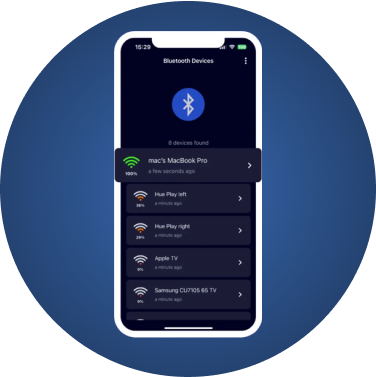
FindMyGear shows the Bluetooth devices broadcasting around you, with their names when they advertise one and a signal reading that rises as you get closer. If a pair of smart glasses is advertising with a name, it appears in the list under that name. Many devices advertise only a manufacturer code, though, and those show as unnamed devices.
It cannot tell you whether a camera is recording, who is wearing the glasses, or whether glasses that have stopped broadcasting are nearby. Treat a result as a prompt to look up, not as evidence.
What to Do If You Think You Are Being Filmed
- Ask. "Are you recording?" is a reasonable question, and many wearers will stop or show you.
- Tell staff. In venues with a no-filming policy, staff can ask the person to stop or remove the glasses.
- Move. If you are uncomfortable, put distance between you and the camera.
- Report harassment. Filming that crosses into harassment, stalking or voyeurism can be a crime. The BBC notes that in Northern Ireland, for example, filming in a public place is generally legal, but not when it amounts to harassment or voyeurism.
- Ask for takedowns. If a video of you appears online, the platform's reporting tools are often the fastest route.
This article is general information, not legal advice. Rules on filming people differ by country and venue; if you need advice on your specific situation, speak to a lawyer or the police.