
2026-11-01•8 min
How to Set Up an AirTag on iPhone, and How AirTag Actually Works
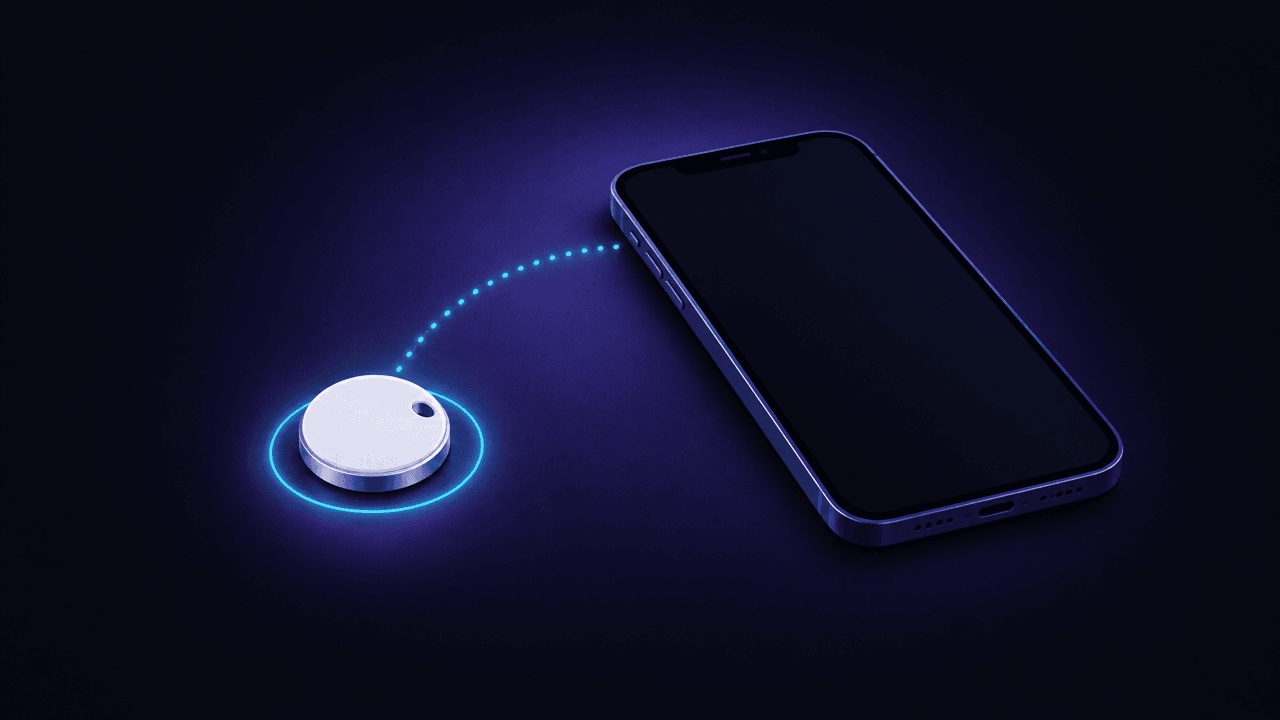
To set up an AirTag, pull the tab, hold it near your iPhone and tap Connect. How AirTag finds things without GPS or internet, and what to do if it won't pair.
Find any Bluetooth device around you by measuring signal strength. Simple. Fast. Accurate.




A quick look inside FindMyGear: scanning, locating, tracker alerts and widgets.
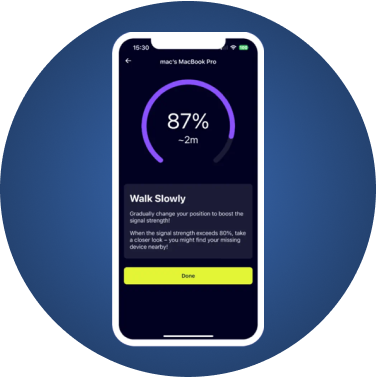
Four simple steps to find any device
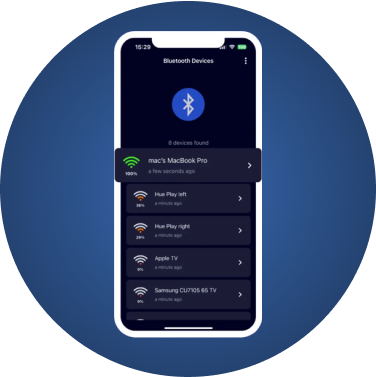
FindMyGear shows you all the devices in your vicinity.
Hidden Bluetooth trackers can be placed in your bag, car, or belongings. FindMyGear helps you detect unknown devices and stay safe.
Scan for unknown Bluetooth devices like AirTags, Tiles, or SmartTags that might be placed near you without your knowledge.
See all Bluetooth devices around you in real-time. Identify unfamiliar devices that appear consistently in your vicinity.
Get notified about devices that follow you. Protect yourself from unwanted tracking and potential stalking situations.
Reports of unwanted tracking using Bluetooth devices like AirTags have increased significantly. Stalkers and thieves use these small devices to track people and valuable items without their knowledge.
With FindMyGear, you can scan your surroundings at any time to detect suspicious Bluetooth devices. If an unknown tracker is traveling with you, you'll know about it.
FindMyGear shows you all the devices in your vicinity.

AirPods

iWatch

iPhone
iPad

Pencil

Bluetooth devices

Bluetooth headphones, earphones, earbuds

Bluetooth smartwatches, sports watches
Portable speakers

Fitness trackers and many other devices
AirPods
iWatch
iPhone
iPad
Pencil
Bluetooth devices
Bluetooth headphones, earphones, earbuds
Bluetooth smartwatches, sports watches
Portable speakers
Fitness trackers and many other devices
AirPods
iWatch
iPhone
iPad
Pencil
Bluetooth devices
Bluetooth headphones, earphones, earbuds
Bluetooth smartwatches, sports watches
Portable speakers
Fitness trackers and many other devices
AirPods
iWatch
iPhone
iPad
Pencil
Bluetooth devices
Bluetooth headphones, earphones, earbuds
Bluetooth smartwatches, sports watches
Portable speakers
Fitness trackers and many other devices
What our users are saying
“I used to lose my devices all the time, but now it's a lot easier to find them.”
Ken
Verified User
“nice and simple bluetooth scanner”
Serah
Verified User
“best to find lost headphones or airtag”
Sara
Verified User

4.4 out of 5 stars in the App Store
Guides on finding lost devices and spotting unwanted tracking
To set up an AirTag, pull the tab, hold it near your iPhone and tap Connect. How AirTag finds things without GPS or internet, and what to do if it won't pair.
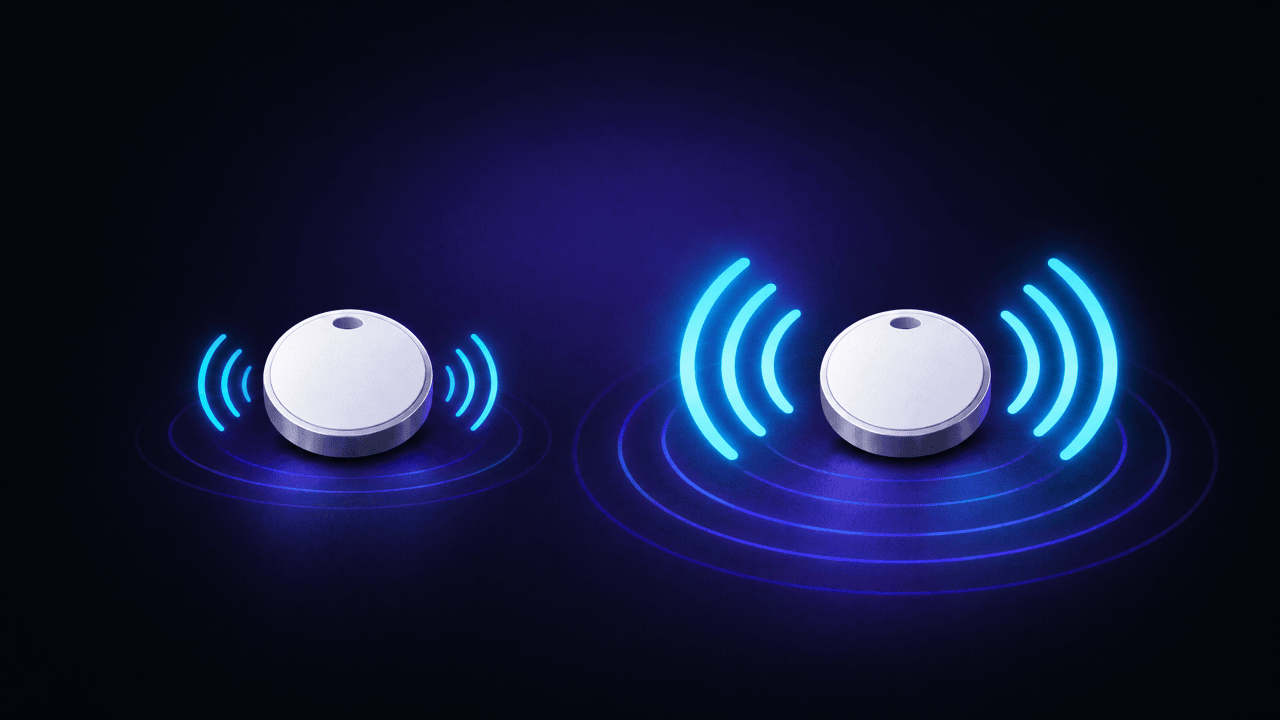
AirTag 2 (2026) is 50% louder, finds items from up to 50% farther and works with Apple Watch. Same size, price and battery. How to tell which AirTag you have.
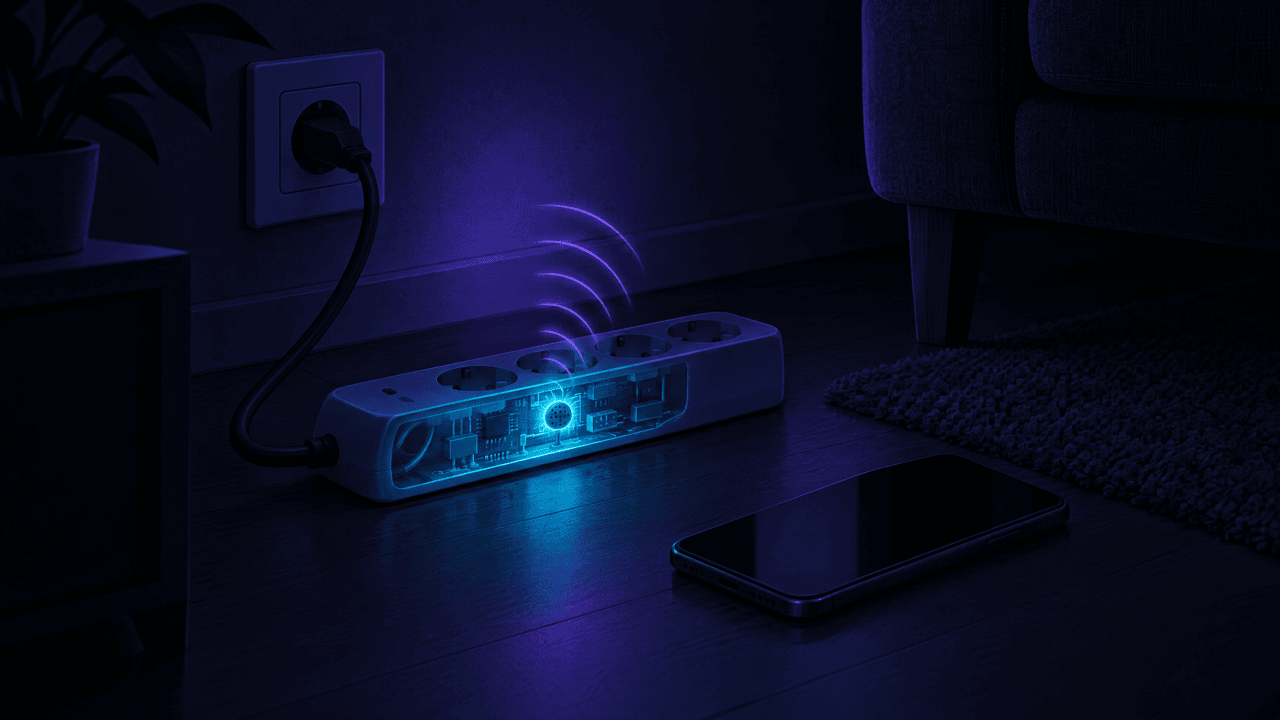
How to find a hidden listening device: where bugs hide, how they send audio (mobile network, Wi-Fi, Bluetooth or memory card), and checks with your phone.