The Short Version
No single trick finds every hidden camera. What works is a layered sweep that takes about ten minutes: look in the usual hiding spots, check for lens reflections and infrared light in the dark, then scan for wireless devices you can't explain. Each layer catches cameras the others miss.
The rules are on your side. Since 30 April 2024, Airbnb has banned indoor security cameras in every listing, even ones that are disclosed or switched off, according to its camera policy. Hidden cameras were always prohibited. A rule only binds hosts who follow it, though, and miniature cameras now cost less than a takeaway meal, so checking for yourself is still worth it.
If your worry is a tracking tag rather than a camera, the method is different: see how to scan for hidden trackers on demand.
Where Hidden Cameras Are Most Commonly Found
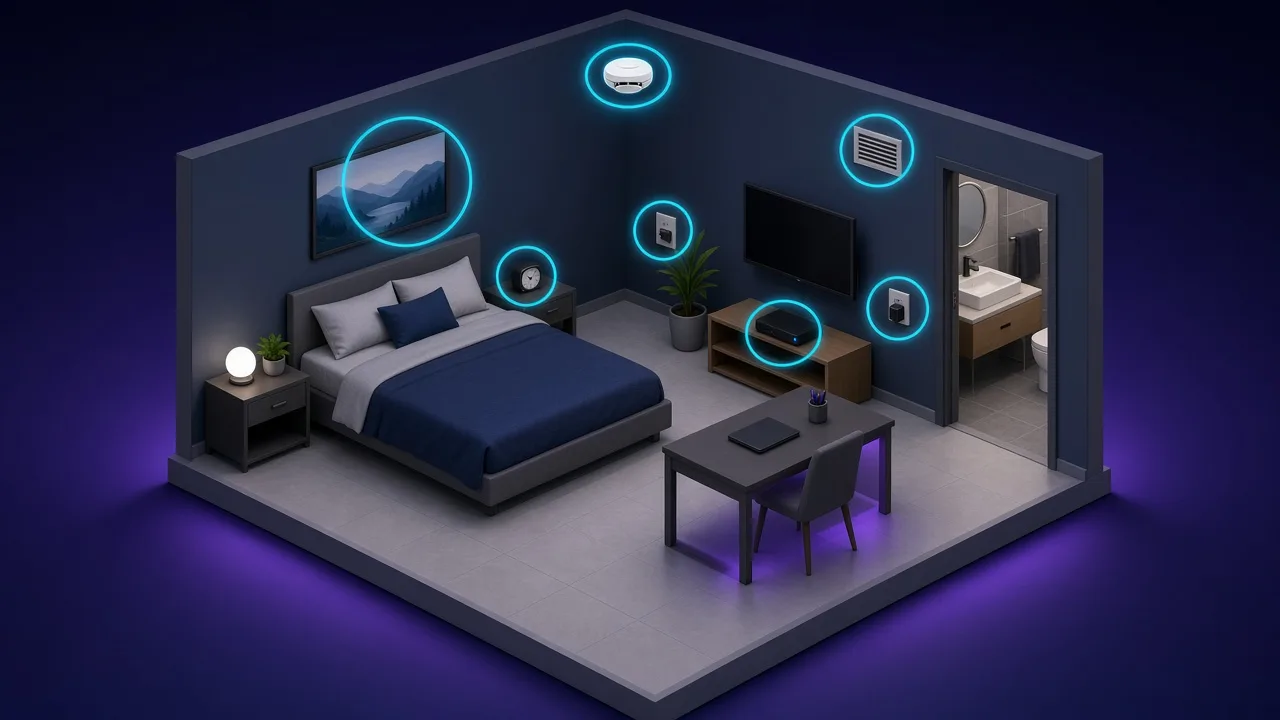
A camera needs a view of the room and, usually, power. That narrows the search to objects that face the bed, the shower or the sofa, and to anything plugged in.
Bedroom and living areas
- Smoke detectors and carbon monoxide alarms, especially extra ones
- Alarm clocks and digital displays facing the bed
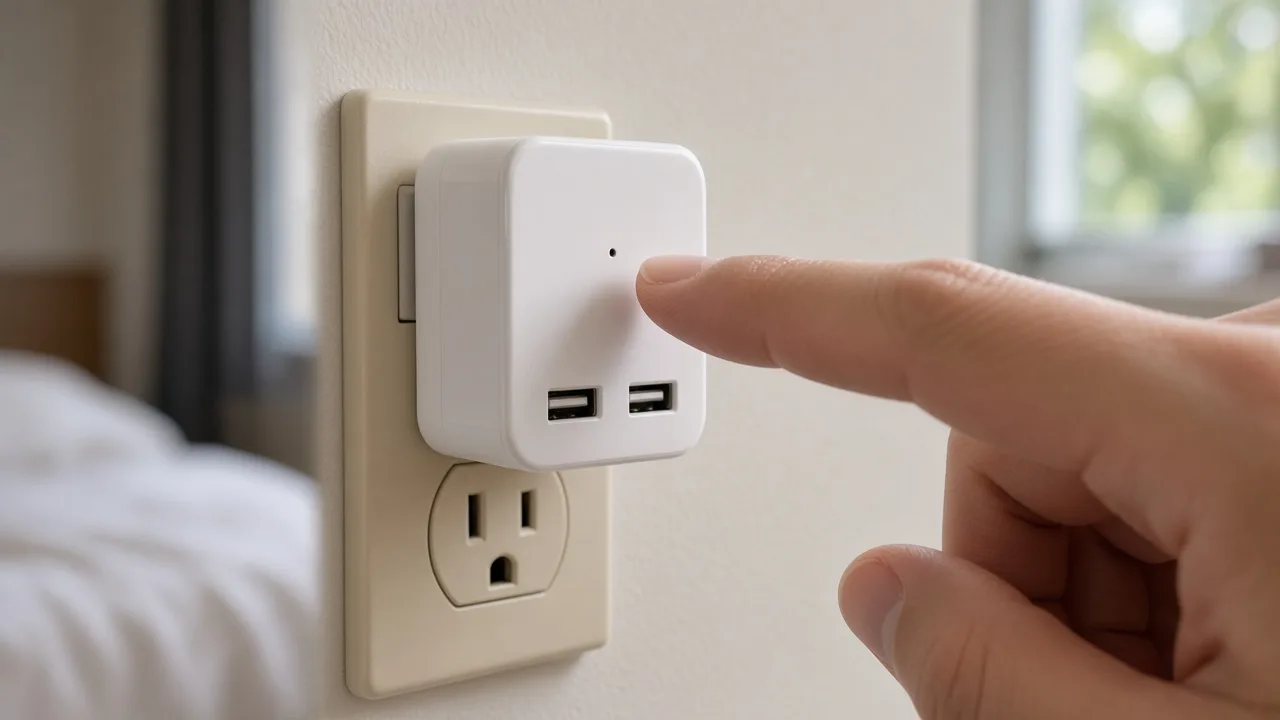
- USB chargers and power adapters you did not bring
- Picture frames, decorative items and plants
- TV bezels, set-top boxes and streaming sticks
- Air purifiers and white noise machines
Bathroom
- Towel hooks and robe hangers
- Electrical outlets and light switches
- Ventilation grills
- Anything aimed at the shower or toilet
General
- Wi-Fi routers and modems placed in odd spots
- Motion sensor lights
- Screws or bolts that look out of place
- Objects that seem angled towards a private area
Check 1: The Flashlight Sweep
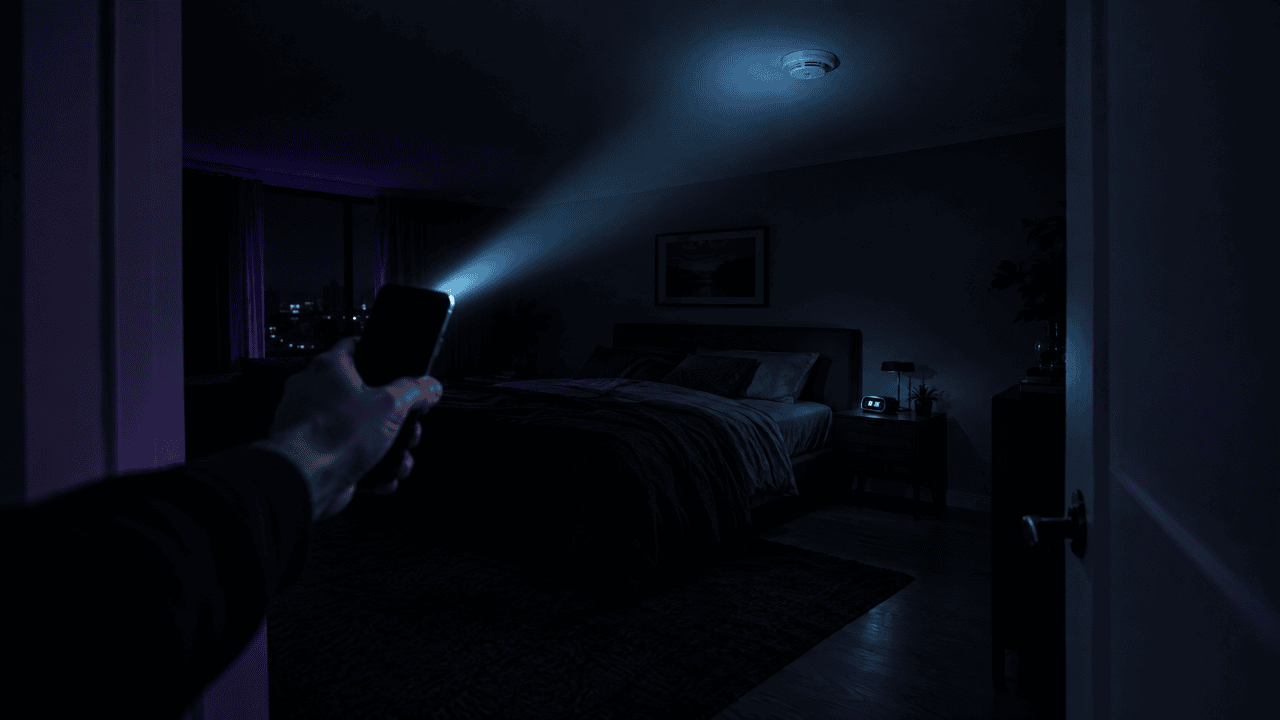
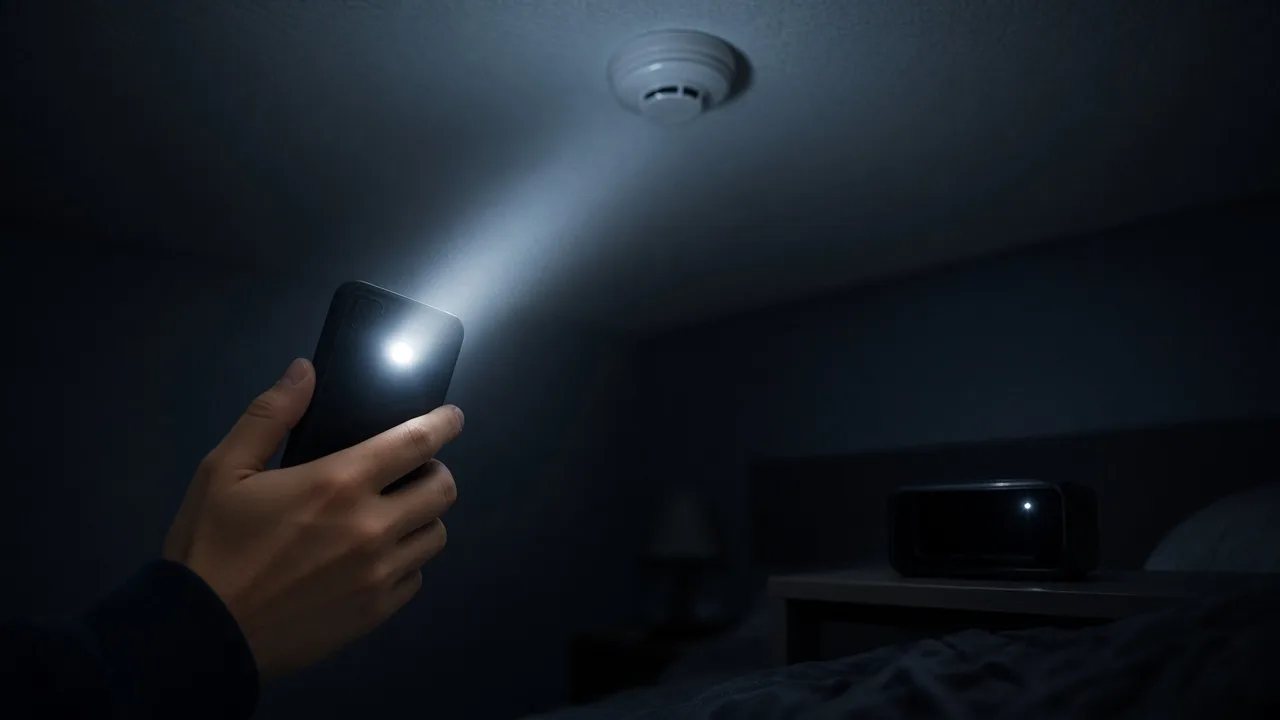
Turn off the lights and close the curtains. Hold your phone's flashlight close to your eyes and sweep it slowly across every object that faces the bed, sofa or shower. A camera lens returns a small, sharp glint that stays put as you move your head slightly. Glossy plastic, screws and LEDs can glint too, so treat a reflection as a reason to look closer, not as proof.
Check 2: Look for Infrared Light Through Your Phone Camera
Many hidden cameras have night vision, which uses infrared LEDs that are invisible to your eyes but often visible to a phone camera. First test which of your phone's cameras sees infrared: point a TV remote at it and press a button. If you see the remote's LED flicker on screen, that camera works for this. Then, in the dark, slowly pan the room through the camera view and look for small purple or white dots.
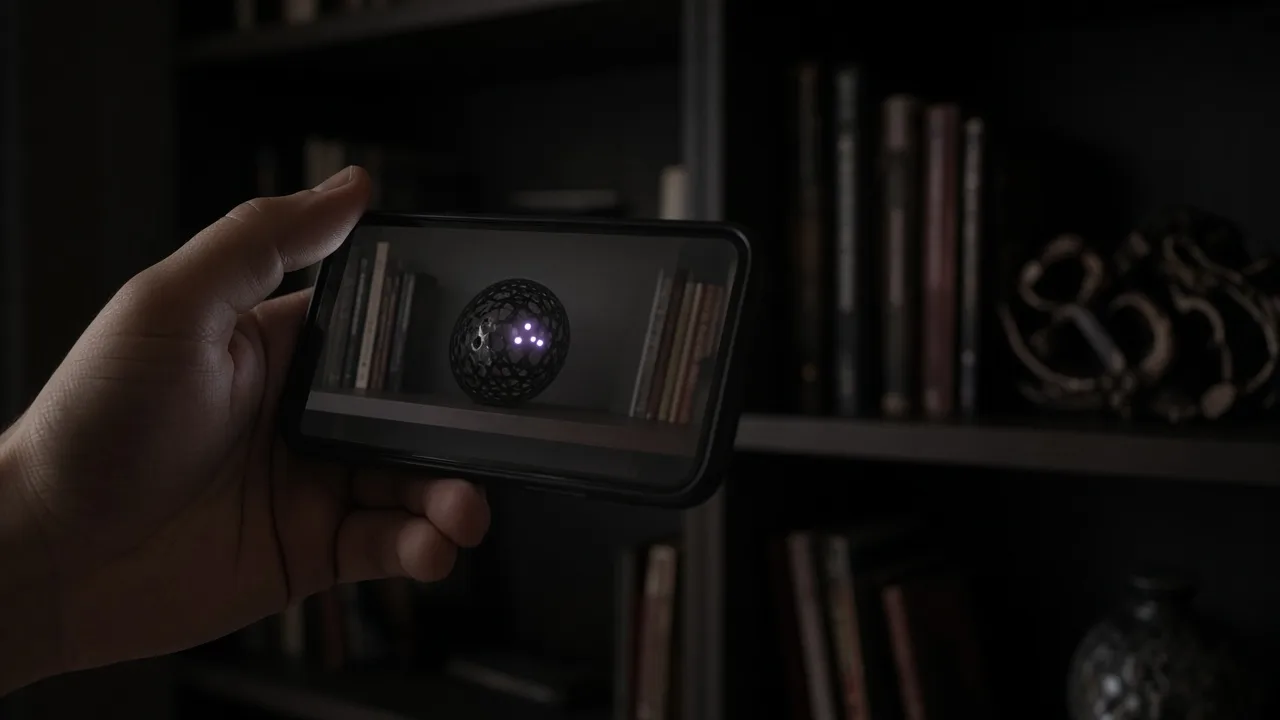
This check misses cameras without night vision and cameras whose infrared is switched off, which is why it is only one layer.
Check 3: Scan for Wireless Devices
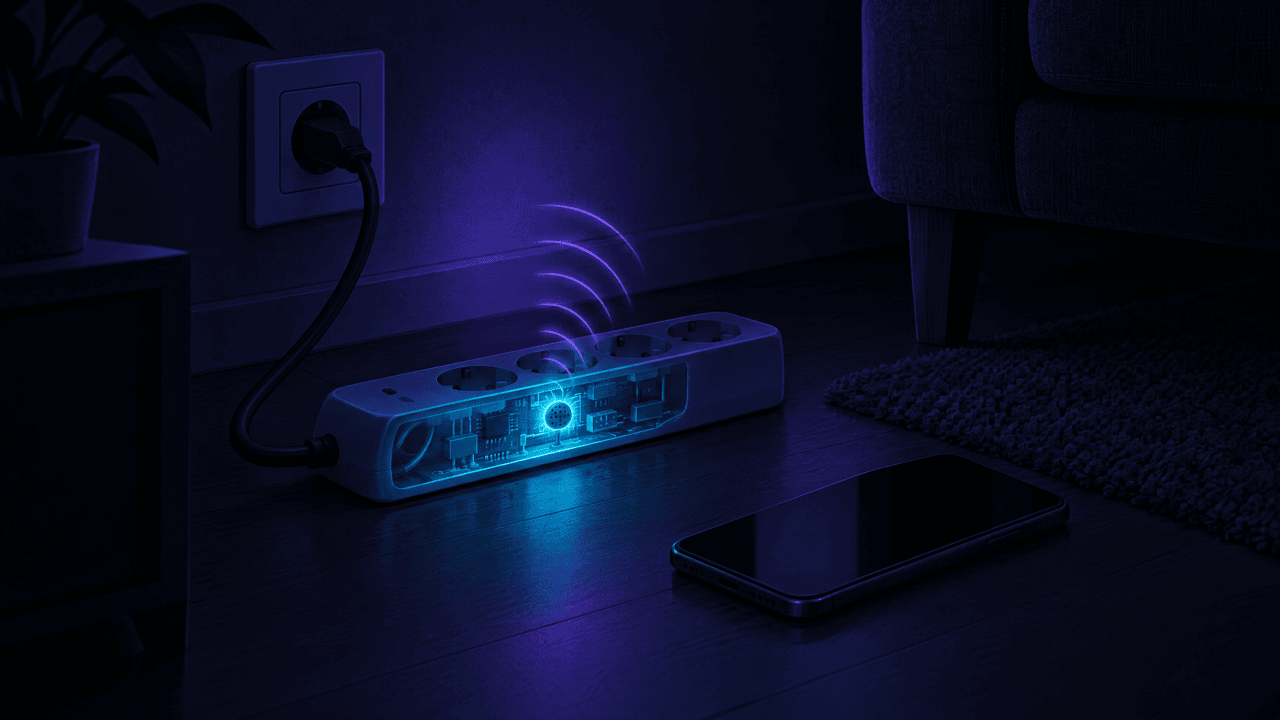
Most hidden cameras send video over Wi-Fi, and some also use Bluetooth, typically for setup through a companion app. Two scans cover different ground:
- Wi-Fi. Look at the networks your phone can see and, if you can, at the devices connected to the property's network. A network named after a camera brand, or a device you can't explain, is a lead. You usually can't see the devices on a hotel network, and a camera on its own hidden network won't appear.
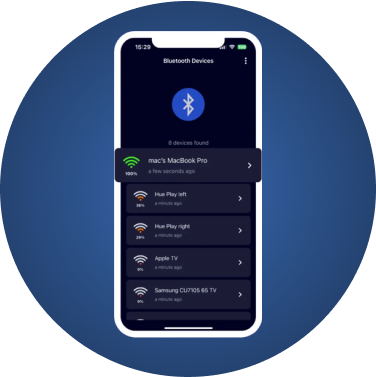
- Bluetooth. A Bluetooth scanner such as FindMyGear lists every device broadcasting nearby, with its name when it has one and a signal strength that rises as you get closer. Turn off your own Bluetooth gadgets, scan, and look for devices you can't account for, especially ones with generic names or a strong signal and no visible source.
When something unfamiliar shows up, walk slowly around the room while watching its signal strength. It rises as you approach the device and falls as you move away. Once you are within a metre or two, check every object in that area by hand. Our guide to understanding Bluetooth signal strength explains how to read the numbers.
Be clear about the limits. A Bluetooth scan only sees devices that broadcast Bluetooth. It will not find a Wi-Fi-only camera, a wired camera, or one that records to a memory card without transmitting anything. That is why the physical checks come first.
Checking an Airbnb: The Rules and What to Do
Airbnb's policy is specific, which makes it easier to know when a host has broken it:
- No indoor cameras at all. Hosts may not have cameras or recording devices that monitor any part of a home's interior, including hallways and living rooms, even if they are turned off. Airbnb notes one narrow exception for certain licensed homes in Japan, where the law can require a disclosed camera on the interior entryway only.
- Outdoor cameras must be disclosed in the listing, with their general location, and they may not point into the home or at private outdoor areas such as an enclosed outdoor shower or a sauna.
- Noise monitors are allowed if disclosed. They measure sound level only, do not record audio, and are not allowed in bedrooms or bathrooms.
When Airbnb announced the ban, it said reported violations would be investigated and could lead to the listing or the host's account being removed.
If you find a device that breaks these rules:
- Photograph and video it in place before touching anything, and note the time.
- If it is hidden or in a bedroom or bathroom, call the police. Covert recording in private spaces is a crime in most places.
- Report it to Airbnb quickly. Airbnb's Rebooking and Refund Policy asks guests to report reservation issues within 72 hours of discovery, with photos or videos as evidence, and says it may refund all or part of the stay or help you rebook.
- Leave if you feel unsafe. Your safety comes before the booking.
Hidden Cameras at Home
Searches for how to find a hidden camera in your own house have been rising, and the situation is different from a holiday rental. At home, the question is who has had access: a former partner, a roommate, a landlord, a contractor, or someone who gave you a gadget as a gift.
- Start with what changed. A new charger, clock, smoke detector or speaker you don't remember buying, or one that was moved, deserves a closer look.
- Check your own network. If you control the router, its app or admin page lists connected devices. Anything you can't identify is a lead, and changing the Wi-Fi password cuts off devices that rely on it.
- Run the same three checks as above: flashlight, infrared, wireless scan.
- Don't confront anyone yet. If you suspect someone you live with or a former partner, confronting them can alert them, destroy evidence or put you at risk. Police guidance puts getting yourself to a safe place first, then reporting.
If a current or former partner may be involved, a domestic violence advocate can help you plan. In the US, the National Domestic Violence Hotline is 1-800-799-7233; most countries have an equivalent service.
For a full room-by-room check of your own home, see how to find hidden cameras in your house.
Do Hidden Camera Detector Apps Work?
Be sceptical of apps that promise to detect cameras with your phone's sensors alone. Researchers who tested 11 detector apps and a hardware detector, writing in USENIX ;login:, found the readings were practically indistinguishable whether a spy device was present or not. Many apps claim to sense radio signals with the phone's magnetometer, which cannot detect radio at all and behaves more like a crude metal detector.
Apps that do something real are the ones that read actual data: a Wi-Fi scanner listing devices on a network, or a Bluetooth scanner listing devices that broadcast. They are useful, but only for what they can see. Combine them with the flashlight and infrared checks rather than trusting any single green result. Our guide to hidden camera detector apps compares what each type can and can't find.
What to Do If You Find a Hidden Camera
- Do not touch, unplug or move it. If it records to a card, that card is evidence.
- Document everything: wide photos showing where it is, close-ups of the device, and the time.
- Avoid talking about it near the device, in case it records audio.
- Leave the room if you feel unsafe.
- Report it: to the police, and to the hotel or to Airbnb, as described above.
- Ask for a different room or a refund, and keep copies of everything you send.
Prevention Tips for Every Trip
- Sweep before you unpack. Ten minutes on arrival is enough.
- Cover what you can't verify. A piece of tape over a suspicious pinhole, or unplugging a device you don't need, buys peace of mind.
- Keep the bathroom in mind. It is the room where a camera does the most harm and the one people check least.
Cameras are not only hidden in rooms any more; some are worn on people's faces. For camera glasses, see how to tell if someone is recording you with Meta glasses.
This article is general information, not legal advice. Laws on recording people differ by country and state; if you find a camera, the police are the right first call.