The Short Answer
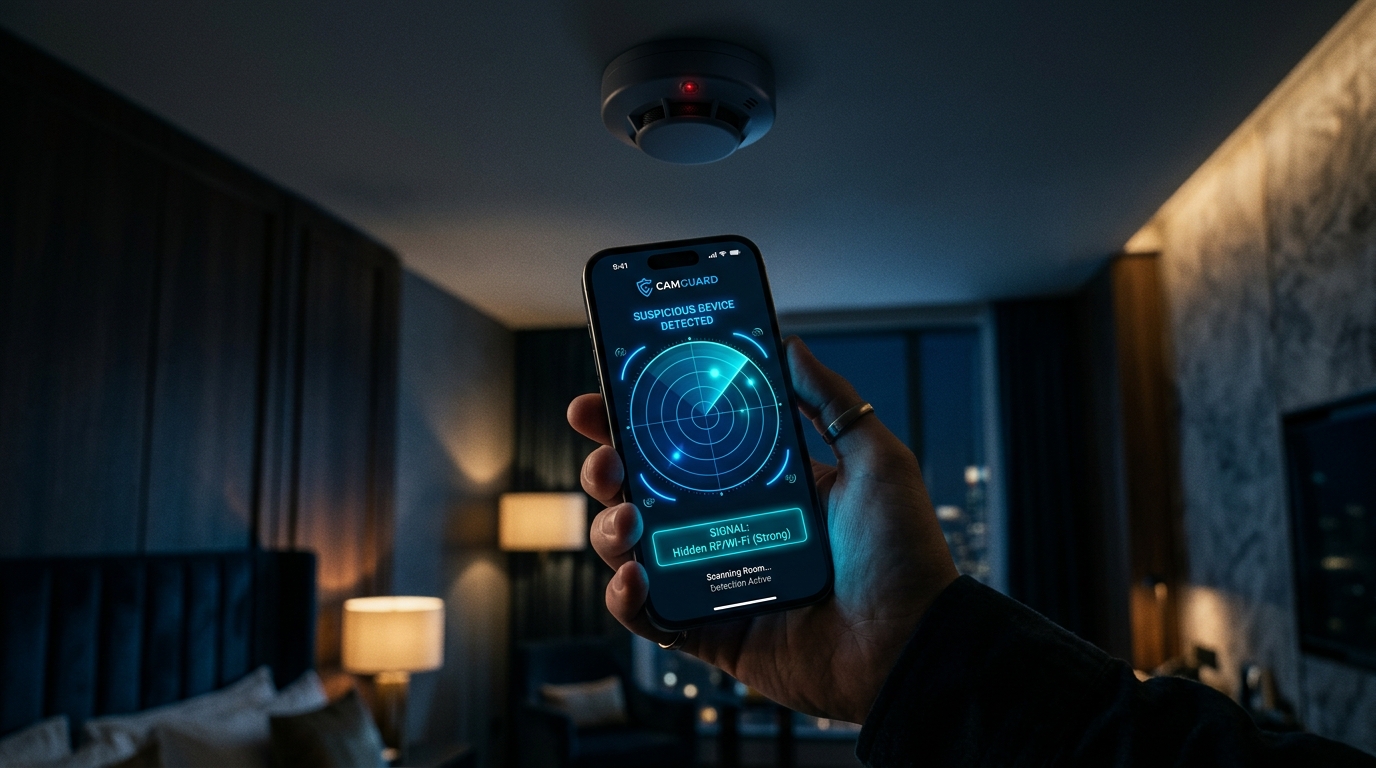
To check your own home for hidden cameras, start where a camera has to connect: the list of devices on your Wi-Fi router and the smart-home accounts that can see your rooms. Then search room by room, starting with the bedroom and bathroom, using a flashlight for lens reflections and your phone camera for infrared lights. A Bluetooth scan adds one more check for devices that broadcast.
At home you have an advantage over a hotel: you control the network and you know what is supposed to be there. Use it.
First, Think About Who Could Have Done It
Where to look and how carefully to act depends on who has had access to your home:
- A current or former partner. The most common case, and the one where your safety matters most. Read the safety note below before you change anything.
- A landlord, property manager or contractor who has had a key.
- A roommate or lodger.
- Someone who gave you a gadget: a clock, charger, speaker or photo frame.
- Your own cameras. An indoor security camera or baby monitor you set up can be watched by anyone who still has access to its app.
A safety note
If you think a partner or ex is watching you, finding and removing a camera, or changing passwords, can alert them and may destroy evidence. WomensLaw.org, run by the National Network to End Domestic Violence, warns about exactly this. Consider talking to a domestic violence advocate before you act. In the US, the National Domestic Violence Hotline is 1-800-799-7233; most countries have an equivalent service.
Step 1: Check Your Router's Device List
Most hidden cameras that stream video use Wi-Fi, and at home they are likely to use yours.
- Open your router's app or its admin page (the address is usually printed on the router).
- Find the list of connected devices. It may be called Connected Devices, Attached Devices or DHCP Clients.
- Go through every entry and match it to something you own: phones, laptops, TV, speakers, consoles.
- For anything you can't place, look up the first half of its MAC address in a MAC vendor lookup tool. It tells you who made the network chip. Cheap cameras often show a generic chip maker rather than a camera brand.
- Still not sure? Switch off and unplug your known devices one at a time and watch which entry disappears.
An unknown device is a lead, not proof: smart plugs, bulbs and a neighbour's guest device can look just as cryptic. A camera that records only to a memory card, or connects through a mobile SIM, won't appear here at all.
Step 2: Check Who Can See Your Own Cameras
Indoor cameras, video doorbells and baby monitors are useful, and they are also an easy way to watch someone. Open the app for each one and check:
- Shared users and family members who still have access
- Signed-in devices or sessions you don't recognise
- Cameras listed in the account that you didn't set up
The same goes for smart speakers and displays with cameras. Remove access you don't expect, keeping the safety note above in mind if a partner or ex may be involved.
Step 3: Search Room by Room
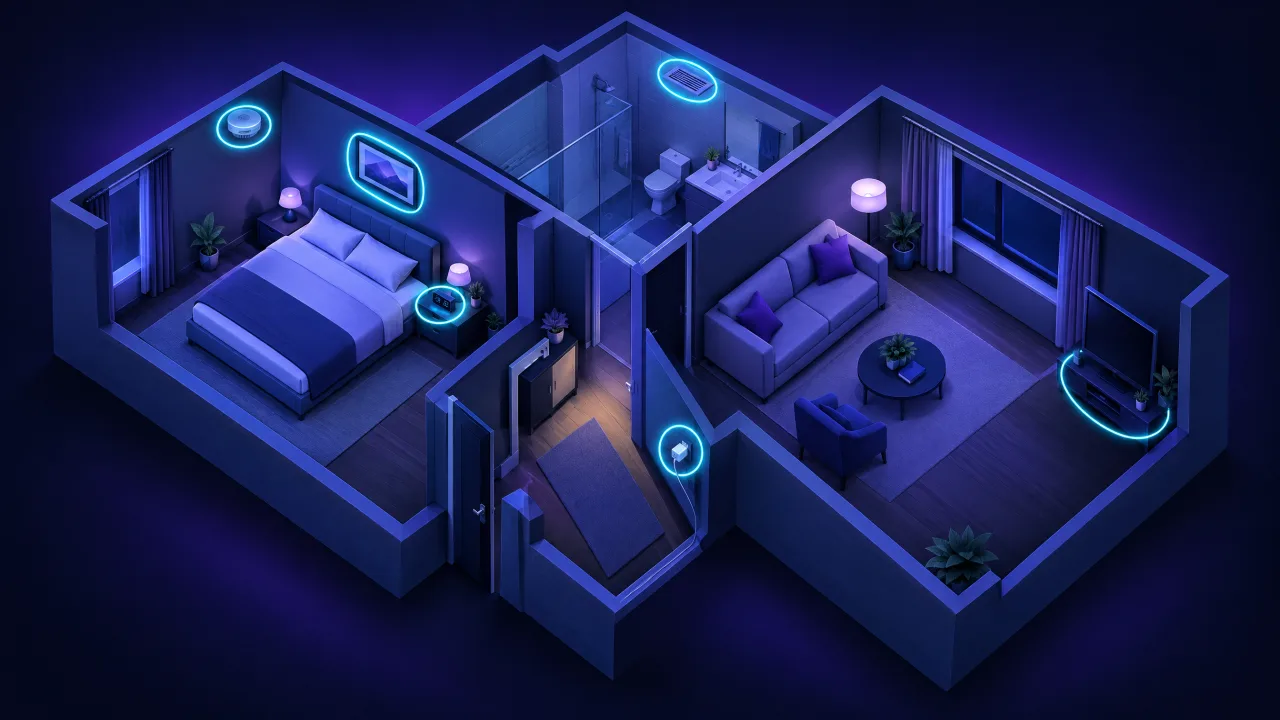
A camera needs a view of something worth seeing and, usually, power. Work through each room with those two things in mind.
| Room | Check first |
|---|---|
| Bedroom | Smoke detector, alarm clock, USB charger, TV and set-top box, air purifier, picture frames, books on a shelf facing the bed |
| Bathroom | Air vents, smoke detector, hairdryer holder, toiletries that face the shower or toilet, light fittings |
| Living room | TV, speakers, routers, plant pots, wall clocks, decorative objects on shelves |
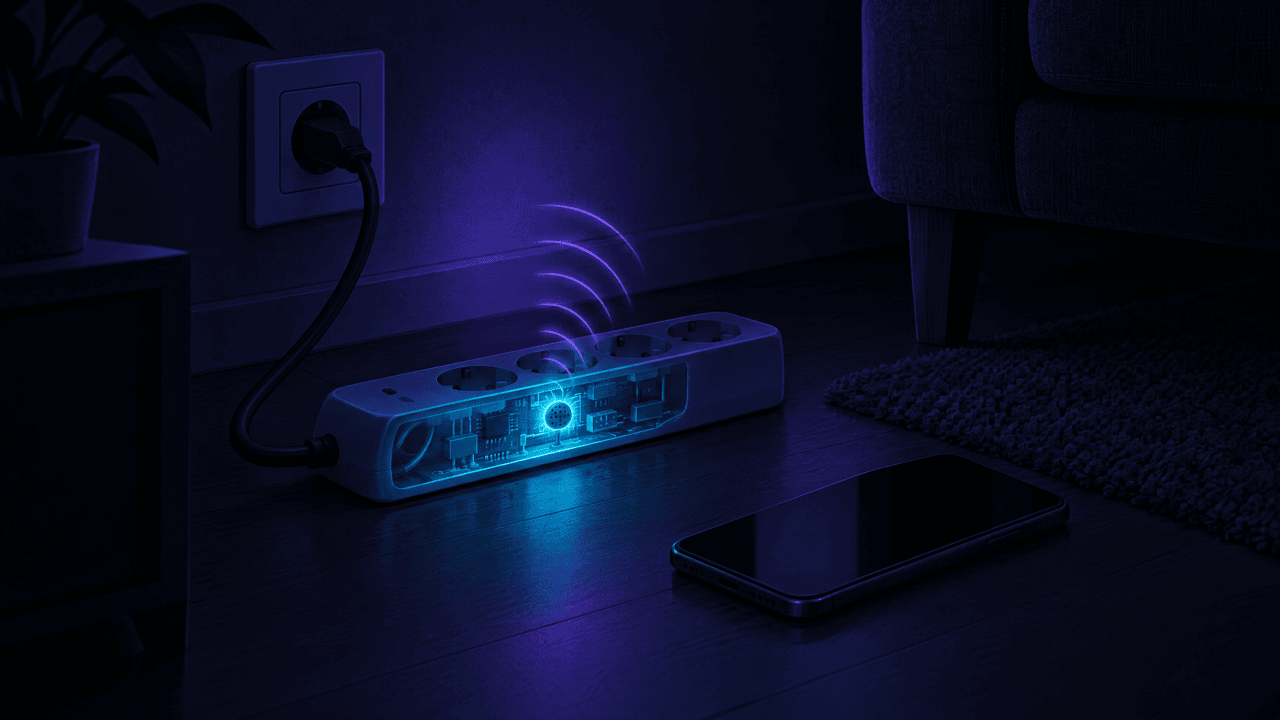
| Kitchen and hallway | Smoke detector, wall sockets with adapters, coat hooks, key holders |
For each suspect object, look for a tiny hole or a glossy dot where there shouldn't be one, a cable or charger that has no obvious reason to be there, and anything that is warm or blinking when it shouldn't be. Pay most attention to anything that appeared or moved recently.
Step 4: Flashlight and Infrared Checks
Two quick checks work in any room:
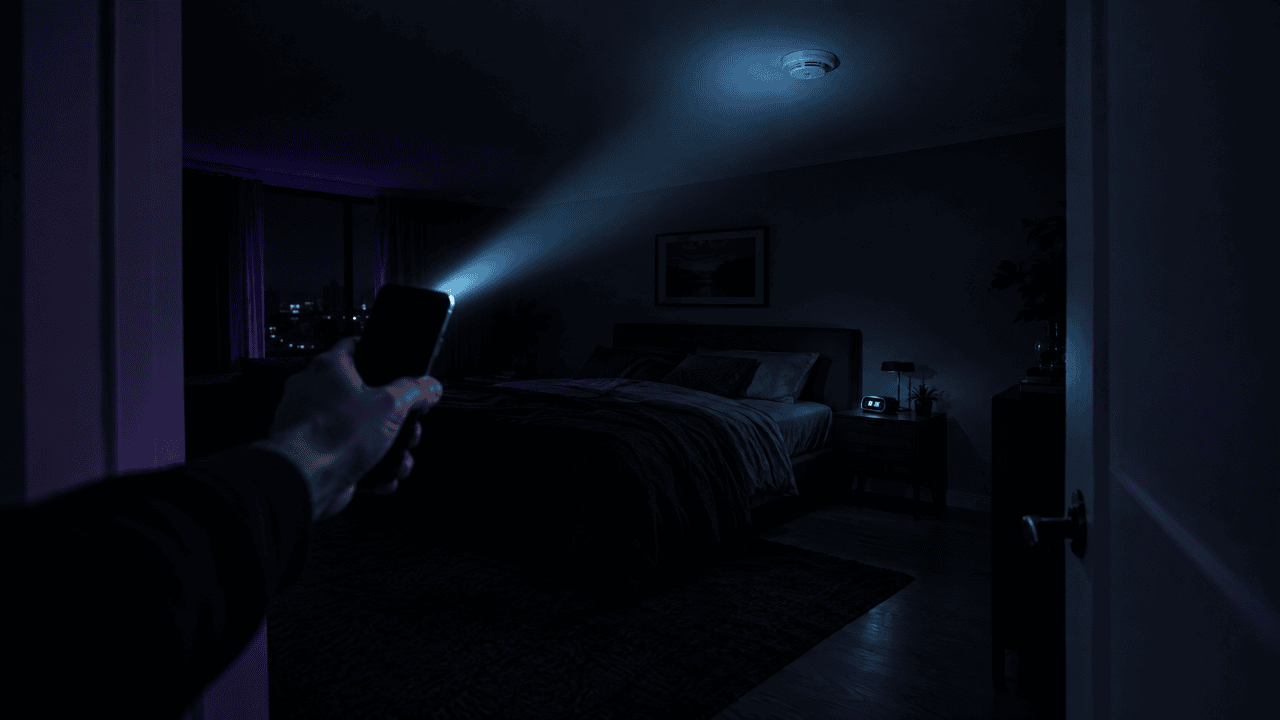
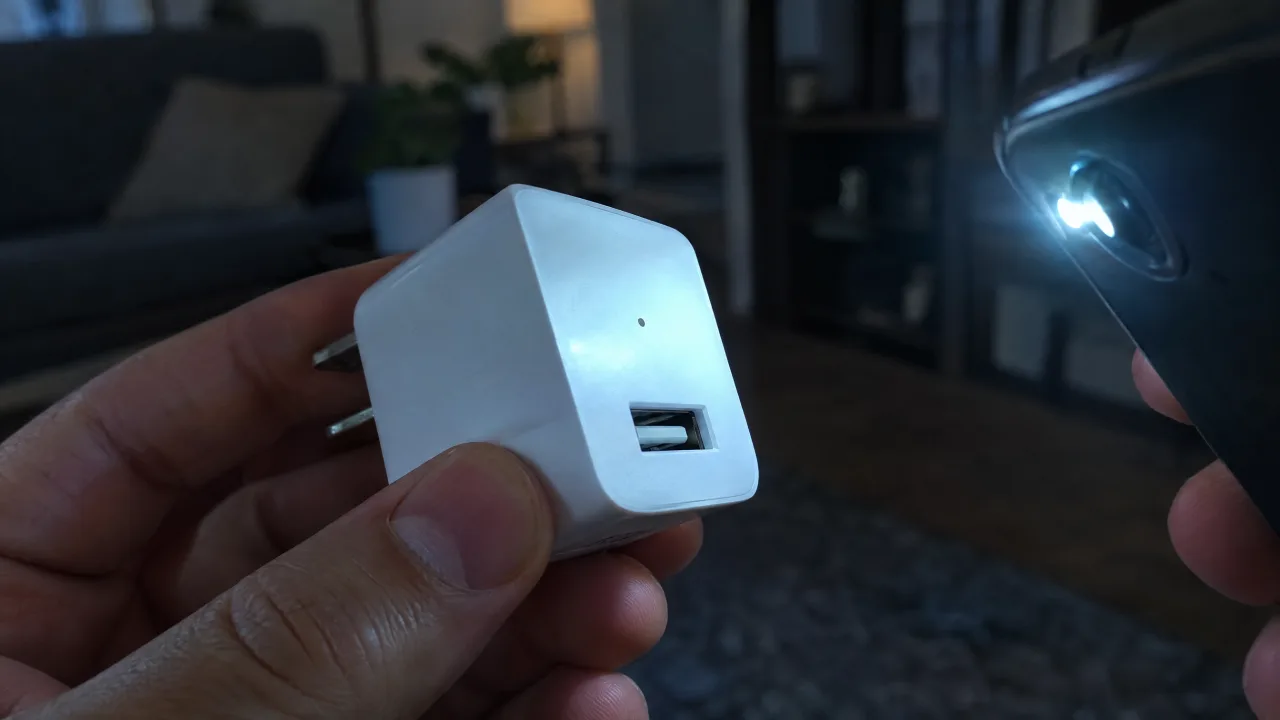
- Flashlight sweep. In a dark room, hold your phone's flashlight at eye level and sweep slowly across each wall and object. A camera lens reflects a small bright point back at you, even when the camera is hidden inside something.
- Infrared check. Many cameras use infrared lights to see in the dark. Turn off the lights and look through your phone's camera: infrared shows up as a faint purple or white glow. Test your phone first by pointing a TV remote at it and pressing a button, because some main cameras filter infrared.
Our hotel and Airbnb guide walks through both checks step by step.
Step 5: Scan for Bluetooth Devices
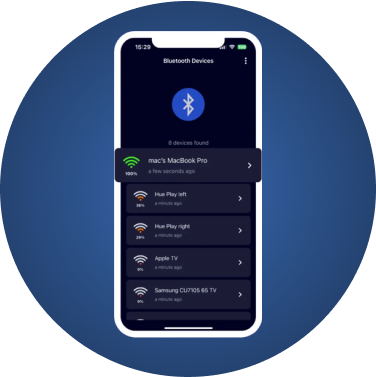
Some cameras also broadcast over Bluetooth, typically for setup through a companion app. A Bluetooth scanner lists every device broadcasting around you, so you can spot something you can't account for.
FindMyGear shows the Bluetooth devices around your iPhone with a live signal reading that rises as you get closer. Switch off your own Bluetooth gadgets, scan each room, and walk towards anything unfamiliar until the signal peaks, then search that spot by hand. It won't see a Wi-Fi-only or wired camera, or one that records to a memory card without transmitting, which is why steps 1 to 4 come first.
If You Find a Camera
- Don't touch it straight away. It may be recording you finding it, and handling it can damage evidence.
- Photograph it where it is, what it points at, and anything that powers it. Note the date and time.
- Get safe first if you suspect a partner or ex, then contact an advocate or the police. Police guidance puts your safety before removing the device.
- If you rent, raise it with the landlord in writing and contact your local tenant or housing authority. Recording people secretly in private parts of a home is illegal in many places, but the rules differ by country and state.
- Then remove it or have it removed, and change your Wi-Fi password and the passwords of any camera or smart-home accounts.
This article is general information, not legal advice. Laws on recording people differ by country and state; for your situation, speak to a lawyer, a tenant organisation or the police.