The Find My Ecosystem
Apple's Find My is the default solution for Apple device owners. It's integrated, free, and works across the Apple ecosystem. But is it enough?
Find My: Pros and Cons
Pros
- Built into iOS (no download needed)
- Works with Apple devices automatically
- Precision Finding with UWB (iPhone 11+)
- Find My network with millions of devices
Cons
- Only works with Apple devices and AirTags
- No signal strength indicator
- Can't detect other Bluetooth devices
- No scanning for unknown trackers
Third-Party Apps: The Alternative
FindMyGear Advantages
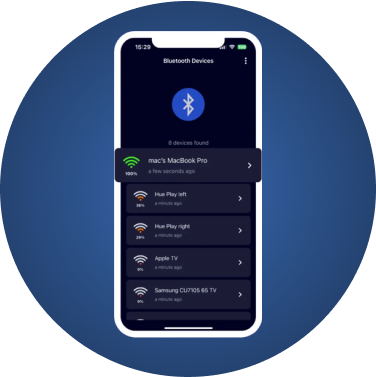
- Works with ANY Bluetooth device
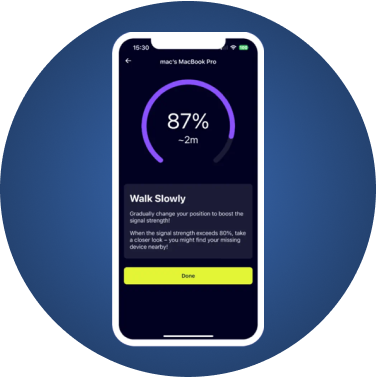
- Real-time signal strength (RSSI)
- Detects potential tracking devices
- Works with non-Apple products
When to Use FindMyGear
- Finding non-Apple Bluetooth devices
- Security scanning for trackers
- More precise location using signal strength
- When Find My shows "offline"
If Find My itself isn't updating, start with our checklist on what to do when Find My is not working.
Feature Comparison
| Feature | Find My | FindMyGear |
|---|---|---|
| Apple Devices | Yes | Yes |
| Non-Apple Devices | No | Yes |
| Signal Strength | No | Yes |
| Precision Finding | Limited | Via RSSI |
| Tracker Detection | AirTags only | All Bluetooth |
| Offline Finding | Via network | Direct Bluetooth |
| Cost | Free | Free/Premium |
The Best Approach: Use Both
For complete coverage:
- Enable Find My for all Apple devices
- Use FindMyGear for:
- Non-Apple Bluetooth devices
- Security scanning
- Signal strength-based searching
- When Find My isn't working
Real-World Scenarios
Scenario 1: Lost AirPods in House
- Find My: Shows "last seen" location
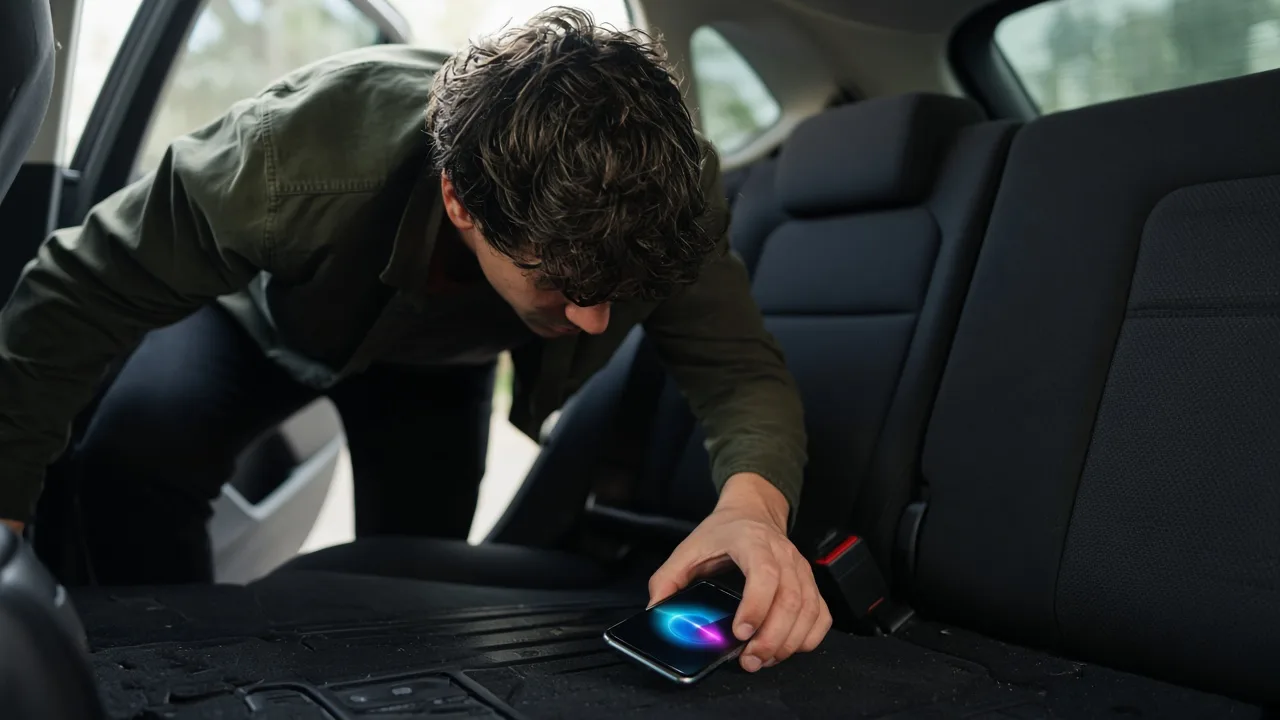
- FindMyGear: Real-time signal guides you to exact spot
Scenario 2: Lost Bluetooth Headphones
- Find My: Not supported
- FindMyGear: Full detection and tracking
Scenario 3: Checking for Trackers
- Find My: Only detects AirTags (with delay)
- FindMyGear: Immediate detection of all Bluetooth devices
Conclusion
Find My is excellent for what it does, but it has limitations. FindMyGear fills the gaps by working with all Bluetooth devices and providing real-time signal strength. For the best device-finding experience, use both tools together.