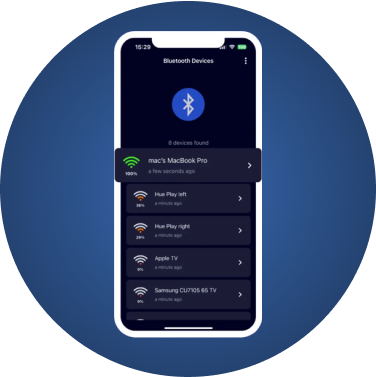
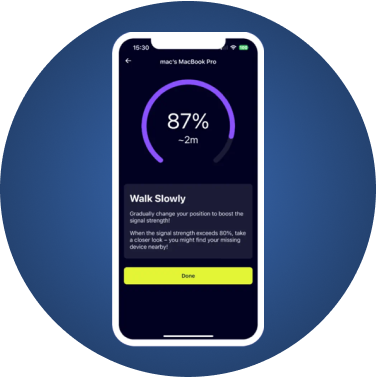
What a Bluetooth Finder App Can and Can't Do
Every Bluetooth finder app on an iPhone works the same basic way. It listens for the radio broadcasts that nearby devices send out and shows how strong each signal is. The stronger the signal, the closer you are. That makes these apps good at one specific job: finding something that is nearby, switched on and has battery left.
All of them share the same limits:
- Range. Bluetooth reaches roughly one room to a house, not across town.
- Battery. A device that is off or flat sends nothing, so no app can see it.
- No map. Signal strength tells you warmer or colder, not a pin on a map. Our guide to Bluetooth signal strength explains why.
- Bluetooth only. These apps cannot see cellular GPS trackers or Wi-Fi-only gadgets.
With that in mind, here is what each option is good for.
The Apps Compared
| App | Best for | Non-Apple devices | Signal strength guidance |
|---|---|---|---|
| Find My (built in) | Apple devices and AirTags | No | Yes, for supported models |
| FindMyGear | Any Bluetooth device, checking for unknown devices | Yes | Yes |
| Wunderfind | Any Bluetooth device | Yes | Yes |
| LightBlue | Developers and tinkerers | Yes | Raw signal values |
| nRF Connect | Developers | Yes | Raw signal values |
| Brand apps (Fitbit, Oura, hearing aids) | That brand's own devices | Their brand only | Varies |
Apple Find My
Start here for anything Apple. Find My can show AirPods, Apple Watch, iPhones, iPads and AirTags on a map, play a sound, and, on supported models, guide you with Precision Finding or Find Nearby. Of the Apple Pencil models, only Apple Pencil Pro appears in it.
Limits: it only finds Apple devices and Find My network accessories. A Fitbit, Samsung earbuds or a JBL speaker will never show up.
FindMyGear
Our app, so judge us accordingly. FindMyGear lists every Bluetooth device broadcasting around you, with names when devices advertise them, and turns signal strength into a simple closer-or-further indicator. It runs on iPhone and iPad, needs no account, and also helps you notice unfamiliar devices around you, which is useful when checking for hidden trackers.
Limits: no map, no ringing, and it can't see devices that are off, flat or not using Bluetooth.
Wunderfind
A popular general-purpose Bluetooth finder on the App Store. Many guides recommend it for things like a lost Apple Pencil. It works on the same signal-strength principle.
LightBlue
A developer tool from Punch Through, available on the App Store, that shows raw Bluetooth data and signal values. Google's own help page for a lost Fitbit suggests it for iPhone users. It is powerful but less friendly than a dedicated finder.
nRF Connect
Nordic Semiconductor's nRF Connect for Mobile is aimed at engineers. It shows everything a device broadcasts, including manufacturer data. Great for curiosity, overkill for finding earbuds.
Brand-specific apps
Some brands build a finder into their own app: Oura's Locate, the Find My Hearing Aids features in Phonak, Oticon, Starkey and ReSound apps, and Tile's app for Tile trackers. Use them first if you have that brand. When they come up short, a general Bluetooth finder fills the gap. We cover this in our guides to lost Fitbits and Oura Rings and lost hearing aids.
How to Choose
- Apple device? Use Find My first.
- Brand with its own finder? Use the brand app first.
- Anything else, or the first two didn't work? Use a general Bluetooth finder such as FindMyGear or Wunderfind.
- Want raw data or building something? LightBlue or nRF Connect.
- Worried about being tracked? Use your phone's built-in tracker alerts and a scanner that shows unknown devices.
Tips That Work With Any App
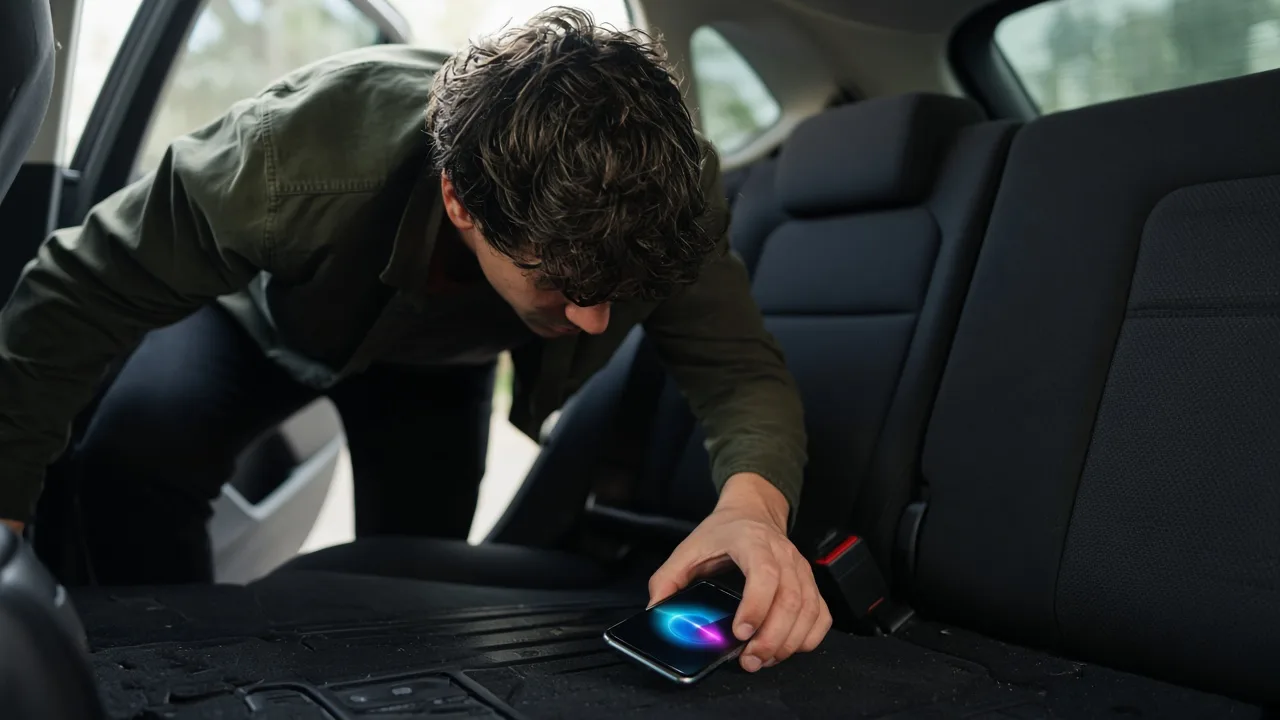
- Install it before you need it, so you aren't downloading while the battery drains.
- Walk slowly and pause; readings need a moment to settle.
- Turn off your own gadgets to clear clutter from the list.
- Check above and below; Bluetooth passes through floors.