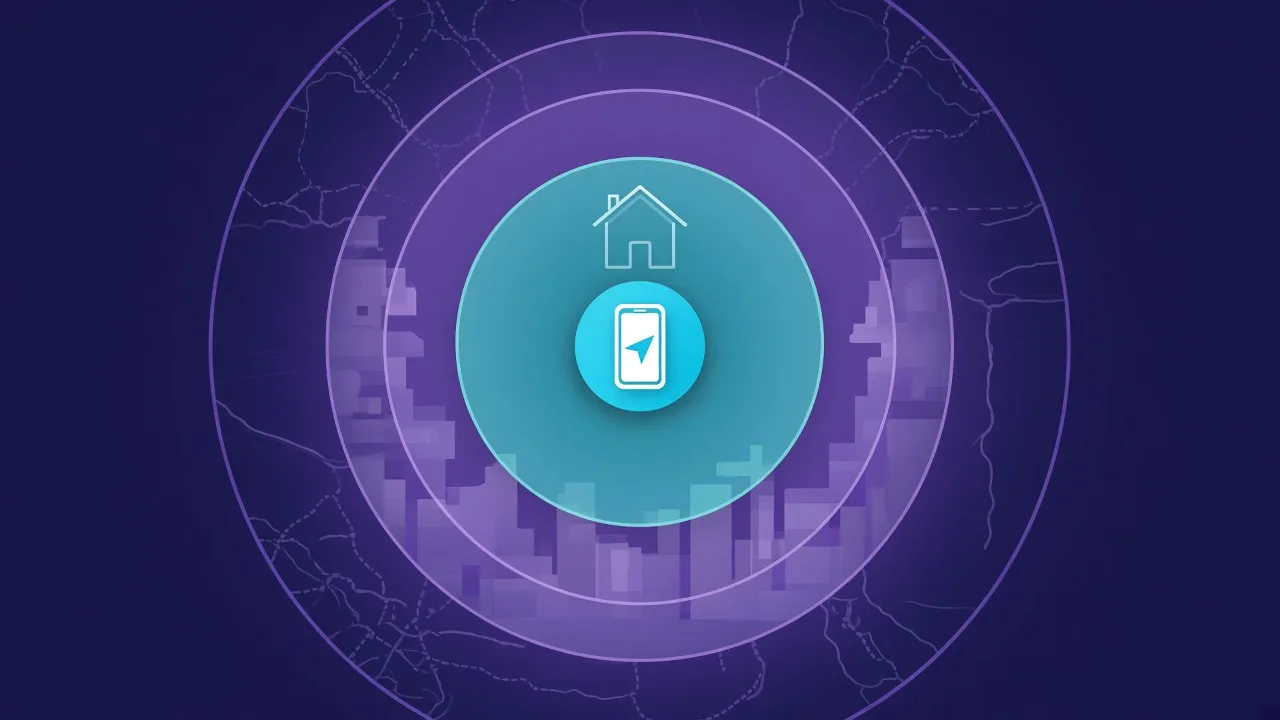
What Is RSSI?
RSSI stands for Received Signal Strength Indicator. It is a number that says how strong a radio signal is at the moment it reaches your phone. For Bluetooth, every time your phone hears a device's broadcast, it records the RSSI along with it.
Apple's Core Bluetooth framework, which every iPhone Bluetooth app uses, reports this value for each device it discovers and describes it as the received signal strength of the peripheral, in decibels. Apple's header for the same method specifies dBm and reserves the value 127 to mean the RSSI was not available.
RSSI is what makes it possible to find a lost device with a phone: the number rises as you get closer and falls as you move away.
The Unit: Why RSSI Is Negative (dBm)
RSSI is usually given in dBm, decibels relative to one milliwatt.
- 0 dBm is 1 milliwatt. Bluetooth signals arriving at a phone are far weaker than that, so the numbers are negative.
- -60 dBm is one millionth of a milliwatt, and -90 dBm is a thousand times weaker again.
- Closer to zero means stronger. -50 is a stronger signal than -80.
- Every 10 dB is a factor of ten in power, and roughly every 3 dB is a factor of two.
Don't confuse dBm with dB. dBm is an absolute power level; dB is a difference between two levels. A wall that weakens a signal "by 6 dB" turns -60 dBm into -66 dBm.
What Typical RSSI Values Mean
There is no official table, because the same distance gives different readings for different devices and rooms. As a rough guide for small devices like earbuds and tags:
- -30 to -50 dBm: right next to you, usually within arm's reach
- -50 to -65 dBm: close, often the same room and a couple of metres away
- -65 to -80 dBm: further away, or nearby but behind a wall or inside a bag
- Below -80 dBm: far, heavily obstructed, or at the edge of range
- Around -95 dBm and below: near the limit where the phone stops hearing the device
Use these bands to decide whether you are getting warmer or colder, not to measure exact distance.

How to Estimate Distance From RSSI
The standard way to turn RSSI into distance is the log-distance path loss model. In the simplified form used with Bluetooth:
distance = 10 ^ ((Measured Power - RSSI) / (10 × n))
- Measured Power is the RSSI the device gives at exactly 1 metre. You find it by measuring.
- RSSI is the current reading.
- n is the environment factor: about 2 in open space, and more, often 3 or 4, indoors with walls and furniture.
A worked example, with Measured Power of -59 dBm:
- With n = 2, a reading of -65 dBm gives about 2 metres, and -79 dBm gives 10 metres.
- With n = 3, the same -79 dBm reading gives about 4.6 metres.
That last line is the catch. Changing only the environment factor moved the answer from 10 metres to under 5. The Bluetooth SIG's own security and privacy best practices advise against using RSSI as the sole indicator of physical distance.
Why RSSI Jumps Around
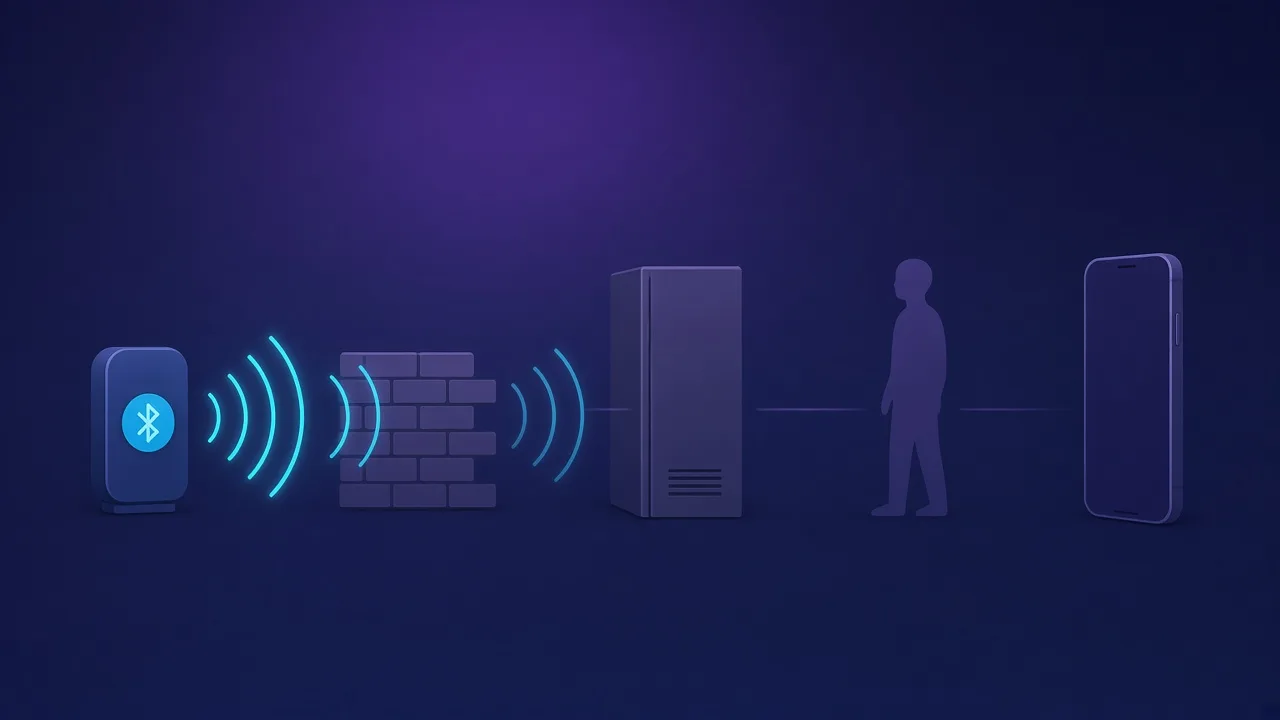
- Obstacles. Walls and furniture weaken the signal. Metal reflects and blocks it.
- Your body. The human body is mostly water, which absorbs 2.4 GHz radio. Holding the phone in front of you versus behind your back can change the reading noticeably.
- Reflections. Signals bounce off walls and floors and arrive by several paths at once, so the reading can rise and fall even when nothing moves.
- Interference. Wi-Fi and many other devices share the 2.4 GHz band.
- The device itself. Antenna design and transmit power vary between products, so two devices at the same distance can read very differently.
Using RSSI to Find a Lost Device
Walk and watch
- Note the starting reading.
- Walk slowly in one direction for a few steps, then stop and let the reading settle.
- If it rises, towards zero, keep going. If it falls, turn around.
- Repeat at each junction until the reading peaks, then search that spot by hand.
Grid search for bigger spaces
- Split the area into sections, such as rooms or quarters of a room.
- Stand in the middle of each one and note the reading.
- Go back to the section with the strongest reading and search it closely.
Tips that make readings more reliable
- Move slowly and pause. Each reading needs a moment to settle.
- Hold the phone the same way, at the same height, with your body out of the line to the device.
- Check above and below. Bluetooth passes through floors, so a strong reading may come from the room overhead.
- Average a few readings rather than reacting to one jump.
What FindMyGear Shows
FindMyGear displays each nearby device's live signal strength and turns it into a simple closer-or-further indicator, so you can use the walk-and-watch method without doing the maths. Like any RSSI-based tool, it narrows a search down to a room and then a spot; it cannot give you an exact distance or a direction arrow.