The Short Answer: Three Different Ranges
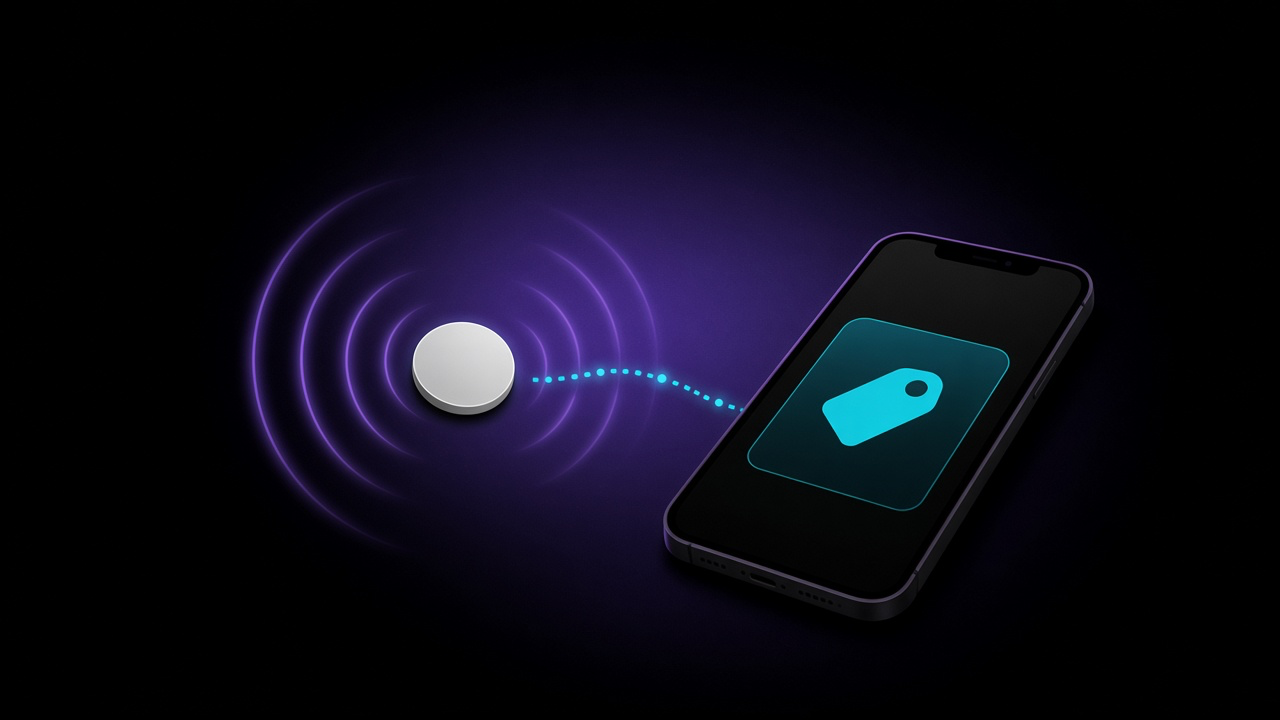
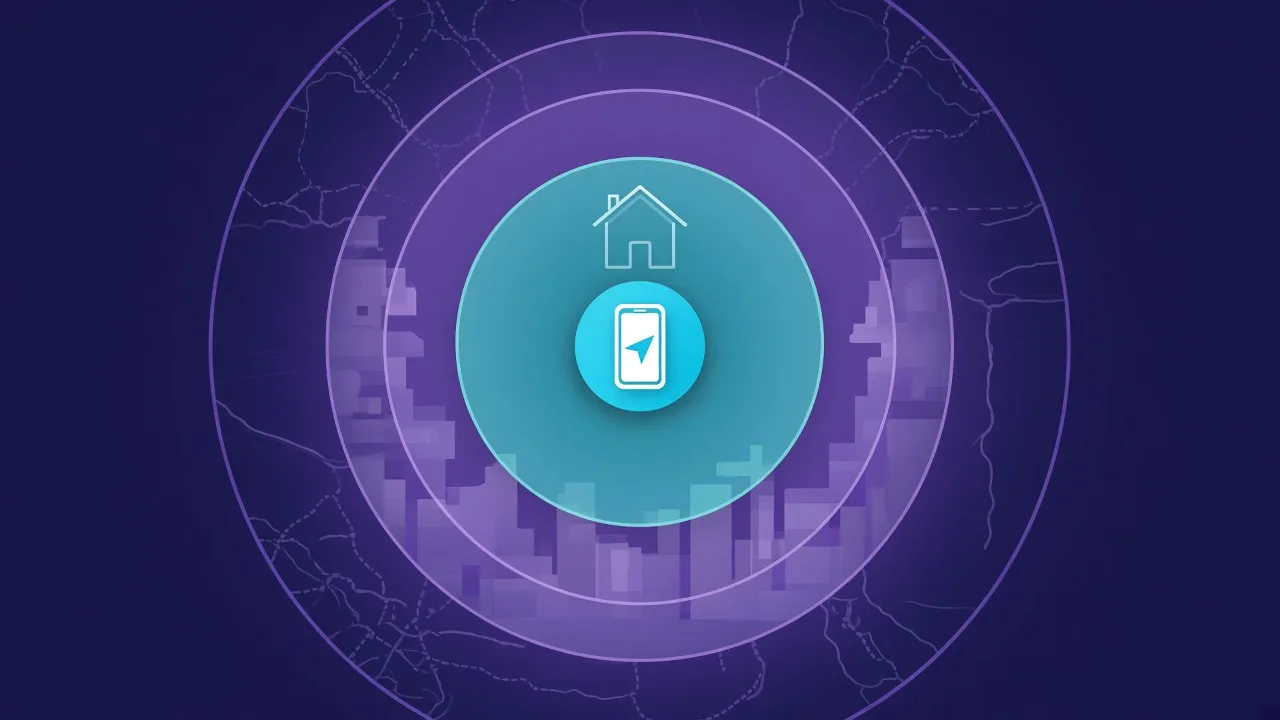
When people ask how far an AirTag reaches, they are usually asking about one of three things:
- Precision Finding: the arrow and distance on your iPhone screen. Works only up close.
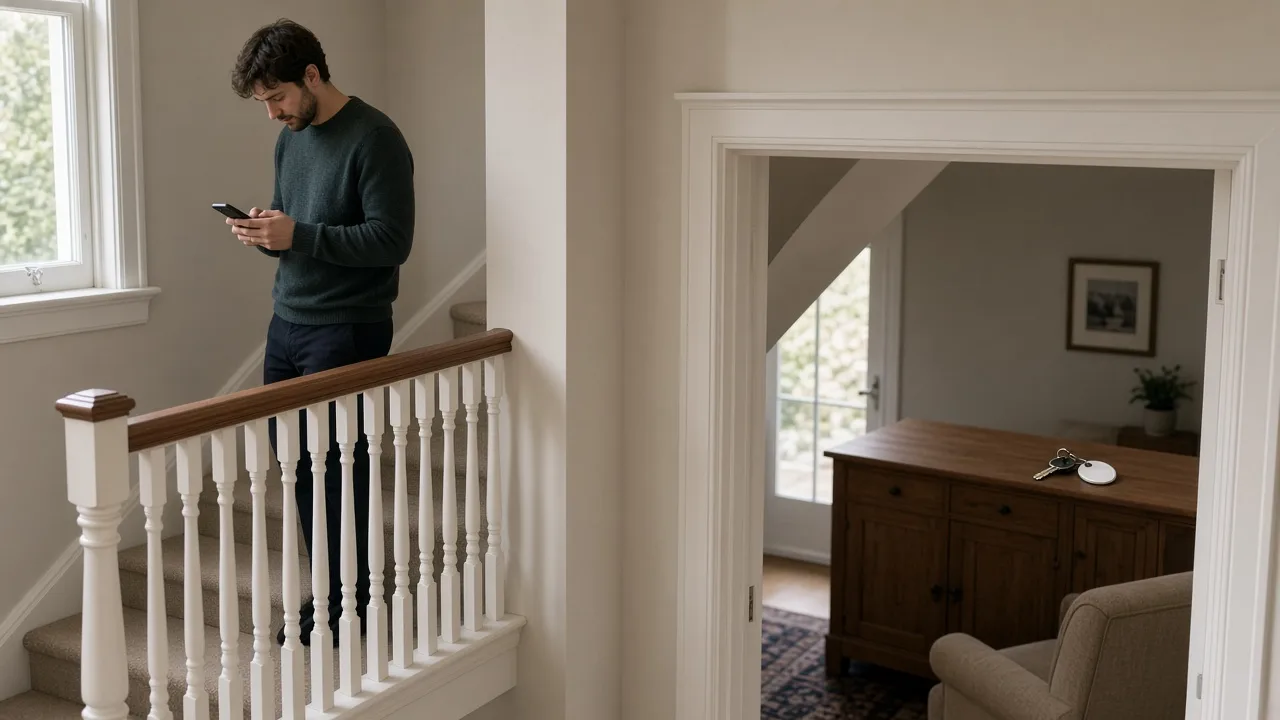
- Bluetooth: your iPhone hearing the AirTag directly, so you can play a sound. Roughly a home or a floor of a building.
- The Find My network: other people's Apple devices relaying where it is. No fixed limit; it works wherever Apple devices pass by.
Range 1: Precision Finding
Precision Finding uses Ultra Wideband, a radio that measures distance and direction, to point you to the AirTag with an arrow.
- Which iPhones: iPhone 11 and later, excluding iPhone SE (2nd and 3rd generation) and iPhone 16e, according to Apple's AirTag tech specs.
- AirTag 2 goes further. Apple says the second-generation AirTag works with Precision Finding from up to 50 percent farther away, in its announcement.
- But only with newer iPhones. Apple's Ultra Wideband availability page lists the second-generation chip in iPhone 15 models and later, excluding iPhone 16e and iPhone 17e, and in iPhone Air. It adds that in Japan, local regulation limits some frequencies, so expanded Precision Finding range isn't available there.
Apple doesn't publish a distance in metres for Precision Finding. In practice, think of it as the last part of the search, once you are in the right area.
Range 2: Bluetooth
When your iPhone can hear the AirTag directly over Bluetooth, you can play a sound on it and see that it is nearby. Apple doesn't publish a Bluetooth range for AirTag either, though it says the second-generation model has an upgraded Bluetooth chip that extends it.
Bluetooth range is not a fixed number. The Bluetooth SIG, which manages the standard, says the effective range between devices can be anything from less than a metre to more than a kilometre, depending on transmit power, antenna design, receiver sensitivity and the surroundings. For a small, battery-powered tag inside a building, walls, floors, furniture and people all cut it down.
Range 3: The Find My Network
Beyond Bluetooth range, an AirTag relies on the Find My network: Apple devices that pass nearby relay its location to you, anonymously and encrypted. Apple describes the network as more than a billion devices.
That means there is no maximum distance. An AirTag in another city or another country can update, as long as an Apple device passes close to it. The flip side is that in empty places, such as a remote trail, a basement storage unit or a rural car park at night, it may not update for a long time. We explain how to deal with that in Find My not working.
Does an AirTag Work Without an iPhone Nearby?
Yes, in the sense that it keeps broadcasting, and any Apple device that passes can report it. You still need an iPhone or iPad to set it up and to see its location. You don't need your own iPhone to be near it for the location to update.
What the Ranges Mean When Searching for Someone Else's AirTag
The same physics applies when an unknown AirTag is hidden on you. Your phone's unwanted-tracking alerts and any Bluetooth scanner can only hear a tag within Bluetooth range, so to find a hidden tag, you need to be near it. Our guide to scanning for hidden trackers on demand explains how to sweep a car or a bag.
What FindMyGear Can and Can't Do Here
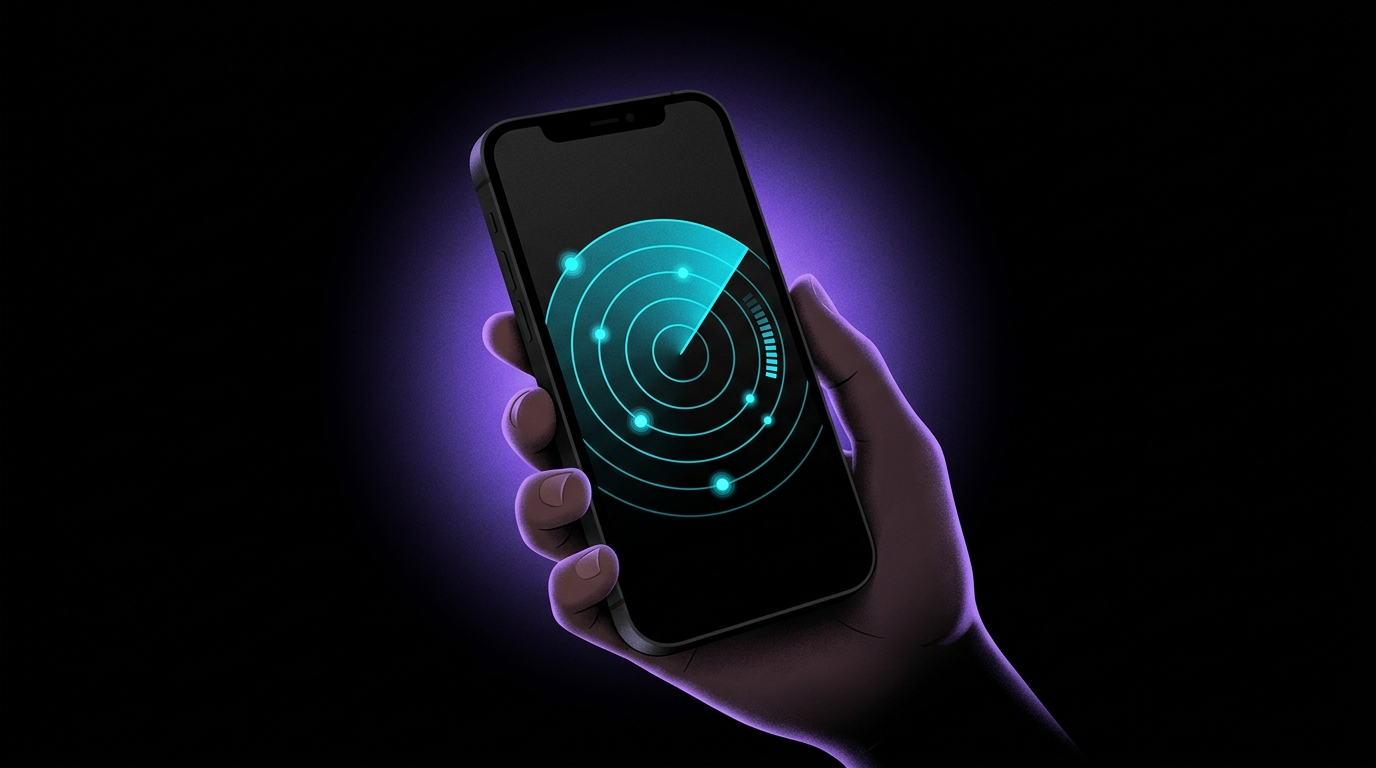
FindMyGear works in the Bluetooth range: it lists devices broadcasting around you and shows a signal strength that rises as you get closer. That makes it useful for the middle part of a search, between knowing the right building and pinpointing the spot. Our explainer on Bluetooth signal strength shows how to read the readings.
It can't see beyond Bluetooth range, and it can't show an AirTag's location on a map.