Why Your Scan Is Full of Unknown Devices
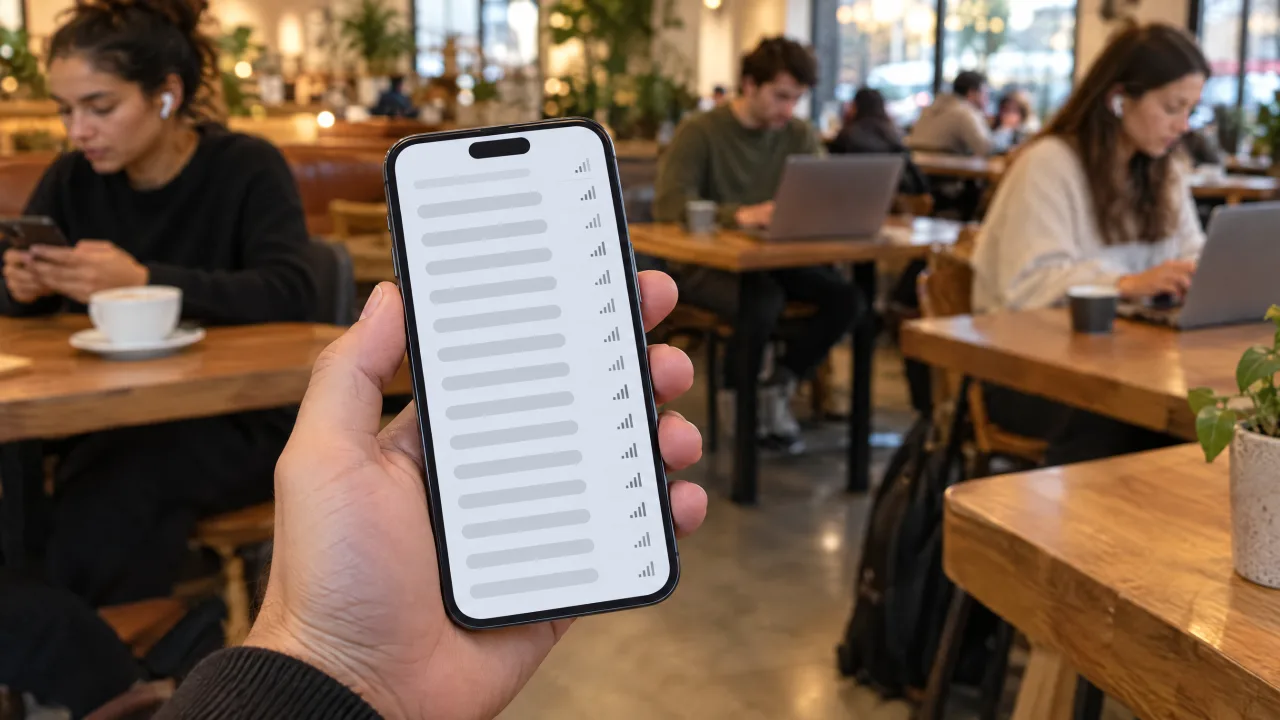
Open any Bluetooth scanner in a café, an office or a block of flats and you will see dozens of devices, many of them labelled unknown or with a string of letters and numbers. That is normal, and there are two reasons for it.
First, Bluetooth is in almost everything now: earbuds, watches, fitness bands, keyboards, TVs, speakers, light bulbs, toothbrushes and cars.
Second, many of those devices hide their identity on purpose. The Bluetooth standard includes a feature called LE Privacy, which replaces a device's real address with a random one that changes over time, so that nobody can follow it around. The Bluetooth SIG explains that to an outside observer, the changing addresses look like a series of different devices. A common default is a new address every 15 minutes, according to the Bluetooth SIG's write-up of the feature. Only devices you have paired with can recognise them behind the disguise.
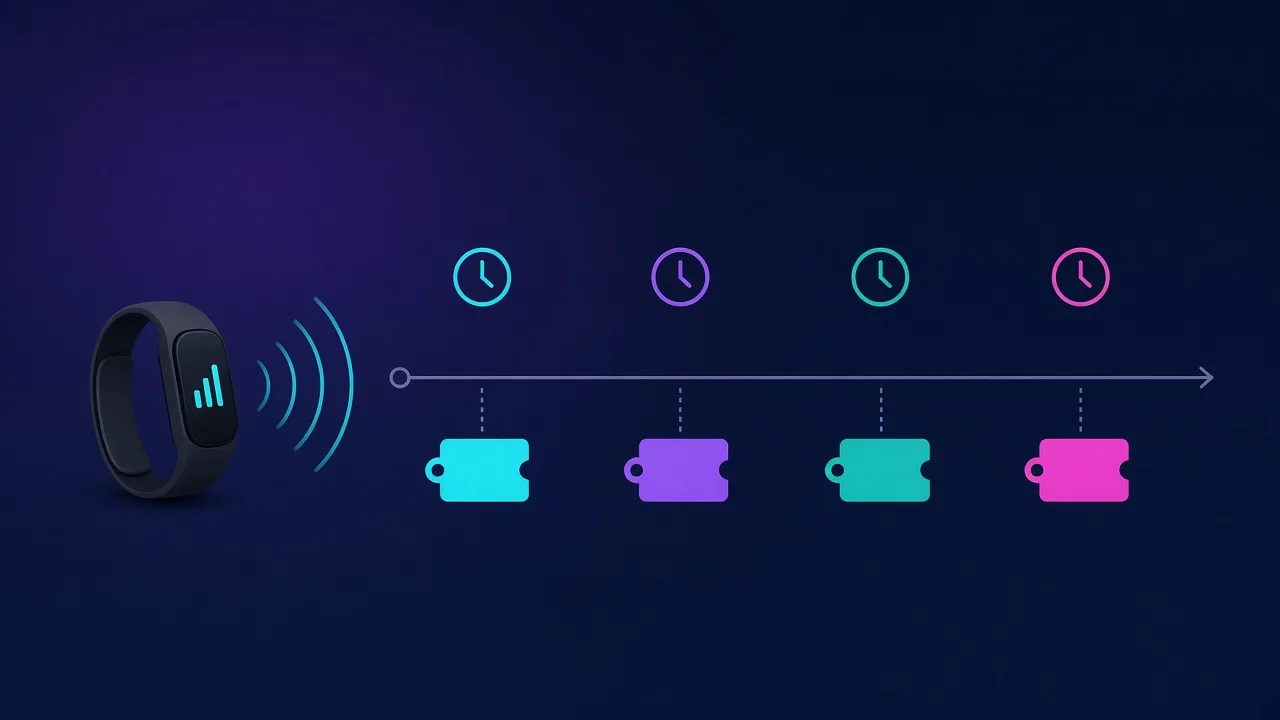
So an unfamiliar entry in your list usually means nothing more than someone's earbuds two tables away.
How to Identify an Unknown Bluetooth Device in 5 Steps
Step 1: Read the name
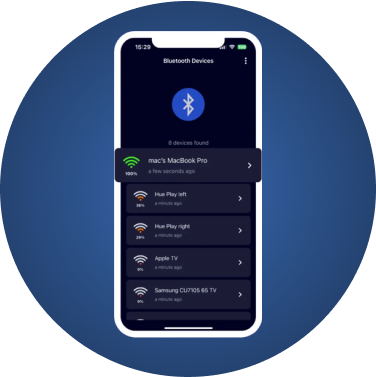
Many devices broadcast a name that gives them away: a brand and model such as a speaker or earbud model, or a generic name like a keyboard or TV. If the name is blank or random, move on to the next steps.
Step 2: Rule out your own devices
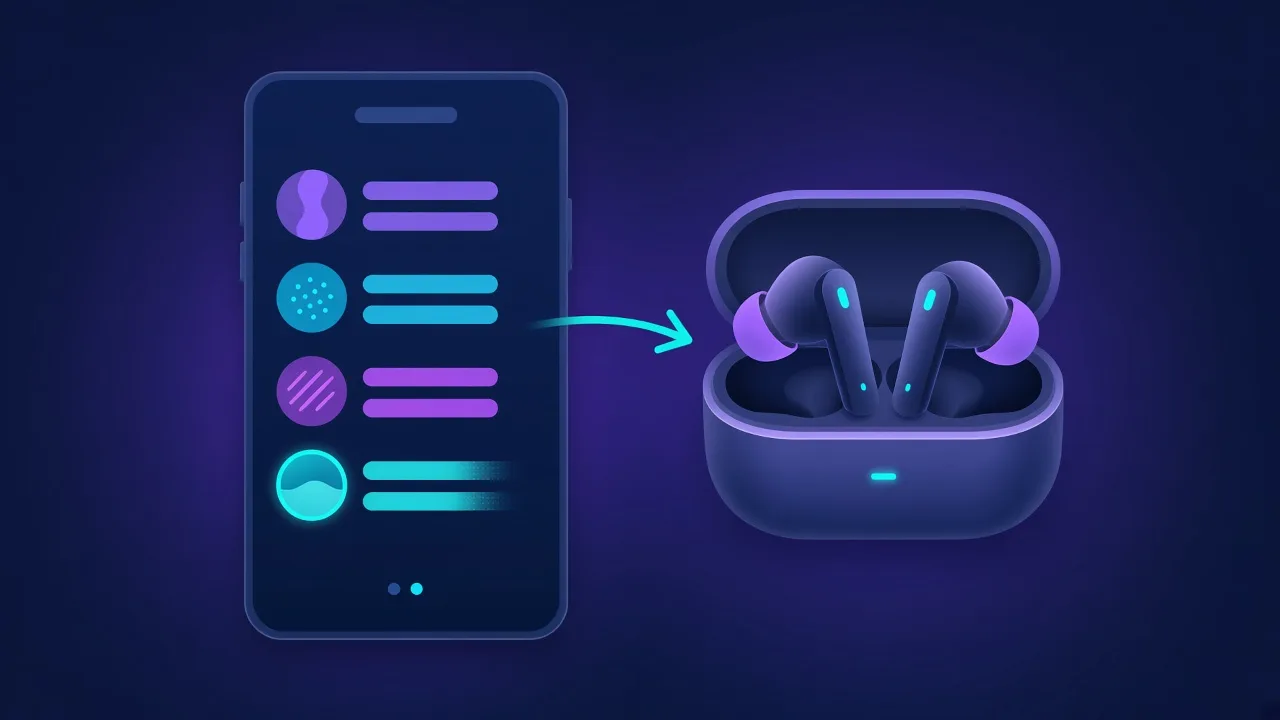
The quickest way to identify a device is to make it disappear. Put your earbuds in their case, switch off your smartwatch's Bluetooth, turn off the TV or the speaker, and watch which entry vanishes or drops in strength. Do this one device at a time.
Step 3: Use signal strength to find where it is
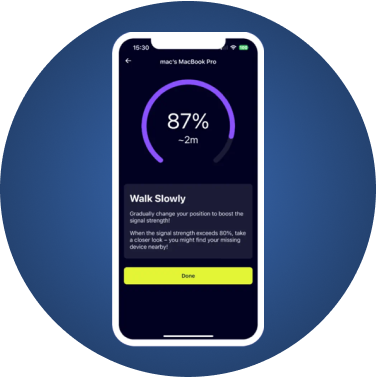
Pick the unknown entry and walk around slowly while watching its signal strength. The reading rises as you get closer and falls as you move away. A strong, steady reading with nothing visible nearby tells you something is close and hidden. Our guide to understanding Bluetooth signal strength explains how to read the numbers.
Step 4: Watch it over time and place
Ask two questions. Does it stay in one place, like a neighbour's TV, or does it move? And does it show up wherever you go: at home, at work and in your car? Something that is always with you and is not yours deserves attention. Keep in mind that, because of privacy addresses, the same device may appear under a different identifier later.
Step 5: Check the manufacturer when your scanner shows it
Some scanners show a manufacturer code from the device's broadcast. These codes are company identifiers assigned by the Bluetooth SIG and listed in its Assigned Numbers registry. A code tells you which company's technology is inside, not exactly which product it is.
Common Sources of Unknown Devices
- Audio: earbuds and their charging cases, headphones, speakers, soundbars
- Wearables: smartwatches, fitness bands, smart rings, hearing aids
- Computing: wireless keyboards, mice, game controllers, laptops and tablets
- Home: TVs and streaming sticks, smart bulbs and plugs, robot vacuums, electric toothbrushes
- Cars: infotainment systems and phone-as-key systems
- Trackers: AirTags, Tile, SmartTags and other finder tags, almost always attached to their owners' keys and bags
When to Be Concerned
Most unknown devices are harmless. Look closer if:
- The same unfamiliar device keeps turning up wherever you go, especially in your car or bag.
- The signal is strong and steady but you can't see a source, for example in a hotel room or a rental.
- Your phone has shown an unwanted-tracking alert, such as an item found moving with you.
- You have a reason to worry, such as a controlling ex-partner or a recent break-up.
If you are worried about a tracker, follow our step-by-step guide to scanning for hidden trackers on demand. If you have already found one, read what to do in the first hour after finding a tracker. For hotel rooms and rentals, see how to check for hidden cameras.
What FindMyGear Can and Can't Do Here
FindMyGear lists the Bluetooth devices broadcasting around you, with their names when they advertise one, and a signal reading that rises as you get closer. That covers steps 1 to 4 above: reading names, ruling out your own gadgets, and walking towards anything you can't explain.
It cannot tell you who owns a device, see through privacy addresses that rotate, or detect devices that don't use Bluetooth, such as Wi-Fi-only cameras or cellular GPS trackers.