The Short Answer
To find a listening device, start with a slow search by hand of the places people actually hide them: power strips, USB chargers, smoke detectors, lamps, clocks, gifts and, in a car, under the seats and around the dashboard. Then match your checks to how the device sends what it hears:
- Wi-Fi: look for unknown devices in your router's list of connected devices.
- Bluetooth: scan for Bluetooth devices nearby with your phone and walk towards anything you can't explain.
- Mobile network: use an RF detector while the device is transmitting.
- Memory card: these only record, so a physical search is the way to find them.
If you find something and you fear for your safety, don't remove it straight away. Photograph it, leave the place if you can, and contact the police.
How Listening Devices Send What They Hear
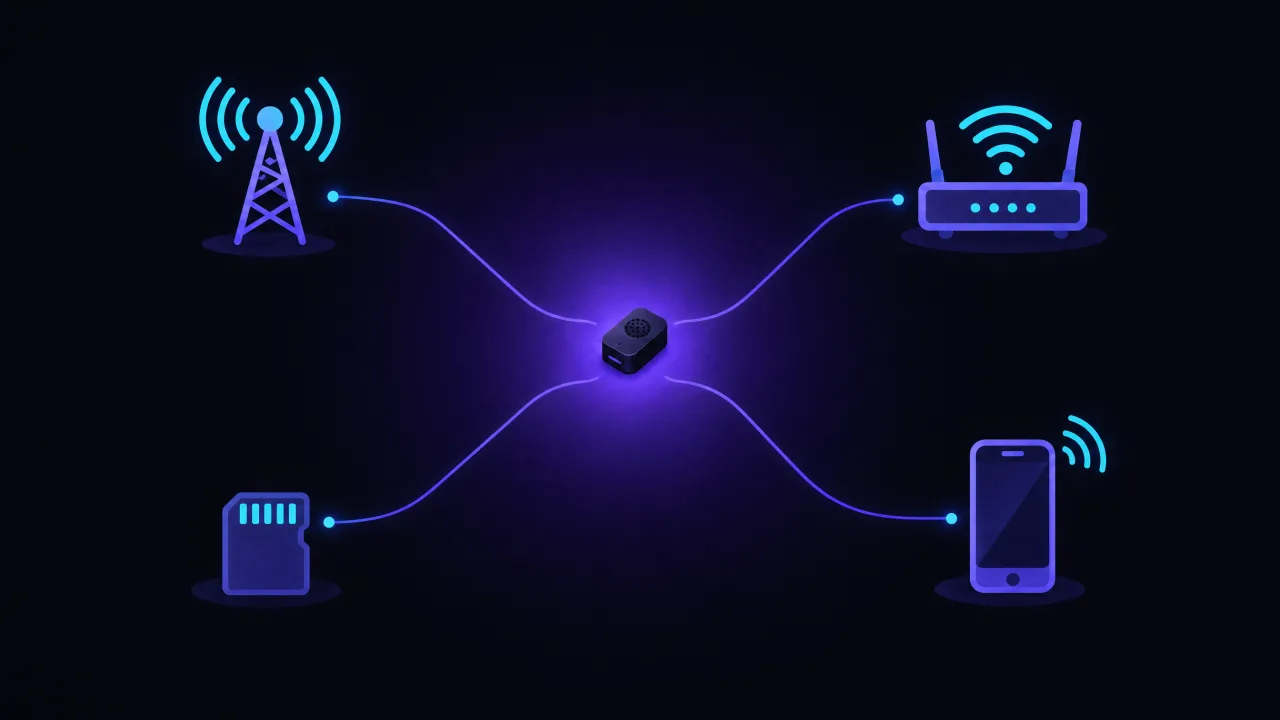
The best data on this comes from a team of security researchers who studied covert spy devices sold online, writing in USENIX ;login: in 2023. Of 163 products they analysed:
| How the device sends data | Products | How to find it |
|---|---|---|
| Mobile network (SIM card) | 50 | Physical search; RF detector while it transmits |
| Wi-Fi | 47 | Router's device list; physical search |
| Bluetooth | 5 | Bluetooth scan with your phone; physical search |
| Stored on a memory card | 58 | Physical search only |
Two lessons follow. First, there is no single test: each kind of device leaves a different trace. Second, a careful search by hand covers every row of that table, which is why it comes first.
Signs That Your Home or Car May Be Bugged
None of these proves anything, but together they are a reason to check:
- Someone knows details of conversations they couldn't have heard.
- A new object appeared: a charger, a power strip, a clock, an air freshener, a gift you weren't expecting.
- Something was moved: a socket cover, a smoke detector, a picture frame, a car seat or panel.
- A person with a reason to listen had access to your home or car, alone, recently.
Step 1: Search by Hand
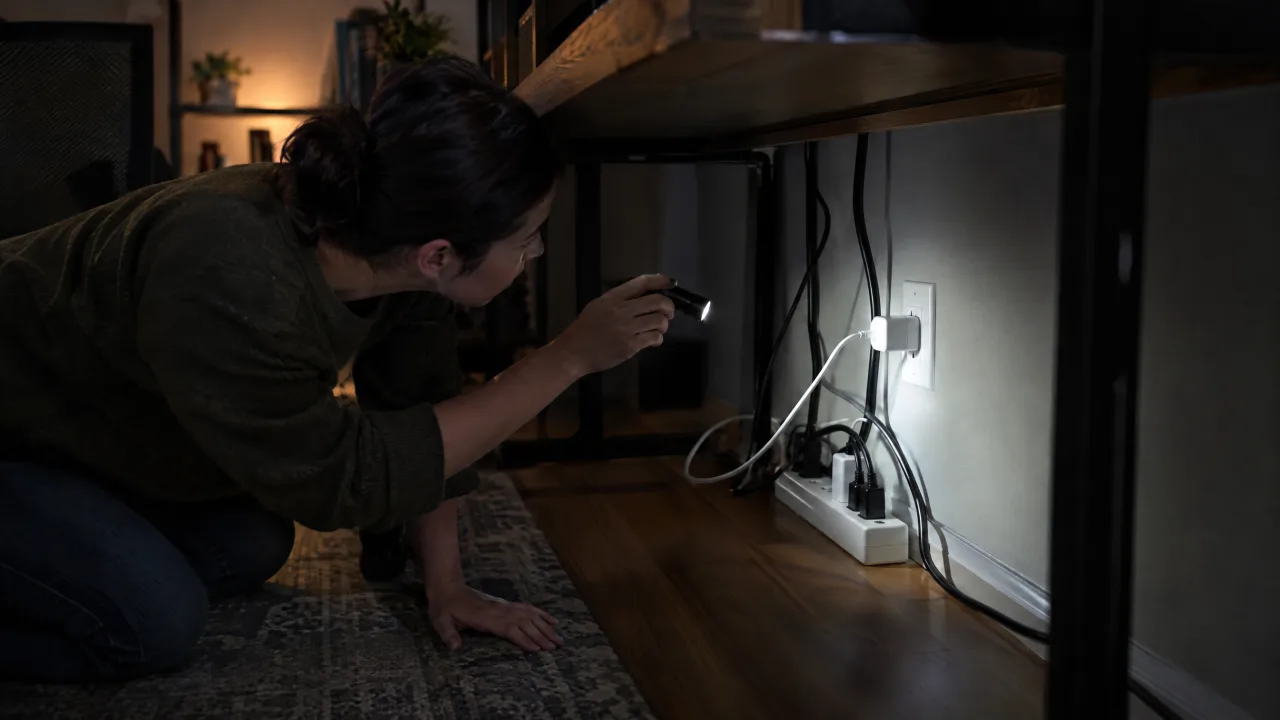
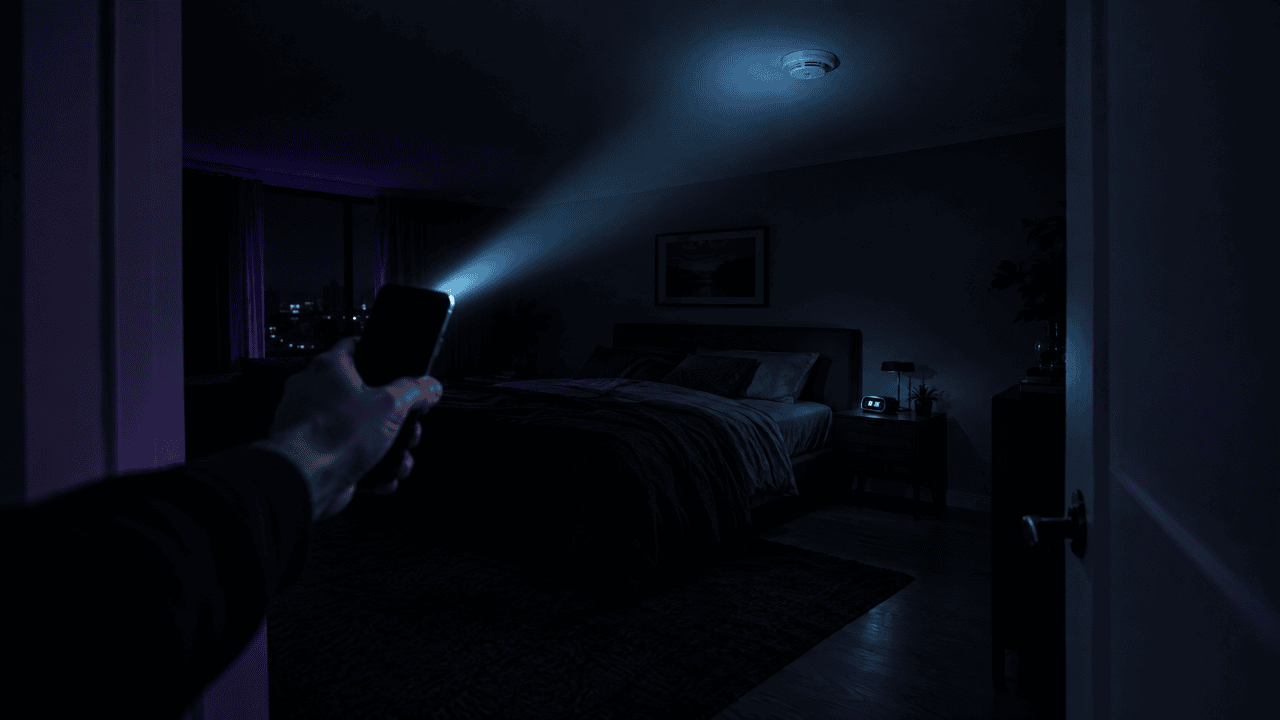
Turn off music and the TV, take a flashlight, and go room by room. Spend the most time where conversations happen: the bedroom, the living room, the kitchen table, the home office.
In a home, check:
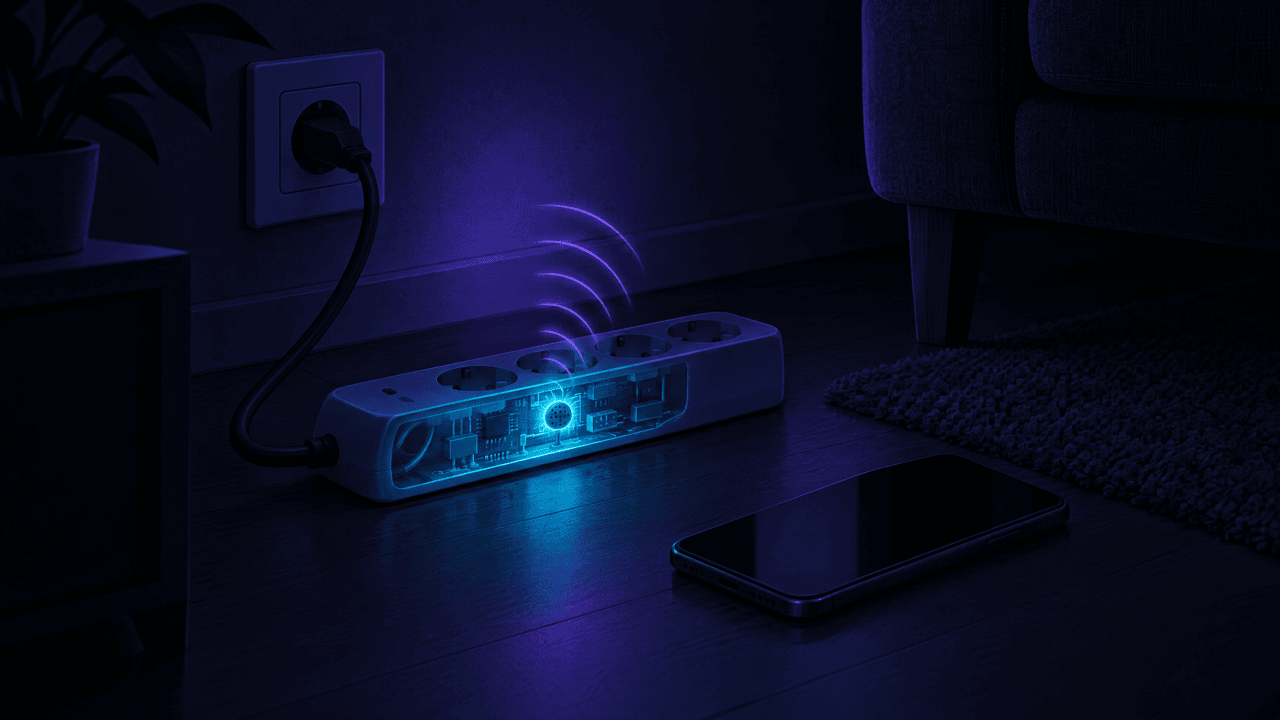
- Anything plugged in permanently: power strips, USB wall chargers, extension cables, night lights. Continuous power is exactly what a bug wants.
- Smoke detectors, clocks, lamps, picture frames and speakers, especially if they appeared recently.
- Gifts and soft toys, particularly in a child's room if a custody dispute is involved.
- Under tables, beds and desks, behind headboards and inside drawers.
- Socket and switch covers. Fresh scratches on screws or a cover that sits crooked are worth a closer look.
In a car, check:
- Under the front and rear seats, and the pockets on their backs.
- The OBD-II port under the dashboard on the driver's side. Something plugged in that you didn't install deserves attention.
- The sun visors, the glovebox, the centre console and any USB or 12 V socket adapters.
- The boot, around the spare wheel.
Our guide to checking a car for a hidden tracker covers the outside of the car as well.
Step 2: Check Your Wi-Fi
A Wi-Fi bug has to join a network, and that is usually yours. Open your router's app or its admin page and look at the list of connected devices. Count your own phones, laptops, TVs and smart speakers; anything left over is worth tracking down. Changing the Wi-Fi password, and then seeing which of your own devices drop off, sorts known from unknown quickly.
Step 3: Scan for Bluetooth Devices
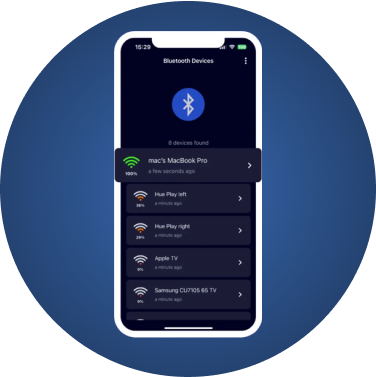
A Bluetooth device announces itself to anything listening nearby. FindMyGear, our app, lists the Bluetooth Low Energy devices around your iPhone, with their names when they broadcast one and a live signal reading that rises as you get closer.
- Switch off or move away your own Bluetooth gadgets: earbuds, watch, speakers.
- Open the scan in each room and note what you see.
- For anything you can't account for, walk around the room and watch the signal. Where it peaks, search by hand.
- Repeat in the car, with the engine on and off.
Devices with no name are common and usually harmless; our guide to unknown Bluetooth devices explains how to tell what they are, and the signal strength explainer shows how to read the numbers.
Step 4: Use an RF Detector Properly
A radio frequency (RF) detector beeps when it picks up a nearby transmission. It finds a device only while that device is actually sending. The USENIX researchers found the detectors they tested were extremely difficult to use for this reason, and warned that cheap ones give a false sense of security.
If you use one:
- Turn off everything of yours that transmits: Wi-Fi router, phones, smart speakers, Bluetooth gadgets. Otherwise the detector beeps at your own devices.
- Sweep slowly, close to walls, sockets and furniture.
- Talk or play audio while you sweep. A device that sends audio is more likely to be transmitting when there is something to hear.
- Treat a beep as a place to search, not as proof.
Phone "Bug Detector" Apps
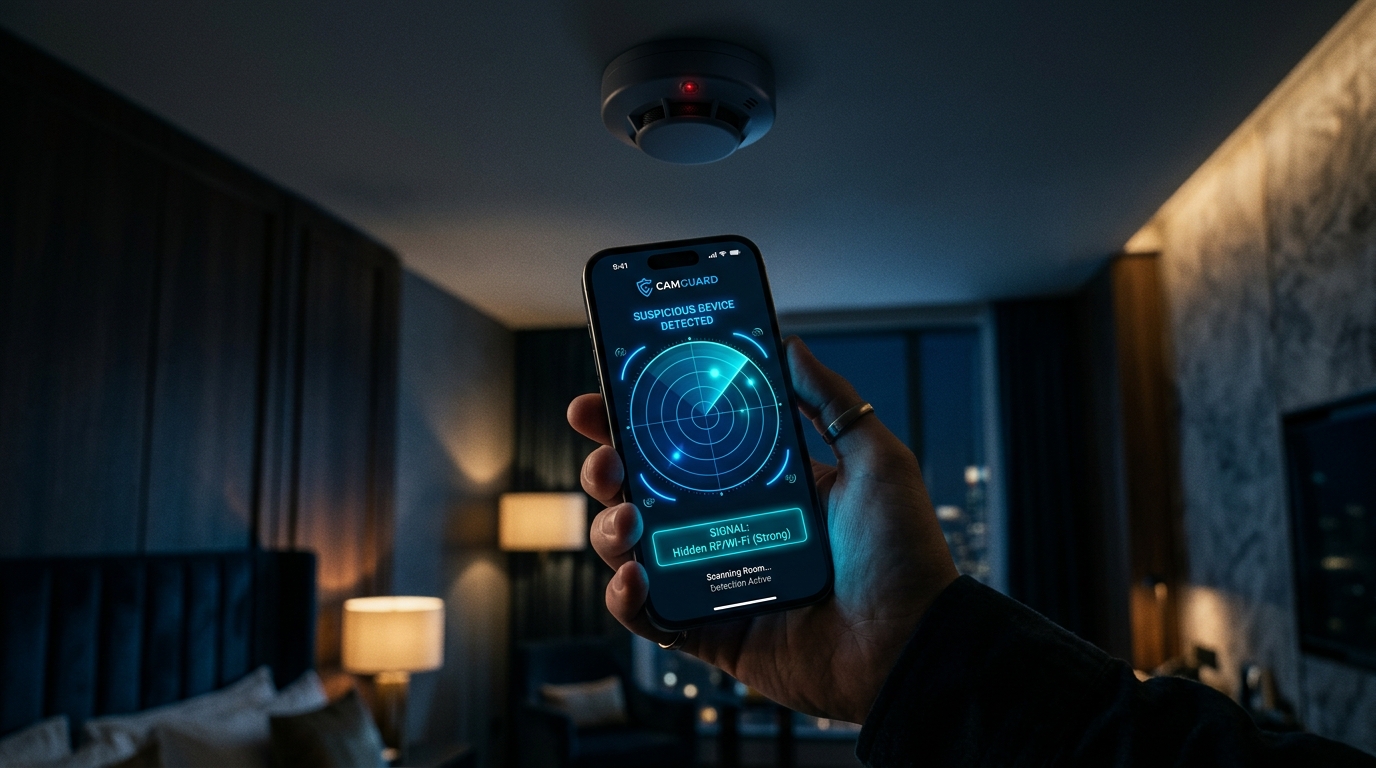
Be careful with apps that use the phone's compass sensor (magnetometer) and promise to detect bugs. A magnetometer can't sense radio signals at all; in the USENIX tests, readings were practically identical with and without a spy device present. Our review of hidden camera detector apps explains which methods are real.
When to Call a Professional
A technical surveillance countermeasures (TSCM) sweep is a search by specialists with professional equipment. It is worth it when the stakes are high: a business, a legal dispute, or a safety situation. Choose a firm that explains its equipment and gives a written report.
If You Find a Listening Device
- Think about your safety first. If the person who placed it could be dangerous, removing it may tell them you know. Make a plan first.
- Photograph it in place, note the date, time and location, and don't wipe it.
- Contact the police. In the United States, intentionally intercepting someone's conversations with a device is generally a federal crime under 18 U.S.C. 2511, and most countries have similar laws.
- If this is about a partner or ex-partner, the US National Domestic Violence Hotline is 1-800-799-7233; other countries have their own helplines.
FAQ
Can my iPhone detect a listening device?
Your iPhone can help with several checks: a Bluetooth scan, your router's device list, and a flashlight for the search by hand. Use them together, because each covers a different kind of device.
What does a listening device look like?
Often like something ordinary: a USB charger, a power strip, a car charger, a key fob or a small black box with a magnet.
Where are bugs usually hidden in a car?
Under the seats, in the OBD-II port, behind the sun visors, in the glovebox and centre console, and in USB or 12 V socket adapters.
Do bug detectors work?
Only for devices that are transmitting at that moment, and cheap ones are hard to read. Use one as a pointer for where to search, not as your only check.