First, Which Apple Pencil Do You Have?
How you find a lost Apple Pencil depends almost entirely on the model, because only one of them can be tracked by Apple.
- Apple Pencil Pro works with Find My. Apple's tech specs page says you can locate it in the Find My app if you misplace it at home or out and about. It needs iPadOS 17.5 or later.
- Apple Pencil (1st generation), Apple Pencil (2nd generation) and Apple Pencil (USB-C) do not appear in Find My at all. For these, Bluetooth is the only electronic clue you have.
Not sure which one is yours? Apple's Apple Pencil compatibility page lists which Pencil works with which iPad. If your iPad is an iPad Pro with M4 or M5, an iPad Air with M2 or later, or an iPad mini with A17 Pro, and your Pencil has a squeeze gesture, it is probably a Pencil Pro.
If It's an Apple Pencil Pro: Use Find My
- Open Find My on your iPad or iPhone.
- Tap Devices, then tap Apple Pencil Pro.
- Follow the prompts. According to Apple's iPad guide, the onscreen circle grows and the text changes from "far" to "near" to "within reach" as you get closer.
Two catches. Apple notes that a Pencil Pro can be added to Find My for only one Apple Account at a time, so if someone else set it up, it may not show for you. And if Find My says "No location found", the Pencil may simply be out of battery. In that case, skip to the physical search below.
If It's an Older Pencil: Start With Your iPad's Bluetooth Menu
On the iPad your Pencil is paired with, open Settings, then Bluetooth, and find Apple Pencil under My Devices.
- Connected means it is awake, has some charge and is within Bluetooth range, which in a home is usually the same room or the next one.
- Not Connected does not mean it is far away. A Pencil that has been lying still for a while can drop its connection to save power, as Apple Community members point out. It may be a metre away under a cushion.
The Bluetooth menu only gives you a yes or no. It does not tell you whether you are getting warmer or colder. That is the gap a signal-strength scanner fills.
Follow the Signal
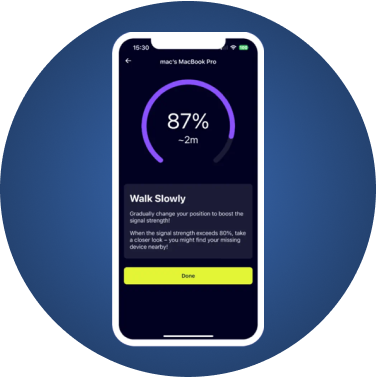
- Open a Bluetooth scanner such as FindMyGear. It runs on iPad as well as iPhone, so you can use the same iPad the Pencil is paired with.
- Look for Apple Pencil in the list of nearby devices.
- Tap it and walk slowly. The reading rises as you get closer and falls as you move away.
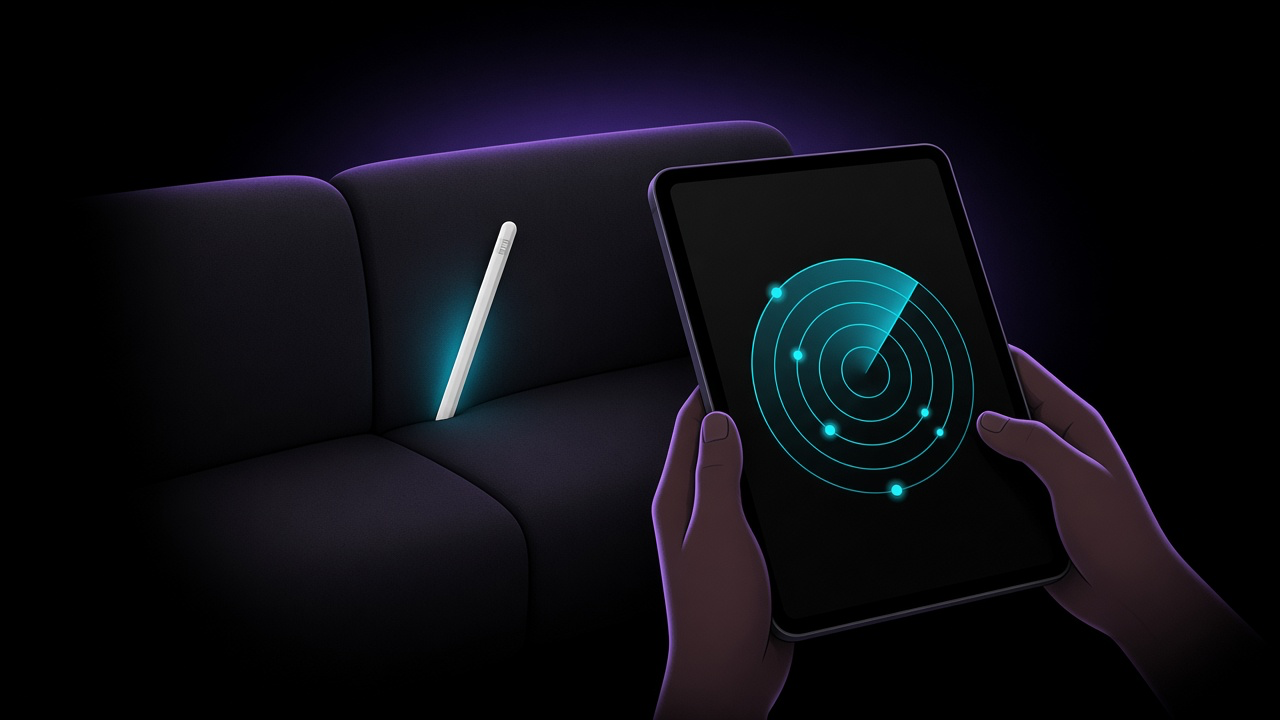
- When the reading peaks, stop and search that spot by hand: under cushions, inside bags, between the sofa and the wall, under the car seat.
Move slowly and pause between steps, because the signal takes a moment to settle. Bluetooth passes through floors and walls, so a strong reading can also mean the Pencil is in the room directly above or below you.
If It Doesn't Show Up: Wake It Up
A sleeping Pencil does not broadcast, so you have to disturb it.
- Shake the likely spots. Pat down sofa cushions, shake bags and coats, lift blankets. A Pencil that moves often wakes up and reconnects, and then it appears in the scanner.
- Toggle Bluetooth. Turn Bluetooth off and on again on the iPad to prompt a reconnection.
- Check the last place you used it. A Pencil is usually lost within a few metres of where you last wrote with it: under the desk, in the iPad case, in a folder or textbook.
If nothing works, the battery may be flat. A Pencil with no charge cannot be detected over Bluetooth by any app, so from here it is a hands-and-knees search of the places you were. Start with the last place you remember using it.
Search the Usual Hiding Places
People who have lost a Pencil more than once tend to find it in the same places:
- Between sofa cushions and under the sofa
- Inside the iPad's folio case or a laptop sleeve
- The bottom of a backpack, or a coat pocket
- Under the car seat or in the door pocket
- Between pages of a notebook or textbook
- On the floor under a desk, often rolled against a wall
Make the Next Loss Easier
- Keep it charged. A charged Pencil can be found over Bluetooth; a dead one cannot. Snapping it to the iPad when you stop drawing keeps it topped up on models that charge magnetically.
- Add a Pencil Pro to Find My right after you buy it, while it is still in your hands.
- Use a case with a Pencil holder for older models, so it lives attached to the iPad rather than loose in a bag.
- Install a scanner before you need it, so you are not downloading an app while the battery runs down.
What FindMyGear Can and Can't Do Here
FindMyGear lists the Bluetooth devices broadcasting around you, Apple Pencil included, and shows a signal reading that rises as you get closer. It is most useful for 1st-generation, 2nd-generation and USB-C Pencils, which Find My cannot locate.
It cannot find a Pencil whose battery is dead, show you a location on a map, or make the Pencil play a sound, because the Pencil has no speaker.