Why Wearables Are So Hard to Find
A lost phone rings. Lost AirPods play a sound. A lost Fitbit or smart ring usually does neither. Most fitness bands and rings have no speaker, no GPS of their own and a small battery, which leaves you with three clues: when it last synced, where your phone was at the time, and the Bluetooth signal it gives off while it still has power.
That last clue is on a timer. Once the battery runs out, no app can detect it, so the order you do things in matters.
Step 1: Check the Last Sync
Your phone remembers the last time it talked to your wearable, and that is your best starting point.
- Fitbit: Google's help page for a lost Fitbit suggests checking the Fitbit app for the time your device last synced. If it synced recently, it is probably within range of your phone. Think about where your phone was at that moment.
- Oura: the Oura app's Locate feature shows a map of your ring's last known location and its connection status, according to Oura's support article. The map only works if you have given the Oura app access to Location Services.
If the last sync was at home this morning, you are probably searching the house. If it was at the gym, call the gym first.
Step 2: Use the Brand's Own Finder
Oura Ring. Open the Oura app, tap the menu, then My Devices, and use Locate. Tap Search next to your ring and move around. Oura says the status changes from Weak signal to Nearby, Very close and Right here as you get closer, and that this nearby search works even without Location Services. Oura also lists two things that break it: your phone being in low battery mode, and the ring itself having run out of charge.
Locate came to Android later than to iPhone. Android Central notes that the ring has no GPS and no ultra-wideband chip, so Locate tells you when you are near the ring but cannot pinpoint it.
Fitbit. Take your phone to where you think you lost it and pull down in the Fitbit app to force a sync. Google says that if it syncs, the device is nearby. Google's help page offers no ring or play-sound option for most models; the exception is Inspire 2, which you can find with the Tile app.
Step 3: Follow the Bluetooth Signal
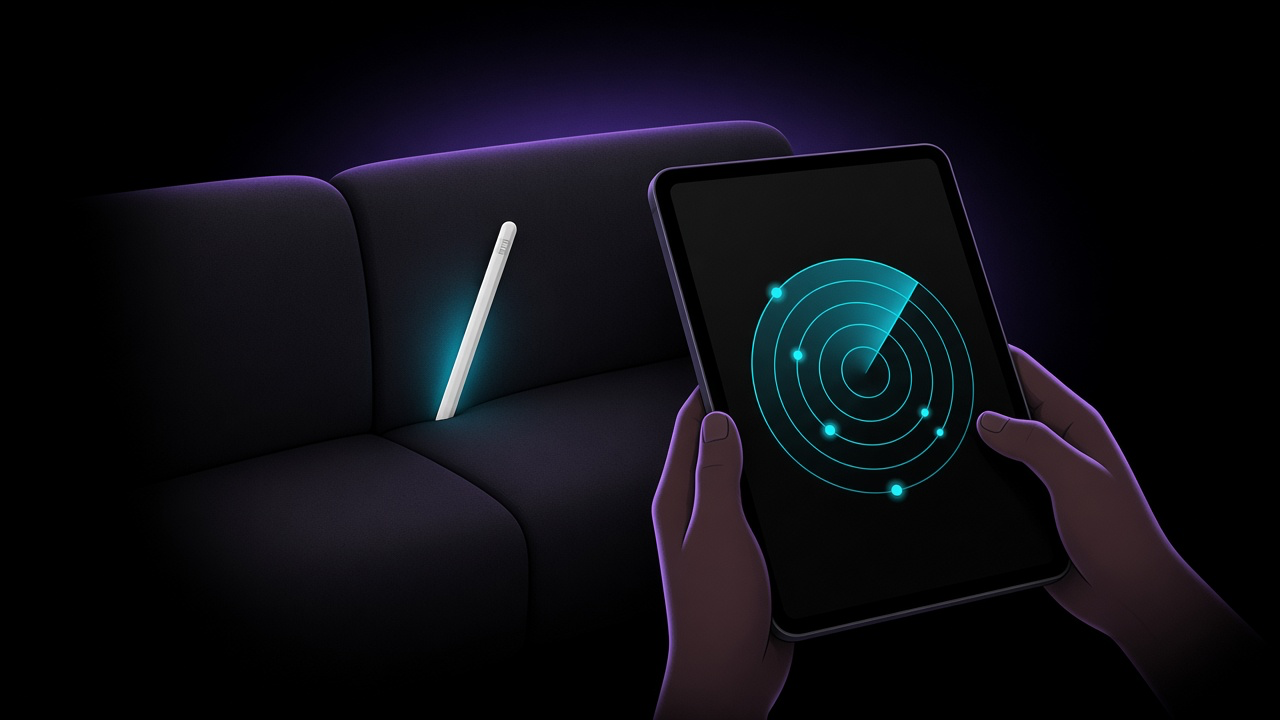
When the brand app only tells you "nearby", a signal-strength scanner tells you whether you are getting warmer or colder. Google's own Fitbit help page suggests exactly this: try a Bluetooth locator app.
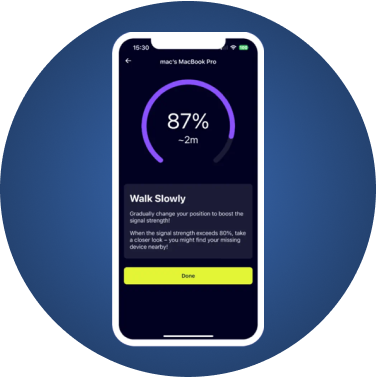
- Open a Bluetooth scanner such as FindMyGear.
- Find your device in the list. Wearables usually broadcast under their model or brand name.
- Tap it and walk slowly, room by room. The reading climbs as you get closer.
- When it peaks, search by hand at floor level and in soft furnishings.
Walk slowly and pause between steps so the reading can settle. The signal passes through floors and ceilings, so a strong reading can mean the device is directly above or below you, not just in front of you.
Where Lost Wearables Usually Turn Up
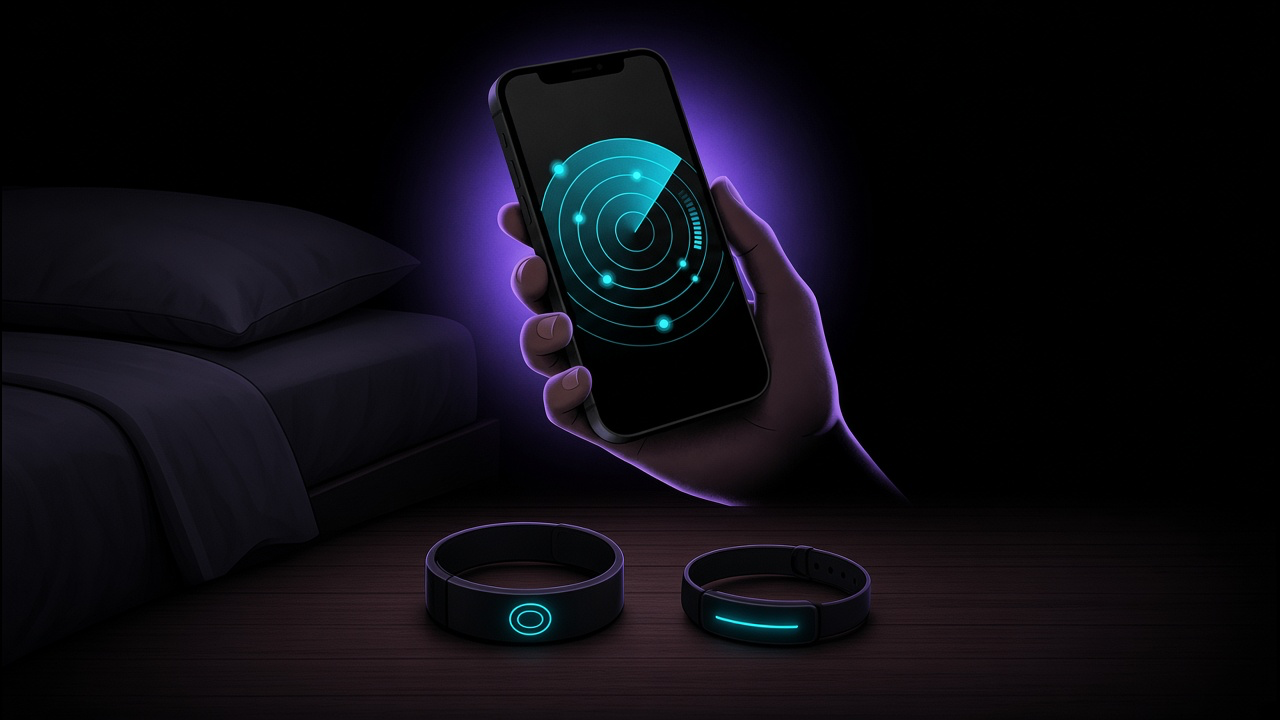
- In bed. Rings and bands slip off at night: between the mattress and the frame, inside pillowcases, under the bed.
- In the laundry. Check pockets, the hamper, sleeves of hoodies, and the drum of the washing machine before you run it.
- At the gym. Locker rooms, bag pockets, and the area around the machines you used.
- In the car. Under seats and in the gap between the seat and the centre console.
- Outdoors. Rings slip off cold or wet fingers more easily. Retrace any walk or run where your hands got cold.
When Locate Says "Not Working"
If the Oura app's map is empty or out of date, check the basics Oura lists: Location Services allowed for the Oura app, and your phone not in low battery mode. The map also shows each device's connection status, so a ring that is sitting on its charger shows as in charger rather than lost. If the ring is out of battery, no Bluetooth search will find it, and the last known location on the map is your only lead.
Make the Next Loss Easier
- Keep the battery topped up. A wearable with charge can be found; a dead one can only be searched for.
- Turn on location access for your wearable's app now, so the next loss comes with a last known location.
- Pick a charging spot and use it every time. Many lost rings and bands are simply left next to a charger in another room.
- Install a scanner before you need it, so you are not downloading one while the battery drains.
What FindMyGear Can and Can't Do Here
FindMyGear shows the Bluetooth devices broadcasting around you, wearables included, with a reading that rises as you get closer. It works without any account or pairing, and it can help with brands that have no finder of their own.
It cannot find a device whose battery is dead, show where a wearable was hours ago, or make a band or ring play a sound.