The Growing Concern of Tracker Stalking
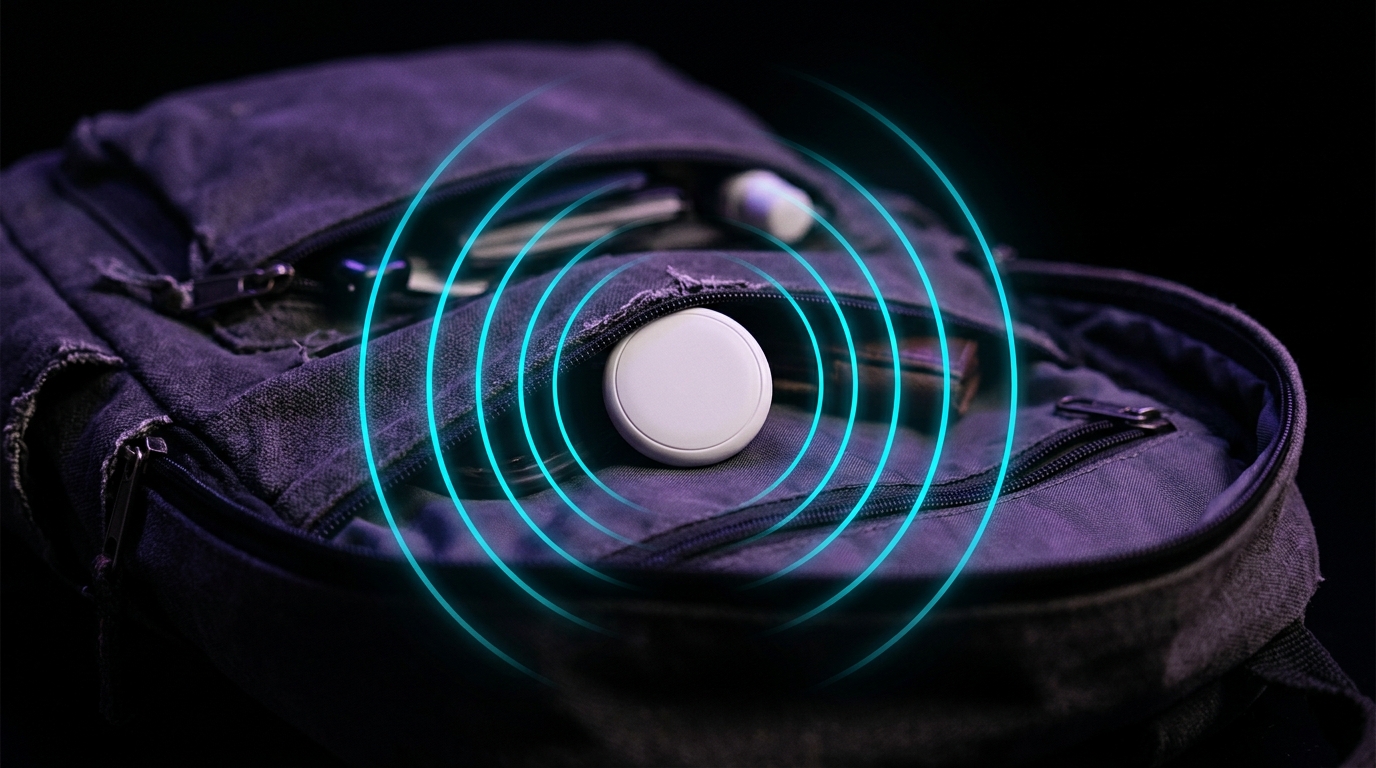
AirTags and similar Bluetooth trackers have become a double-edged sword. While they're incredibly useful for finding lost items, they've also been misused for unwanted tracking. Reports of AirTags being hidden in bags, cars, and personal belongings have raised serious privacy concerns.
The hardware keeps changing, too: the second-generation AirTag is louder and harder to mute than the original, which changes how you go about finding one.
How Hidden Trackers Work
Bluetooth trackers like AirTags emit periodic Bluetooth signals that can be detected by nearby devices. Understanding this technology is key to protecting yourself:
- AirTags broadcast every 15 minutes when stationary
- Tile trackers use similar Bluetooth Low Energy (BLE) signals
- SmartTags from Samsung work on the same principle
- Unknown trackers may not have built-in safety features
Method 1: Use a Bluetooth Scanner App
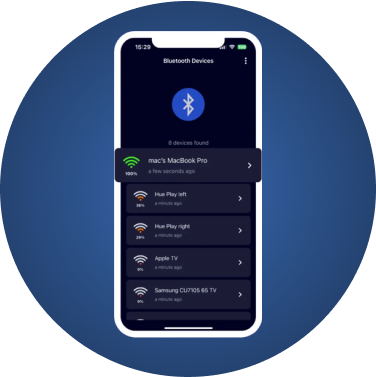
The most effective way to detect hidden trackers is using a Bluetooth scanning app like FindMyGear. Here's how:
Step-by-Step Detection:
- Open FindMyGear on your iPhone
- Enable Bluetooth scanning
- Look for unknown devices in the list
- Pay attention to devices that follow you (appear consistently)
- Check signal strength to locate the device
Method 2: Listen for AirTag Sounds
Apple added a safety feature that makes AirTags play a sound when separated from their owner:
- After 8-24 hours of separation, AirTags beep
- The sound is intentionally quiet, so listen carefully
- Check bags, car compartments, and clothing pockets
Not every beep is a tracker, though. Our guide to why an AirTag beeps explains the harmless reasons and how to tell them apart.
Method 3: Check Your iPhone Notifications
If you have an iPhone, Apple's built-in detection will alert you:
- "Found Moving With You" notification
- Tap to see the tracker on a map
- Option to play a sound on it
Since iOS 17.5 this covers third-party tags as well, not just AirTags — Tile, Chipolo and Samsung SmartTag included, under the Detecting Unwanted Location Trackers industry specification.
Limitation: the alert is passive. It arrives only after the tracker has travelled with you for a sustained period, and iOS offers no way to scan on request. That timing gap is covered in detail in why your iPhone cannot scan for trackers on demand.
Why FindMyGear is Essential for Safety
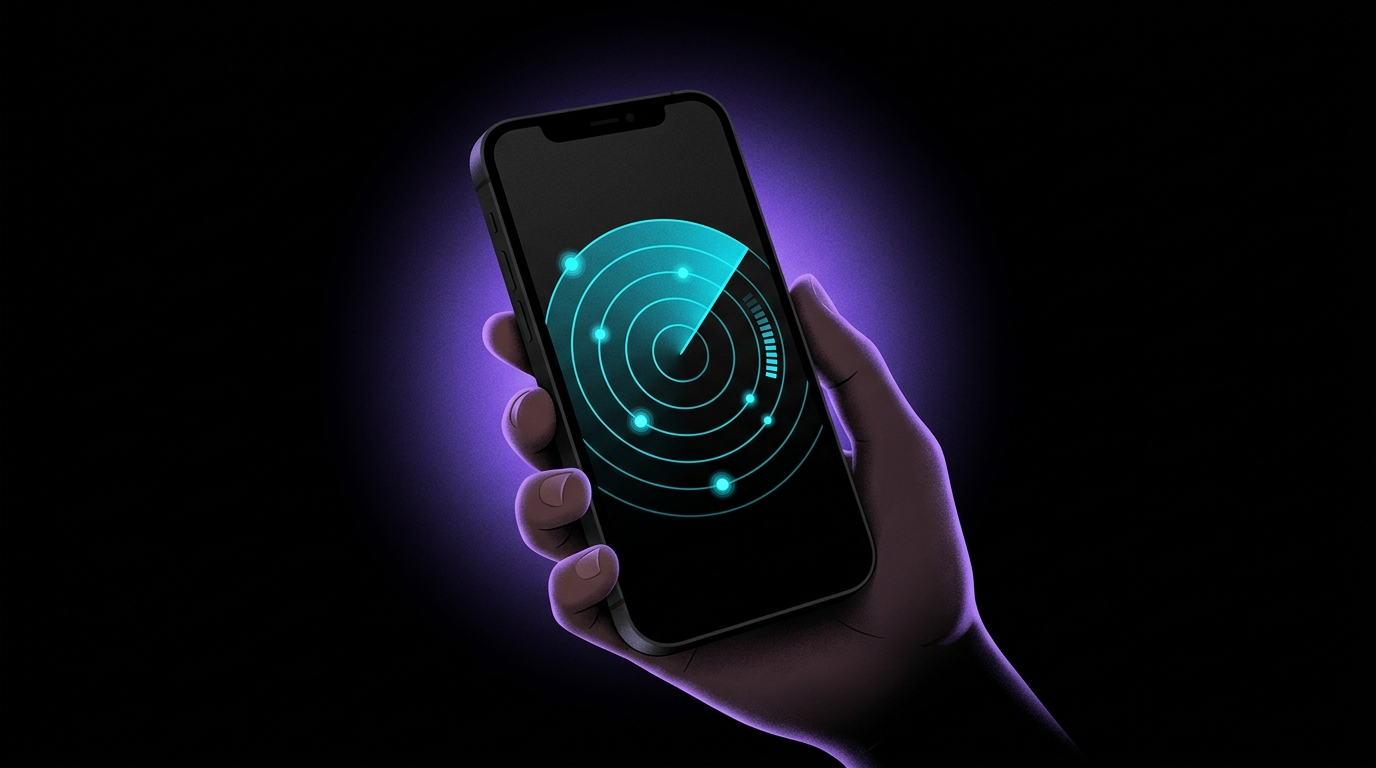
Apple's alerts answer the slow question. FindMyGear answers the immediate one, showing every Bluetooth device broadcasting around you right now:
- Trackers of any brand, Apple or not
- Generic BLE trackers with no safety features of their own
- Unknown or custom tracking devices
- Any Bluetooth-emitting device
Warning Signs You're Being Tracked
Watch for these red flags:
- Repeated "unknown device" alerts in the same location
- Unfamiliar Bluetooth devices appearing in your car or bag
- AirTag sounds coming from your belongings
- Consistent signal from the same device across different locations
What to Do If You Find a Hidden Tracker
If you discover an unwanted tracker:
- Document it - Take photos and note the location
- Don't destroy it - This is evidence
- Contact local police - Tracking someone without consent is illegal in most places
- Disable it when it is safe - The owner will see it go offline, so plan this step
- Check for more - There might be multiple trackers
For the full step-by-step, see found an AirTag tracking you? what to do in the first hour.
Protect Yourself Proactively
Take these steps to stay safe:
- Scan regularly - Check your belongings weekly
- Scan after dates or meetings with new people
- Check your car - Popular hiding spots include wheel wells and under seats; our car checklist covers the rest
- Use FindMyGear - Real-time Bluetooth scanning catches trackers fast
Conclusion
In an era of increasing digital surveillance, knowing how to detect hidden trackers is an essential safety skill. With tools like FindMyGear, you can scan for any Bluetooth device and protect your privacy. Stay vigilant, scan regularly, and don't hesitate to contact authorities if you find evidence of stalking.