Your Bag Knows Where It Is. Now the Airline Can Too.
For years, travellers with a tracker in their suitcase had a frustrating experience: they could see their bag sitting in a warehouse on a map, and the airline desk could do nothing with that information.
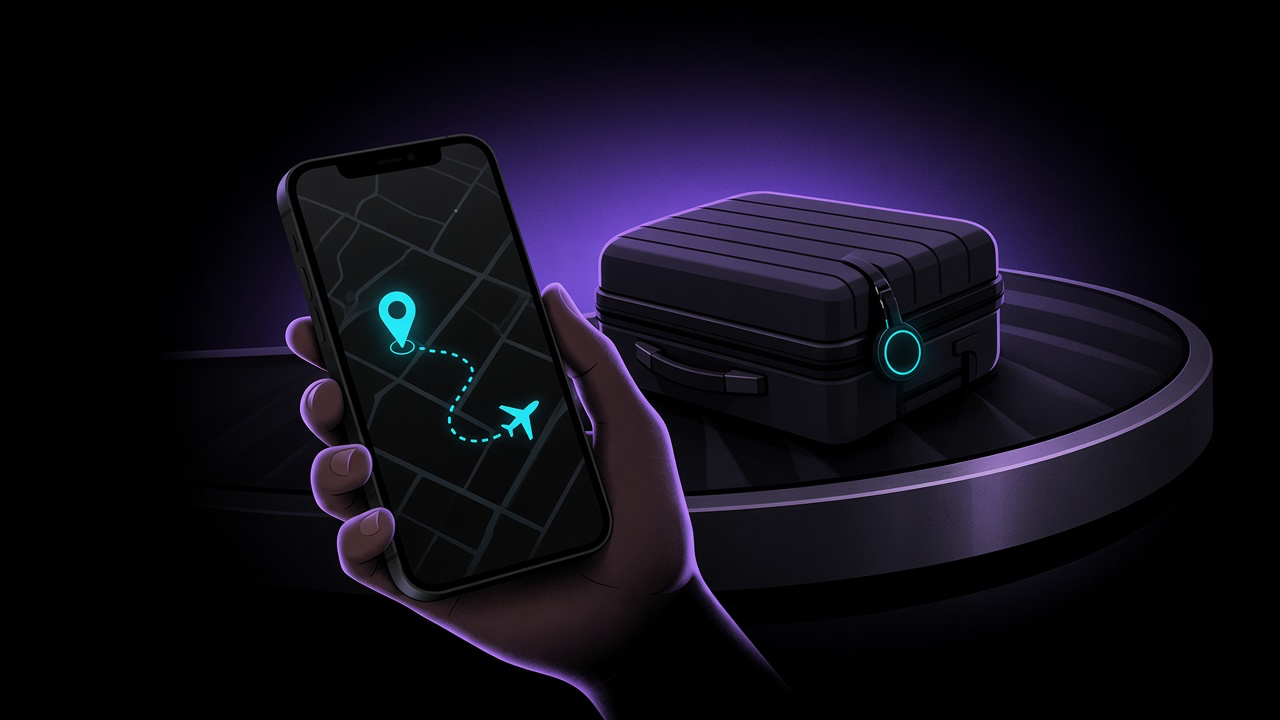
That has changed. Since iOS 18.2, Apple's Share Item Location creates a temporary link that airline staff can open to see where your bag is. In January 2026 Apple said 36 airlines accept these links. In March 2026 Google added the same capability to Android's Find Hub, with more than ten airlines on board and integration into WorldTracer and NetTracer, the systems airlines use to trace bags.
With the holiday travel season coming, here is how to set it up before you fly and what to do when the carousel stops turning.
Before You Fly
Yes, you can put an AirTag in a checked bag
Under FAA rules, bag trackers powered by lithium metal cells are allowed in checked luggage if the battery contains no more than 0.3 grams of lithium, and the FAA advises checking with your airline. When Lufthansa briefly questioned trackers in 2022, the FAA confirmed that AirTags meet that limit, and Lufthansa reversed its position.
Pack it properly
- Fit a fresh battery before a long trip. A tracker with a dead battery reports nothing.
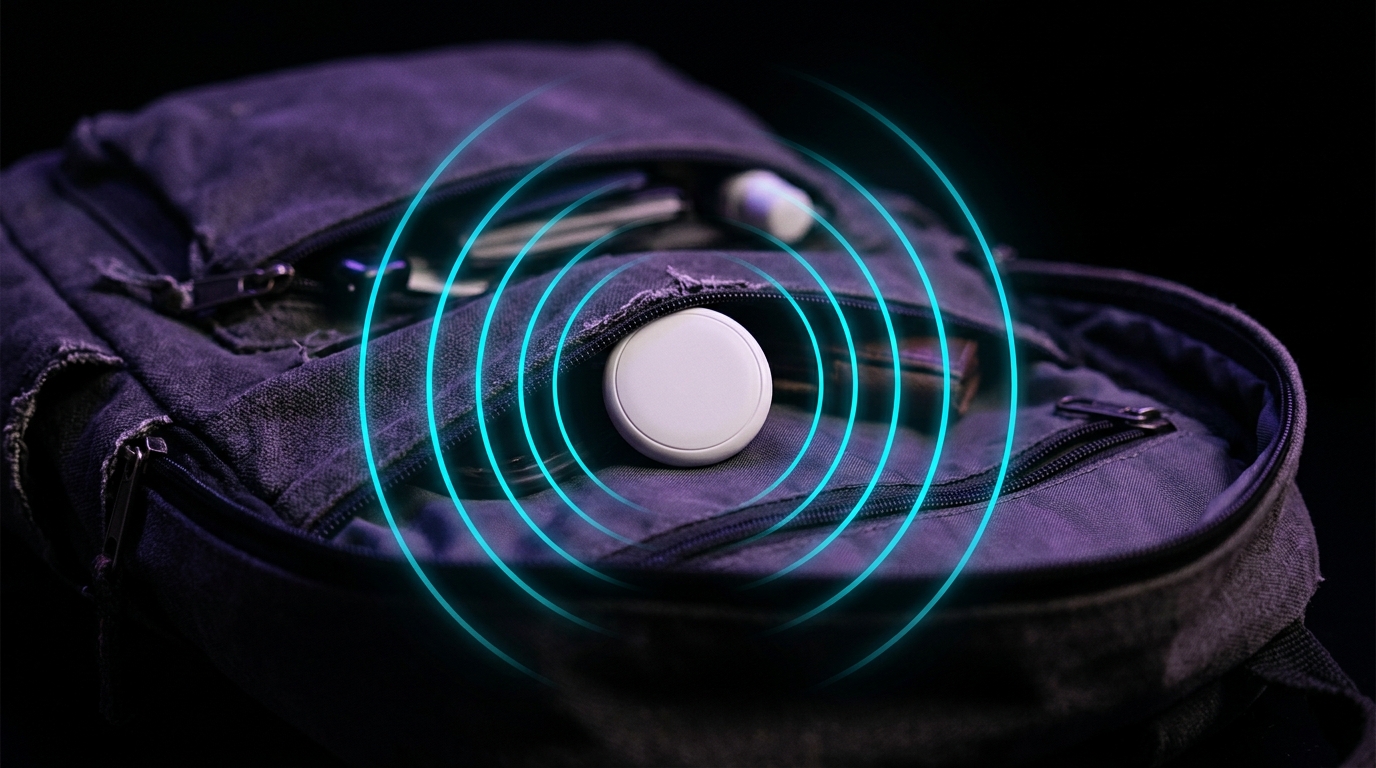
- Put it inside the bag, in a zipped inner pocket, rather than on an outside luggage tag that can be torn off.
- Give it a clear name in Find My or Find Hub, such as "Blue suitcase", so you can pick it out quickly under stress.
Travelling with family? Share the tag
If a partner or child carries a bag with your AirTag in it, their iPhone will warn them that an unknown AirTag is travelling with them. That is the anti-stalking system working as designed, but it is alarming in an airport.
The fix is to share the AirTag in Find My. It can be shared with up to five people, and Apple says that unwanted tracking notifications are suppressed for everyone in the sharing group because they can all see its location. If someone leaves the group, the alerts resume.
When Your Bag Doesn't Arrive
On iPhone
- Report the bag as delayed first. Go to the airline's baggage desk or form and get your file reference number.
- Create the link. Open Find My, tap Items, select the tracker in the missing bag and tap Share Item Location. Copy the link.
- Give it to the airline. Delta, for example, asks you to paste the link into its bag tracking form along with your bag tag number and confirmation number, or into a dedicated field in the Fly Delta app.
According to Apple's announcement, access to each link is limited to a small number of people, who must sign in to view it. Sharing stops as soon as you are reunited with the bag, after seven days, or whenever you end it.
The feature works with AirTag and with other accessories built for Apple's Find My network, such as the Find My versions of Chipolo and Pebblebee tags.
On Android
Open Find Hub, select the tag in the missing bag and tap "Share item location". Paste the secure link into the airline's app or website. Google says links expire after seven days and stop as soon as your phone detects the item is back with you.
Which airlines accept the link?
Apple Find My — the 36 airlines Apple listed in January 2026: AJet, Aer Lingus, Air Canada, Air France, Air India, Air New Zealand, American Airlines, Austrian Airlines, Breeze Airways, British Airways, Brussels Airlines, Cathay Pacific, China Airlines, Condor, Copa Airlines, Delta, Eurowings, Finnair, Flair Airlines, Iberia, JetBlue, KLM, LATAM Airlines, Lufthansa, Pegasus Airlines, Porter Airlines, Qantas, Saudia, Singapore Airlines, SunExpress, SWISS, Turkish Airlines, United, Virgin Atlantic, Vueling and WestJet.
Google Find Hub — at launch in March 2026: AJet, Air India, China Airlines, the Lufthansa Group (Lufthansa, Austrian Airlines, Brussels Airlines and SWISS), Saudia, Scandinavian Airlines and Turkish Airlines, with Qantas to follow.
Lists change, so check your airline's baggage page before you travel.
Finding the Bag Once You're Close
The map gets you to the right airport or warehouse. The last few metres are a different problem, and the tools depend on your tracker:
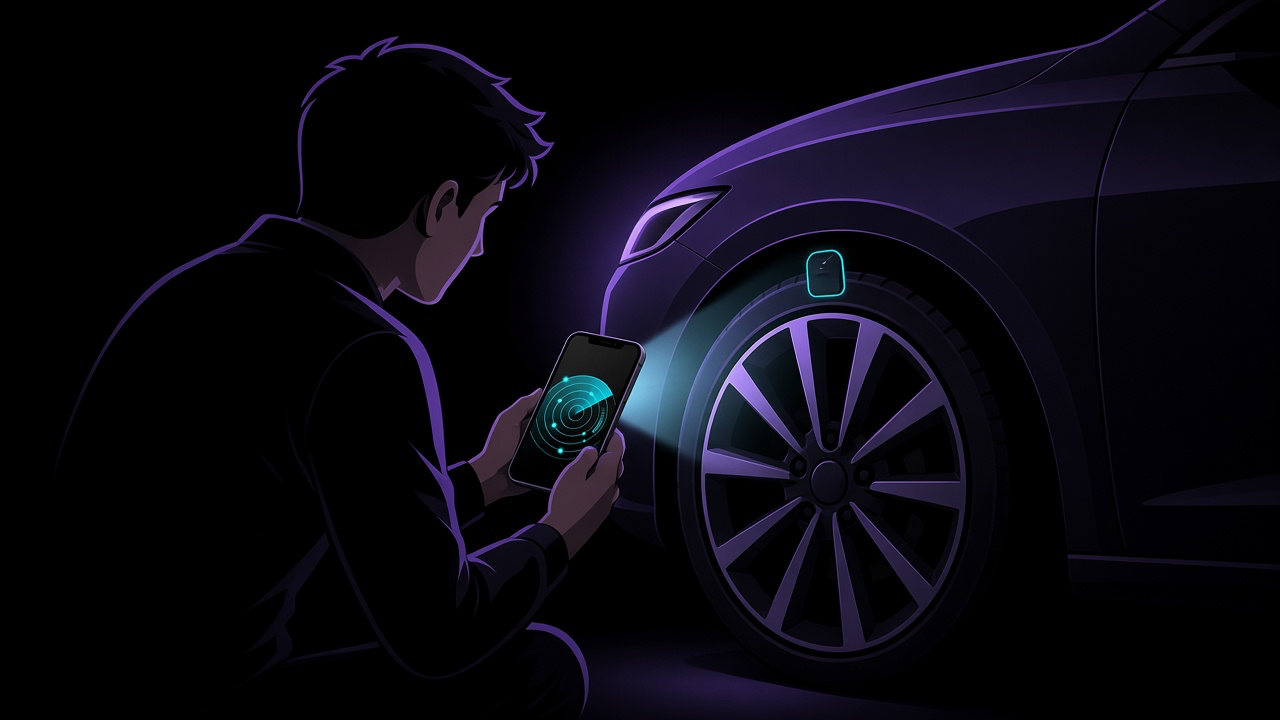
- AirTag with a recent iPhone: Precision Finding uses ultra-wideband to point you towards the tag with an arrow and a distance.
- Chipolo and Pebblebee: these tags have no ultra-wideband, as both Chipolo and Pebblebee-features-and-compatibility-2261758) confirm. Rely on their loud built-in speaker instead.
- Any tracker: play a sound. In a room full of bags, sound often beats a map.
Where FindMyGear Helps on a Trip
A luggage tracker covers the bag. FindMyGear covers the smaller things that go missing on the way:
- Earbuds and headphones left at the gate, in a lounge or between hotel sheets show up in a scan with their names, and signal strength tells you if you are getting warmer. Our guide to finding lost Bluetooth devices at airports and hotels walks through it.
- An unexpected tracker alert on the road. First rule out a family member's tag you have not shared. If that is not it, scan for yourself — see why your iPhone can't scan for trackers on demand.
- A new hotel room. A quick check for Bluetooth-connected cameras is part of our hidden camera guide.
Pack a tracker in the suitcase and keep a scanner in your pocket, and you have most of what can go missing on a trip covered.