The Short Answer
A Garmin watch can't be tracked on a map like an AirTag or an Apple Watch: it has no crowd-finding network behind it. What you can do depends on distance:
- Nearby (the same room or the next one): open Garmin Connect on your phone and use Find My Device. The watch beeps and vibrates until you press a button.
- Somewhere in the house or garden, but out of range: walk around with your phone and follow the Bluetooth signal until Find My Device connects.
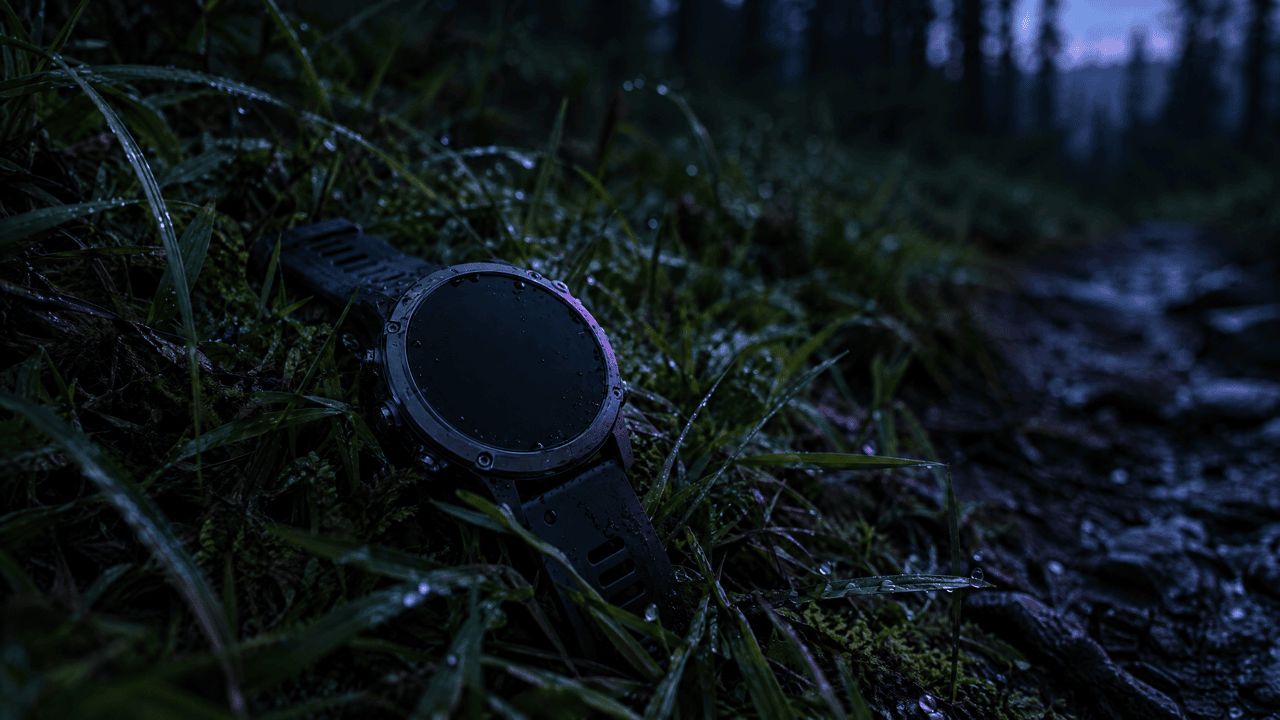
- Lost on a run, ride or hike: use the last synced activity and the last sync time in Garmin Connect to work out where it came off.
If the battery is dead, nothing can make it beep or show up on a scan, and it's down to a careful search by hand.
Step 1: Use Find My Device in Garmin Connect
Garmin's own manual describes the steps. The watch has to be within range of the phone it's paired with:
- Open the Garmin Connect app on your phone.
- Open the menu and go to Garmin Devices.
- Select your watch.
- Tap Find My Device.
The phone searches for the watch, and when it connects, the watch vibrates and beeps until you press a button on it, according to Garmin. Then tap OK in the app.

If Find My Device can't connect
- The watch is out of Bluetooth range. Walk slowly through each room, garden and car with the app open, and try again every few metres.
- Bluetooth is off on the phone, or the Garmin Connect app is closed in the background. Turn Bluetooth on and reopen the app.
- The watch is paired to another phone. Only the paired phone can find it.
- The battery is flat. A dead watch sends nothing. Skip to the search tips below.
Step 2: Check the Last Sync and Your Last Activity
If the watch isn't nearby, Garmin Connect can still tell you when and roughly where you last had it.
- Last sync time. On the device page in Garmin Connect, the last sync shows when the watch was last connected to your phone over Bluetooth. If it synced at 18:40 and you got home at 19:00, it came off somewhere in between.
- Your last synced activity. If you lost it during a run, ride or hike, open the last activity that made it to the app. Its map shows where you were the last time the watch saved and synced; if the watch came off later, start your search from where that route ends.
Garmin Connect has no map that shows where a lost watch is right now, only these clues. LTE models such as the fēnix 8 Pro can share a live position with LiveTrack, but only while the wearer has it running.
Don't mix it up with Find My Phone
Many Garmin watches have the opposite feature: if you lose your phone during a GPS activity, the watch stores the spot where the phone disconnected and can guide you back to it, Garmin explains. That helps find a phone, not a watch.
Step 3: Follow the Bluetooth Signal
A Garmin watch talks to your phone over Bluetooth Low Energy. A Bluetooth scanner app on your iPhone can show nearby devices and how strong each signal is, which turns the search into a game of hot and cold:
- Open the scanner and look for your watch. If it broadcasts a name, it may show up under its model name; otherwise look for a device whose signal changes as you move.
- Walk in one direction for a few metres. If the signal gets stronger, keep going; if it gets weaker, turn around.
- When the signal is at its strongest, search that spot slowly: under cushions, in bags, between car seats.
- Once you're close, try Find My Device again so the watch beeps.
FindMyGear does exactly this on iPhone: it lists the Bluetooth devices around you and shows a live signal reading that rises as you get closer. It only works while the watch has battery and is broadcasting, and it won't help if the watch is far away.
Where Lost Garmin Watches Usually Turn Up
- Gym bag, kit bag, or the pocket of a jacket you took off after training
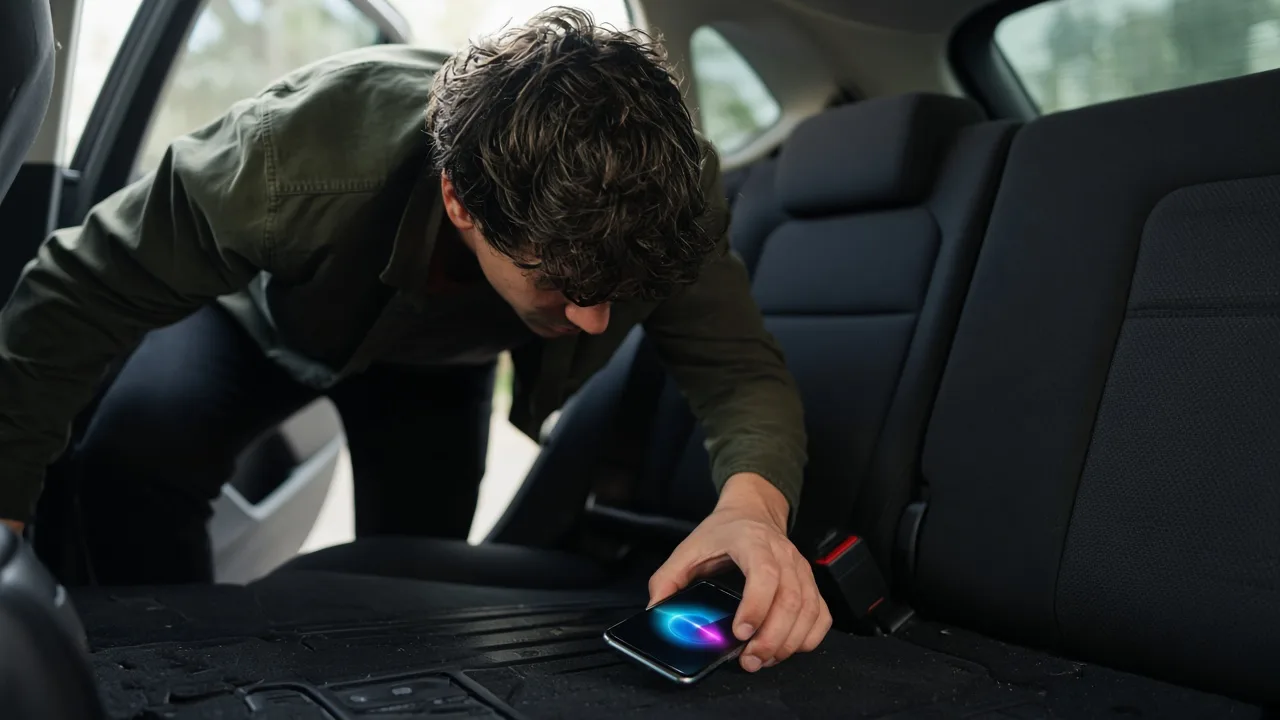
- The car: between and under the seats, in the door pocket, near the gear stick
- Next to the charger, or wherever you charged it last
- The shower, sauna or changing room at the pool or gym
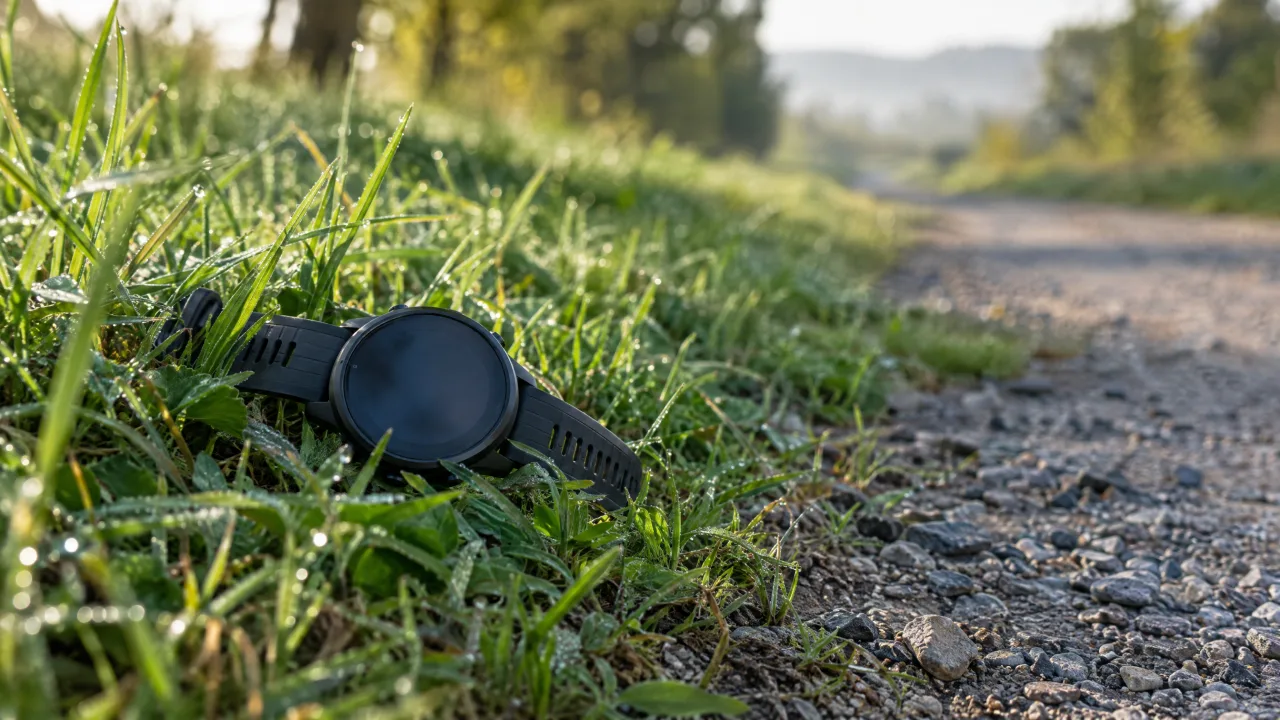
- On the trail or route: where you stopped, stretched, tied your laces or took a photo
- The bedroom: under the pillow or in the bedding, if you wear it for sleep tracking
If It's Gone for Good
- Report it to the gym, the venue, the race organiser or local lost property, with the model and band colour.
- Remove it from Garmin Connect only once you're sure it's gone. A found watch can be returned more easily if you can prove it's yours, so keep the serial number from the box or the device page.
- Check your insurance. Some home and travel policies cover lost watches.
Make the Next Loss Easier
- Turn on notifications for disconnection if your watch supports a phone-connection alert, so you notice straight away when the watch and phone separate.
- Keep the battery topped up. A watch with charge can beep and broadcast; a dead one can't.
- Use a band with a tracker slot if you often train outdoors. An AirTag or another tracker in the band adds the crowd-finding Garmin itself doesn't have.