The Short Answer
- Can you use a Pixel Tag with an iPhone? No. It is built for Google's Find Hub and sets up with Android phones.
- Will your iPhone notice someone else's Pixel Tag moving with you? It should. iPhones running iOS 17.5 or later alert you to unknown trackers built to the cross-platform standard that Find Hub tags follow.
- Can you check for one on demand on an iPhone? Not with built-in tools, which is where a Bluetooth scanner helps.
What Google Announced
Google announced the Pixel Tag in August as its first finder tag. The key details from Google:
- On sale from 11 November, at $29 for one or $99 for a four-pack. The Verge notes that this is the same pricing as Apple's AirTag 2.
- It uses the Find Hub network, which Google's store page describes as a global network of over 1 billion Android devices.
- Water-resistant, with a user-replaceable battery that Google rates for up to a year.
- Precision finding with visual distance and direction cues, using ultra-wideband and Bluetooth Channel Sounding on compatible phones.
- You can share a tag with up to 10 people.
Precision finding depends on your phone. According to The Verge, Channel Sounding needs a Pixel 10 or later, while UWB needs a Pro model, and even the base Pixel 11 lacks UWB.
Why It Won't Work With Your iPhone
Google's store page lists Android phones running Android 9 and later, and setup goes through Android's Fast Pair. There is no iPhone app for Find Hub, so an iPhone cannot set up a Pixel Tag, see it on a map or ring it as its owner.
If you are on iPhone and want a tracker for your keys or bag, the equivalent is an AirTag or another tag made for Apple's Find My network. We cover how the latest model changed in what changed with the second-generation AirTag.
Will Your iPhone Detect Someone Else's Pixel Tag?
This is the question that matters for safety, and the answer comes from a standard Apple and Google built together.
In May 2024, the two companies launched Detecting Unwanted Location Trackers, a specification that lets iPhones and Android phones alert users to an unknown tracker moving with them, regardless of which platform the tracker is paired with. Apple added it in iOS 17.5. When it triggers, you see an "[Item] Found Moving With You" alert, and your iPhone can show the tracker's identifier, make it play a sound and give you instructions to disable it.
Google has said that tags built for its network are compatible with unknown tracker alerts across Android and iOS. The Pixel Tag is a Find Hub tag, so it should fall under the same system. We will confirm how the alerts behave once the tag is on sale.
To make sure your iPhone can alert you, Apple's personal safety guide lists the settings to check: Location Services on, Find My iPhone on under System Services, Bluetooth on, Tracking Notifications allowed, and airplane mode off.
The Gap: Alerts Take Time, and iPhone Has No Manual Scan
Unknown tracker alerts are designed to fire when a tracker has been moving with you over time, not the moment it comes near you. That avoids false alarms from your partner's keys, but it also means a tag can travel with you for a while before you hear about it.
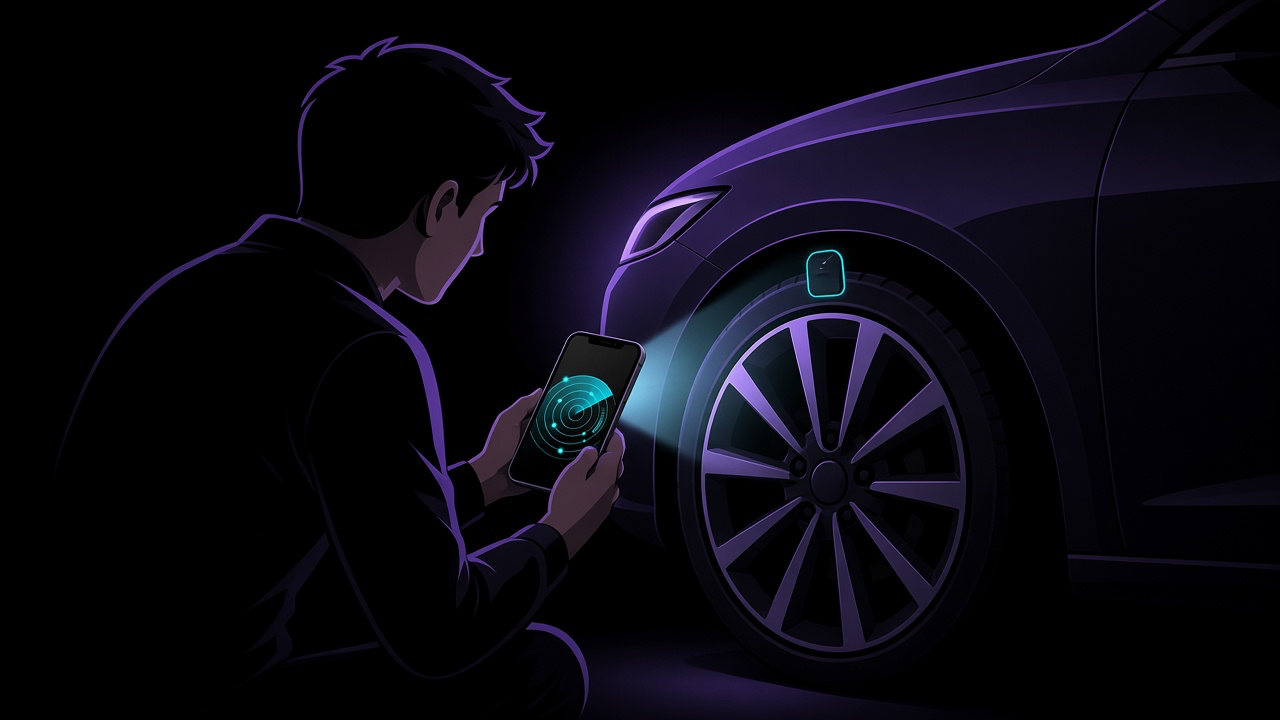
Android has a manual scan for unknown trackers. iPhone does not, as we explain in why your iPhone can't scan for trackers on demand. If you want to check your car or bag right now, you need a Bluetooth scanner.
Pixel Tag vs AirTag 2, Briefly
- Price: the same, $29 or $99 for four.
- Network: Pixel Tag uses Google's Find Hub; AirTag uses Apple's Find My.
- Phone: Pixel Tag needs Android; AirTag needs an iPhone or iPad.
- Unwanted tracking alerts: both are designed to alert people on the other platform too.
If you have an iPhone, the choice is made for you. If your household mixes iPhones and Android phones, buy each person the tag that matches their phone.
What FindMyGear Can and Can't Do Here
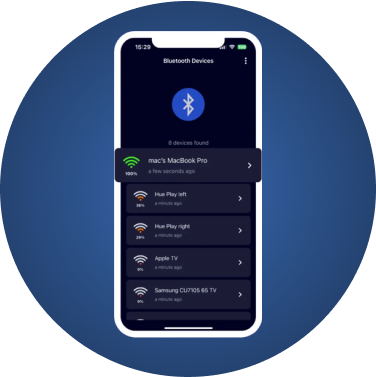
FindMyGear shows the Bluetooth devices broadcasting around you right now, with a signal reading that rises as you get closer. That lets you sweep a car or bag on demand, which the iPhone cannot do by itself, and narrow down where an unknown device is hidden.
It cannot tell you who owns a tag, because trackers broadcast rotating identifiers, and it cannot see trackers that use cellular networks instead of Bluetooth. If you find a tag you don't recognise, follow our guide on what to do in the first hour after finding a tracker.