A Car Is the Easiest Thing to Track
A car goes everywhere you go, it is parked unattended for hours, and it has dozens of hiding places. That makes it the most common target for covert tracking.
A complaint filed against Apple in September 2026 shows how this plays out. A Louisiana woman says an AirTag was hidden under several inches of duct tape inside her truck bed, and that her Android phone only warned her after it had been tracking her for roughly two weeks, according to the complaint as announced by her lawyers. Those are allegations, not findings. But a two-week gap between placing a tag and an alert arriving is exactly why it is worth checking yourself.
Three Kinds of Car Tracking
Before you start, know what you are looking for, because each type needs a different method.
- Bluetooth tags — AirTag, Tile, Samsung SmartTag, Chipolo. Small, cheap and battery-powered, they report their position through passing phones. Phone alerts and Bluetooth scanners can detect them.
- Cellular GPS trackers — devices with their own SIM card that report over the mobile network. Some are magnetic battery boxes, some plug into the car's diagnostic port, some are wired in. They do not use Bluetooth, so phone alerts and Bluetooth scanners will not see them.
- The car itself — modern connected cars report their location to the manufacturer's app. Anyone with access to that account can see where the car is. There is no device to find at all.
Step 1: The Two-Minute Bluetooth Sweep
Start here, because it is fast and it covers the most common type.
First make sure the built-in protection is on. On Android you can also run a manual scan from Settings, then Safety & emergency, then Unknown tracker alerts. iPhone has no manual option, which is the gap covered in why your iPhone can't scan for trackers on demand.
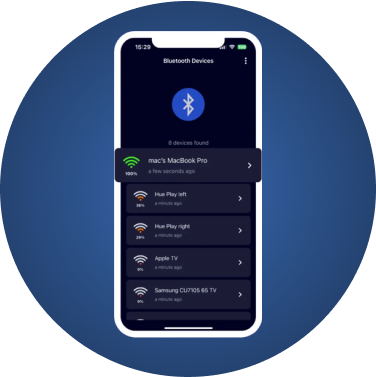
With FindMyGear:
- Cut the noise. Turn off your own earbuds and watch, and disconnect the phone from the car stereo.
- Scan inside the car with the doors closed. Note any unfamiliar device, especially an unnamed one with a strong signal.
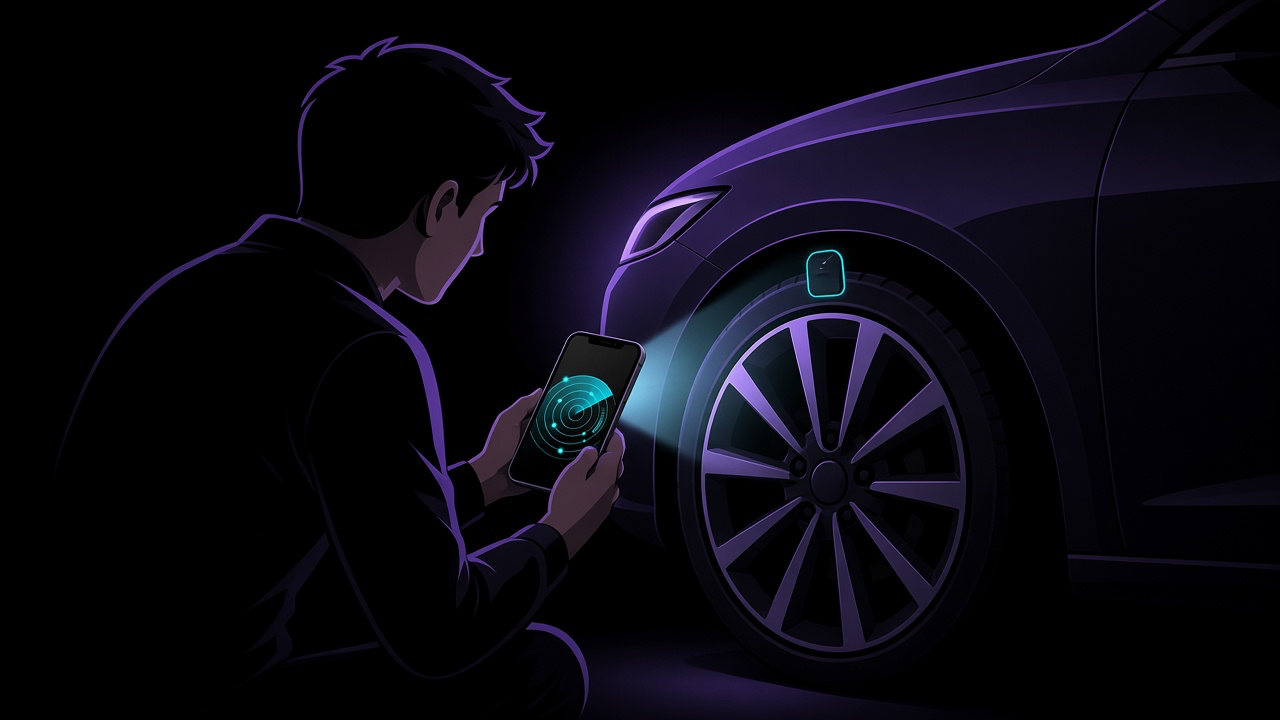
- Walk around the outside slowly. Pause at each wheel, at both bumpers and at the boot, and watch the signal strength. A device whose signal peaks at one corner of the car tells you where to search.
Signal strength is a rough guide, not a ruler — our explainer on RSSI covers why. And an unnamed device is not automatically a tracker; unknown Bluetooth devices explained lists the usual innocent culprits.
Step 2: The Physical Search
A scan narrows things down. Your eyes and hands finish the job, and they are the only way to find a cellular unit. Go in daylight, with a torch and ideally a small inspection mirror. If you are worried about your safety, do not do this alone somewhere isolated.
Outside
- Inside all four wheel arches, behind the plastic liners where possible
- The inner lip of the front and rear bumpers
- Along the frame rails underneath the car — magnetic boxes stick to metal
- Around the tow hitch and the rear number plate
Inside
- Under both front seats and along the seat rails
- Seat-back pockets, door pockets, the glovebox and centre console
- Under the floor mats and the boot floor
- The spare wheel well and the side compartments in the boot
Under the dashboard
- The diagnostic (OBD-II) port, usually near the steering column. A plug-in device here that you did not fit, and that your mechanic or insurer cannot explain, deserves a closer look.
Leave anything wired into the car's electrics to a mechanic or auto electrician, and do not pull at panels marked "airbag".
Is It Actually a Tracker?
Not every unfamiliar box is sinister. Legitimate trackers are common:
- Insurance telematics dongles for usage-based policies
- Finance or lease companies, some of which fit GPS units to financed cars
- Employers, for fleet and company vehicles
- Dealers and previous owners, through anti-theft systems nobody mentioned
Check your insurance and finance paperwork, and call the provider if a tracking company is named. If nobody can account for the device, treat it as unwanted.
The Tracker No Scanner Will Find: Your Car's App
This is the part most guides skip. A connected car can be tracked through its manufacturer's app by anyone who has the login or is listed as a driver — with nothing hidden on the car at all.
In December 2023 The New York Times reported that abusive partners were using these apps to track and harass survivors, especially where the car was co-owned or shared. In April 2024 the US Federal Communications Commission proposed rules under the Safe Connections Act to help survivors cut an abuser's access to connected-car services, noting that survivors may have only limited ability to remove an abuser from a car's data services.
What you can check:
- The manufacturer app. Look for lists of drivers, linked accounts, shared digital keys or "guest" users you do not recognise.
- The account itself. Change the password, check which email address and phone number it uses, and sign out of other sessions.
- The manufacturer or dealer. Ask them to review who has access, or to reset the car's connected services. If the car is co-owned, be prepared for that to take longer.
- Your phone plan. If you share a mobile plan with the person, carrier location features may also be in play. Under the FCC's Safe Connections Act rules, US carriers must separate a survivor's line from a shared plan within two business days of a valid request.
If You Find Something
Do not tear it off on the spot. Photograph it where it is, get somewhere safe, and then decide how to handle it. We walk through each step — reading an AirTag's serial number, preserving evidence, when to disable it and how to report it — in found an AirTag tracking you? what to do in the first hour.
What FindMyGear Covers, and What It Doesn't
FindMyGear finds Bluetooth trackers: it lists what is broadcasting around the car right now and helps you narrow down where the signal is strongest. It will not see cellular GPS units, wired trackers or the car's own connected services, and no Bluetooth app can. Use the scan for speed, the physical search for thoroughness, and the account checks for everything else.
This article is general information, not legal advice. Rules on vehicle tracking differ by country and state, and some tracking — by a lender or employer on a vehicle they own — can be lawful.