Why the First Hour Matters
Finding a tracker you did not put there is frightening, and the natural reaction is to rip it out and throw it away. That reaction can cost you the two things you will need most later: evidence, and a head start.
AirTag stalking is now a matter for the courts. In an August 2026 brief, Apple told a federal panel that it had settled 20 AirTag stalking lawsuits in two months, and new complaints kept arriving in September. The panel heard arguments on 24 September about whether to combine the remaining cases. That litigation is about what Apple should have done. This guide is about what you can do, today, in the order that protects you best.
One allegation from those cases is worth knowing. A complaint filed in Oregon alleges that Apple keeps the pairing information linking a tag to its owner for only a limited window before deleting it, as reported by OregonLive. The court has not tested that claim. Even so, it points to a sensible rule: report promptly rather than waiting to see what happens.
Step 1: Get Safe Before You Do Anything Else
If you believe the person who placed it could be dangerous — an ex, a partner, someone who has threatened you — your safety comes before the tracker.
- Go to a busy public place, a police station, or somewhere with people you trust.
- If you are in immediate danger, call emergency services.
- Keep in mind that while the tracker is active, its owner may be able to see where it goes.
If a current or former partner may be involved, a domestic violence advocate can help you plan the next steps safely. In the US that is the National Domestic Violence Hotline at 1-800-799-7233; most countries have an equivalent service.
Step 2: Leave It in Place and Photograph It
Before you move it, document it:
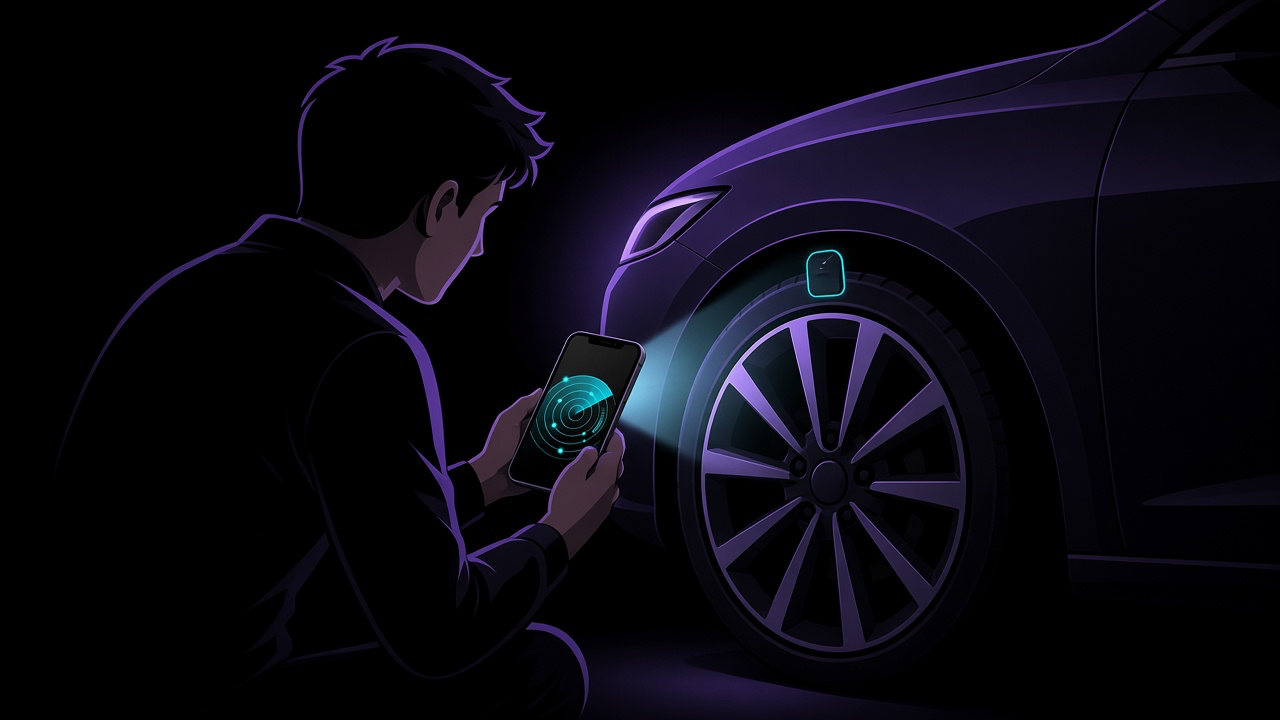
- A wide photo showing where it is — inside a wheel arch, a coat lining, the bottom of a bag
- A close-up of the device itself
- A note of the date, time and place you found it, and what made you look
If it arrived as an alert, the alert itself is evidence too. Screenshot it before you dismiss anything.
Step 3: Read the Serial Number Without Opening It
You do not need to take an AirTag apart to identify it. Apple's personal safety guide describes the method:
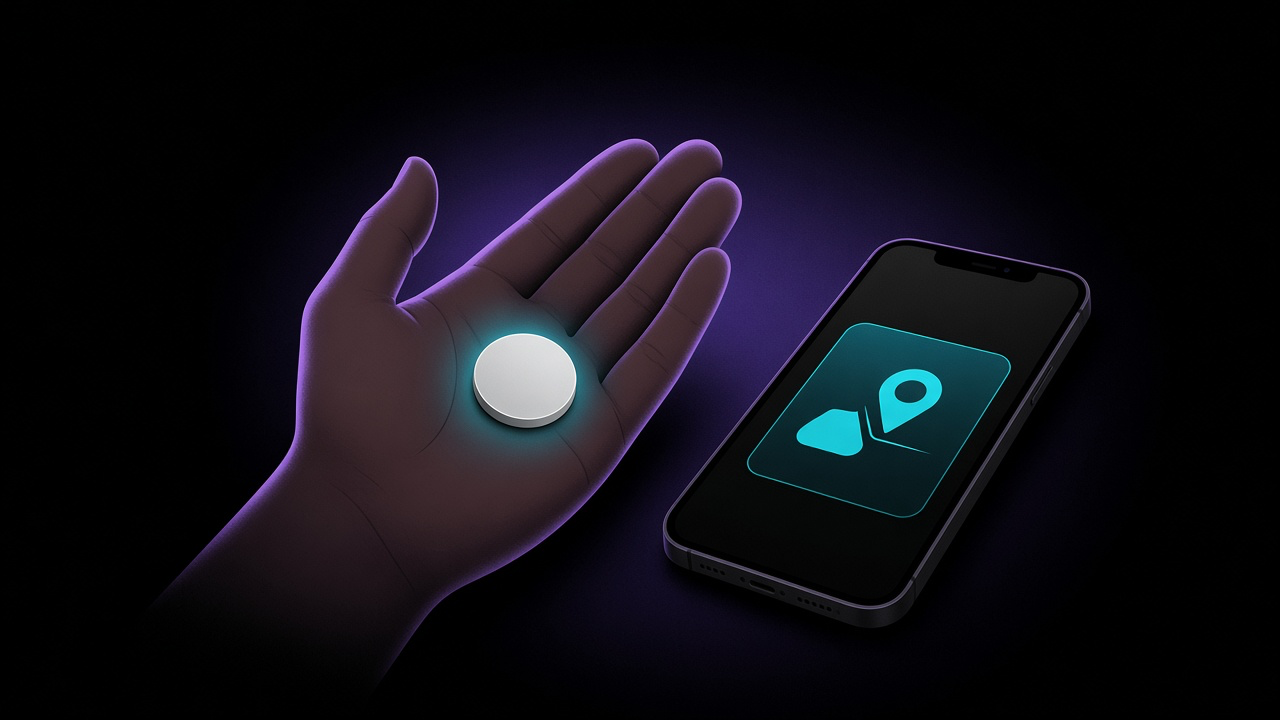
- Hold the top of your iPhone, or any NFC-capable Android phone, against the white side of the AirTag.
- Tap the notification that appears.
- A web page opens showing the serial number and the last four digits of the phone number, or a masked email address, of the person who registered it.
Screenshot that page. Those four digits may tell you immediately who you are dealing with.
Then capture your phone's own records:
- iPhone: open Find My, go to the Items tab and scroll to the bottom. Unknown Items Detected with You lists the items that recently triggered an alert, according to Apple's support article. Screenshot it.
- Android: go to Settings, then Safety & emergency, then Unknown tracker alerts, where previous alerts are listed. Do not switch the feature off: Google warns that doing so clears previous alerts permanently.
For other brands, look for a model or serial number printed on the case or under the battery cover, and photograph it.
Step 4: Decide Whether to Disable It — Deliberately
Disabling an AirTag is simple. Press down on the steel back, twist it counterclockwise, lift the cover off and remove the battery. Apple's own disable page confirms that once the battery is out, the owner can no longer see the tag's location.
Two things are easy to get wrong:
- Switching things off on your phone does not help. Apple states that turning off Bluetooth, Location Services or Find My on your iPhone does not stop the owner from seeing the tracker. Only disabling the tracker itself does.
- Disabling it is visible. The owner sees the tag stop updating. If the person behind it is controlling or violent, that signal can escalate things, which is why advocates generally recommend making a safety plan first.
There is no single right answer. A reasonable middle path: document everything, get somewhere safe, then disable it — ideally after you have spoken to the police or an advocate.
Step 5: Report It
Apple's guidance is blunt: using these products to track people without their consent is a crime in many countries and regions. When you go to the police, bring:
- The tracker itself, or at least its serial number
- Your photos and screenshots
- A short written timeline: when you found it, any alerts, anything odd before that
You cannot get the owner's identity from Apple yourself. Police can: Apple says law enforcement can request information tied to the device's serial number through its legal process. Ask for a report or reference number before you leave.
Step 6: Look for a Second One — and for Other Ways You Are Being Followed
One tracker does not mean only one. Sweep your car, bags and coats again. On Android you can run a manual scan from the Unknown tracker alerts screen; on iPhone there is no built-in option, which is the gap we explain in why your iPhone can't scan for trackers on demand.
Then think beyond Bluetooth tags:
- Shared accounts. Family Sharing, a shared Apple Account, or location sharing in Find My or Google Maps that you set up long ago.
- Your car's own app. Connected cars can report their location to anyone with access to the account — see how to check your car for a hidden tracker.
- Location sharing you cannot end yet. iOS 27 added a Hide Location option in Find My that pauses sharing with one specific person without notifying them; they simply see "No Location Found". Be aware that this message can itself be noticed.
What FindMyGear Can and Can't Do Here
FindMyGear shows every Bluetooth device broadcasting around you right now, with a signal strength reading that rises as you get closer. That makes it useful for the sweep in Step 6, and for checking again after you have removed one tracker.
It cannot tell you who owns a tracker, since tags broadcast rotating encrypted identifiers. It cannot see cellular GPS units, which do not use Bluetooth, or a tag whose battery is dead.
This article is general information, not legal advice. Laws on tracking, stalking and evidence differ by country and state; for your specific situation, speak to the police, an advocate or a lawyer.