First: Is It Your AirTag?
That one question decides everything else.
- It's yours, or a family member's: it is almost always one of the four harmless reasons below.
- You don't know whose it is: treat it as a possible tracker. Skip to the section on an AirTag that isn't yours.
Reason 1: You Just Put In a Battery
An AirTag plays a short sound when the battery connects. Apple's battery guide describes this as the sound indicating the battery is connected. If it beeped as you closed it up after a battery change, that's all it was.
Reason 2: Someone Played a Sound on It
The Play Sound option in Find My makes an AirTag chirp so you can find it. If you have shared an AirTag with family or friends, they can play a sound too. Ask around before assuming anything else.
Reason 3: It Has Been Away From Its Owner and Moved
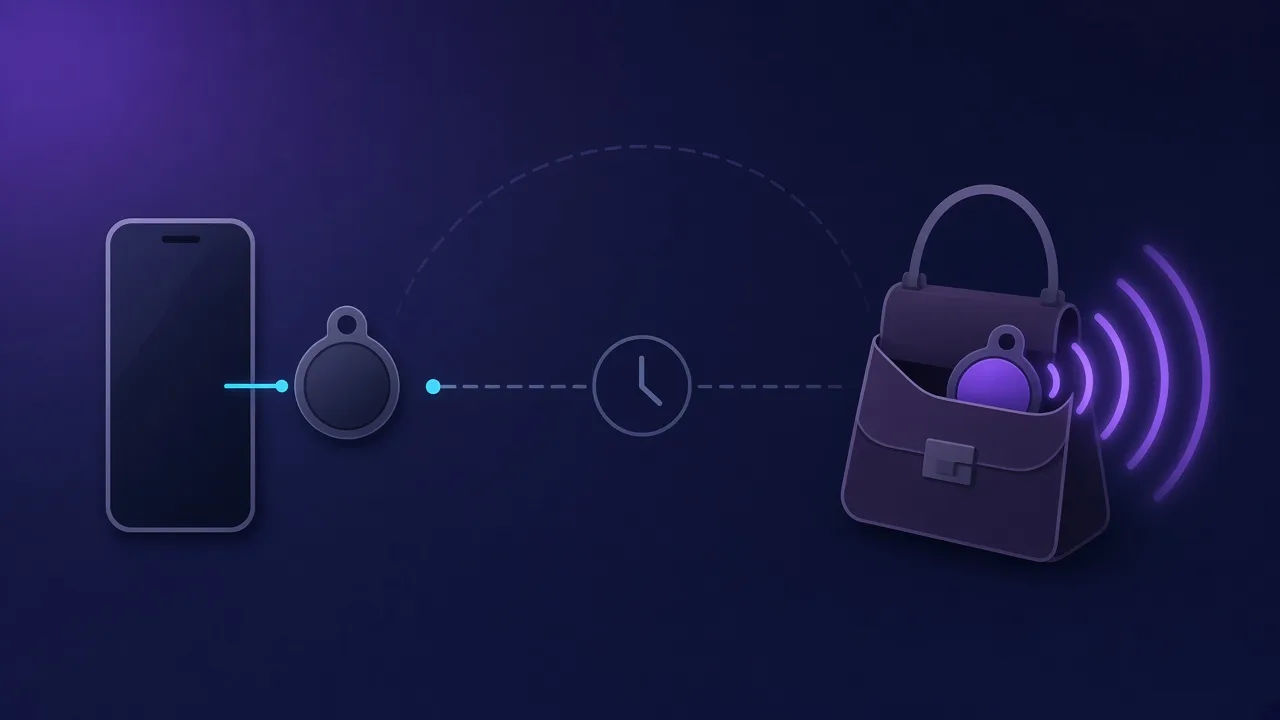
This is the most common cause of a "random" beep. According to Apple, an AirTag that has been separated from its owner for a period of time emits a sound when it's moved, to alert anyone nearby. Apple has said the timer was shortened in 2021 to a random interval between 8 and 24 hours, TidBITS reported at the time.
Typical situations:
- Your partner's keys or bag, with their AirTag, are travelling with you while they stay home.
- You lent someone your car or suitcase with your AirTag inside.
- Your own AirTag is with you, but your iPhone was left at home or switched off.
How to stop it: bring the AirTag near its owner's iPhone, with Bluetooth on. Once it reconnects, the beeping stops. If you regularly carry a family member's AirTag, they can share it with you so it stops treating you as a stranger.
Reason 4: It Is Being Reset
Resetting an AirTag means removing and reinserting the battery several times, and it plays a sound each time, with a different fifth sound when the reset is done. Our guide explains how to reset an AirTag for both generations.
Reason 5: It Isn't Yours
If you hear a beep and nobody you know owns an AirTag, take it seriously. Apple designed the separation sound precisely so that people who are carrying someone else's AirTag without knowing find out.
- Check your iPhone. An alert called AirTag Found Moving With You may already be waiting. Tap it, then Play Sound to locate the tag. In Find My, Items, then Items Detected With You, lists recent alerts.
- Search where the sound came from: bags, coat linings, the car's boot and wheel arches, under seats. Our car checklist lists the usual spots.
- Identify it. Hold the top of your phone to the white side of the AirTag and tap the notification to see its serial number and part of the owner's phone number.
- Think before you disable it. Removing the battery stops tracking, but the owner will see it go offline. Our guide on what to do in the first hour after finding a tracker covers this, including when to involve the police.
What If an AirTag Doesn't Beep at All?
Silence isn't proof that there is nothing there. Some AirTags have had their speakers removed. In October 2026, the accessory maker Elevation Lab withdrew a tool designed to disable AirTag speakers after criticism that it could help stalkers, and apologised, MacRumors reported. The second-generation AirTag has a louder, harder-to-remove speaker, as we explain in what changed with AirTag 2.
That's why a Bluetooth scan is a useful second check: a silenced AirTag still broadcasts.
What FindMyGear Can and Can't Do Here
FindMyGear lists the Bluetooth devices around you and shows a signal strength that rises as you get closer. If you heard a beep but can't place it, or suspect a silent tag, you can walk towards the strongest signal and search there.
It can't tell you who owns an AirTag, because AirTags broadcast rotating identifiers, and it can't detect one whose battery is dead.
This article is general information, not legal advice. If you think you are being tracked, contact the police.