The Short Answer
To find lost Beats on an iPhone, open Find My, tap Devices and tap your Beats. You see where they are or where they were last connected, and you can tap Play Sound to make them beep. On Android, open the Beats app, tap the menu and choose Locate My Beats.
Both only work if they were set up before the Beats went missing: Find My turned on for the paired iPhone, or the Beats added to the Android app with location access set to "Allow all the time".
Which Beats Work With Find My
Apple's list of Beats that support Find My:
- Beats Fit Pro
- Beats Flex
- Beats Pill
- Beats Solo 4
- Beats Solo Buds
- Beats Studio Buds +
- Beats Studio Pro
- Beats 360
- Powerbeats Fit
- Powerbeats Pro 2
Beats 360 also use the full Find My network, so they can be found when nobody's phone is connected to them (more below). If your model isn't on the list, skip to the Android and Bluetooth search sections.
Find Beats on iPhone or iPad
From Apple's Beats user guide:
- Open Find My and tap Devices.
- Tap your Beats. The map shows their current or last known location.
- If they are nearby, tap Play Sound. For earbuds, choose Left or Right.
The sound plays for a few minutes, or until you stop it. Earbuds must be out of their case to play a sound. If the Beats aren't connected and don't use the Find My network, the sound plays the next time they connect.
You can do the same on a Mac (Find My, Devices), on an Apple Watch (Find Devices app, with Wi-Fi or mobile data), or in a browser at iCloud.com/find.
How to Find One Lost Beats Earbud
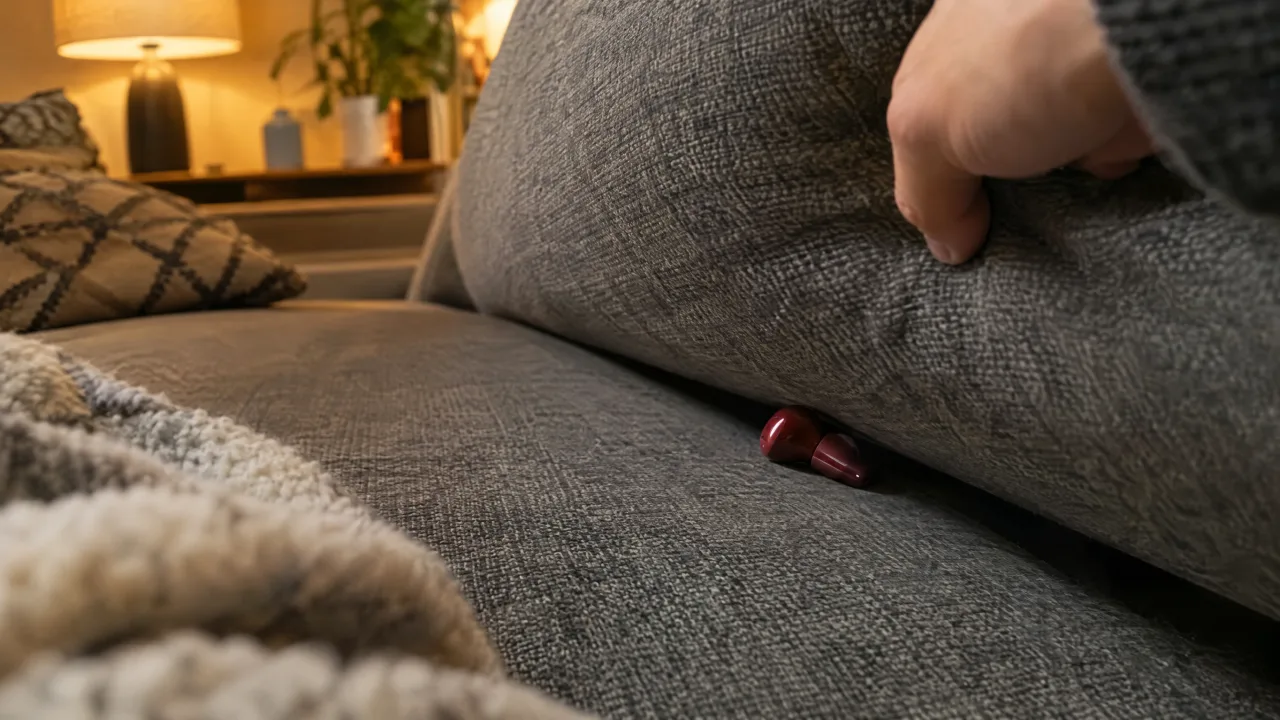
When the earbuds are apart, Find My shows only one of them at a time. Apple's method:
- Find the earbud that appears on the map first.
- Put it back in its case.
- Refresh the map: now it shows the other one.
- Play a sound on that side only (Left or Right) and listen.
Beats 360: Offline Finding, Find Nearby and Lost Mode
Beats 360 support the Find My network, which adds four features, as long as you turned the network on beforehand (Settings, tap the Beats' name, Find My, Find My Network):
- Location for up to 48 hours after they are turned off, even when they are not near you.
- Find nearby: in Find My, tap the Beats, then Find, and your iPhone tells you whether you are getting closer.
- Lost Mode: tap the Beats, then Show Contact Info, so a finder sees your message.
- Left-behind alerts: tap When Left Behind and turn on Notify When Left Behind.
If you lend Beats 360 to someone, only the person who turned on the Find My network sees them.
Find Beats on Android
From Apple's guide to the Beats app for Android:
- Open the Beats app.
- Tap the menu button.
- Tap Locate My Beats. The map shows where the Beats were last connected to your phone.
The app records a location each time the Beats connect or disconnect, but only if location access is set to Allow all the time (and Use precise location is on). If you reinstalled the app or cleared its data, you need to add the Beats again. Supported Beats can also appear in Google's Find Hub app with their last connected location.
Beats Not Showing in Find My?
- Find My wasn't on for the paired iPhone or Mac before the loss. It can't be switched on afterwards for a lost pair.
- The Beats aren't on Apple's list above.
- You are signed in to a different Apple Account from the one the Beats were paired with.
- Your iPhone isn't up to date. Apple recommends the latest iOS for Find My.
Search Room by Room With a Bluetooth Scanner
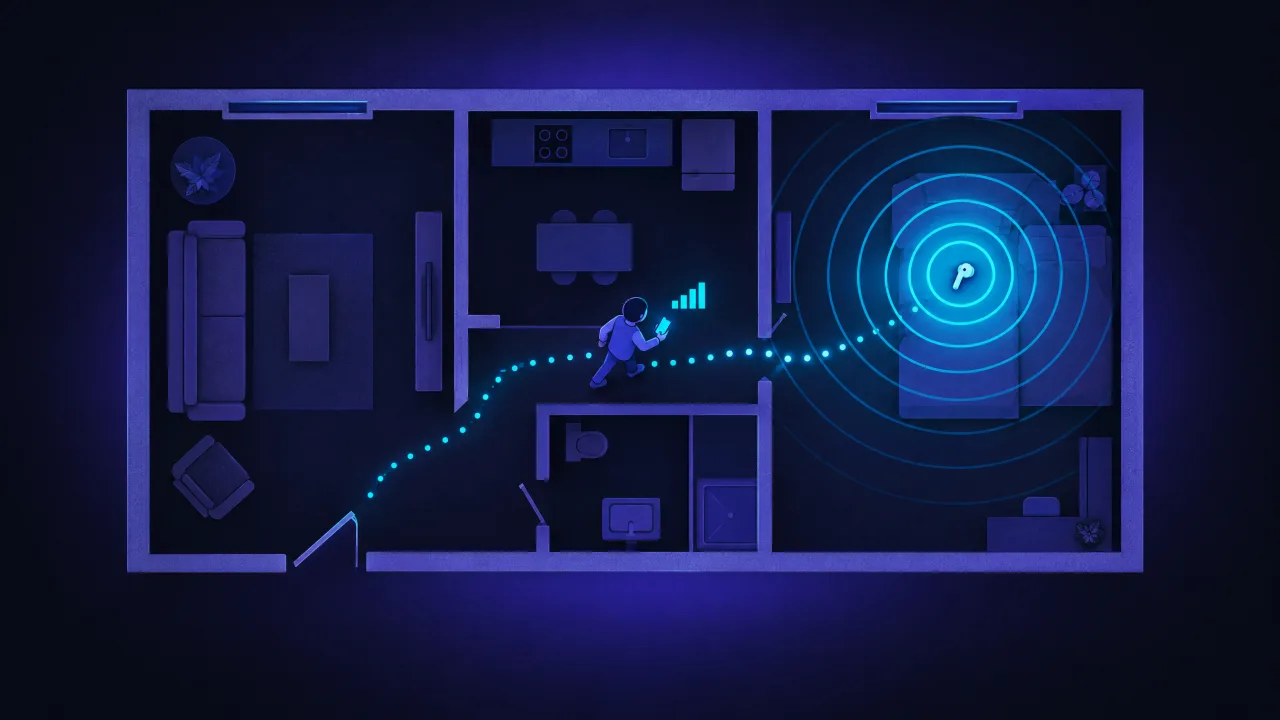
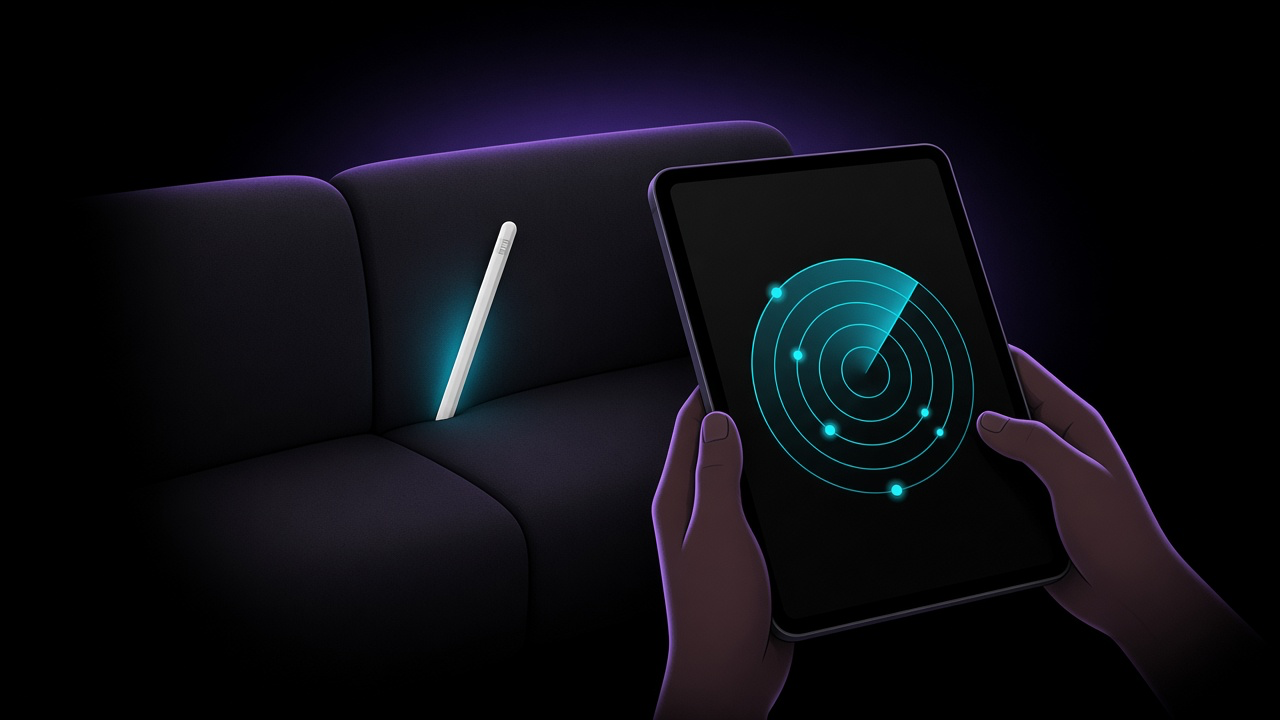
Find My gets you to the right house, and the sound gets you the rest of the way when the Beats are out of the case and charged. For a quiet search, or for Beats that aren't in Find My, a Bluetooth scanner helps. FindMyGear, our app, lists the Bluetooth devices around your iPhone with a live signal reading that rises as you get closer:
- Open the scan and look for your Beats by name.
- Walk slowly through each room and watch the signal.
- Where it peaks, search by hand: sofa, bed, bag, coat pockets, car seats.
Our guide to finding lost Bluetooth headphones has more tips for the search.
FAQ
Can I find my Beats if they are dead?
Find My shows the last known location. Beats 360 with the Find My network on stay visible for up to 48 hours after they turn off.
Can I find a lost Beats case?
Find My locates the earbuds, and they must be out of the case to play a sound. Check the last location of the earbuds: the case is usually wherever you last put them away.
Can I find Beats on Android?
Yes, with the Beats app's Locate My Beats, if you added them and allowed location "all the time" before they were lost. Supported Beats also show in Google's Find Hub.
Does Find My work with all Beats?
No, only the models on Apple's list above.