Start Here: Which Situation Are You In?
- Both AirPods and the case are missing → start with Find My, step 1.
- Only one AirPod is missing → Find My can show each earbud separately; see the section on one AirPod.
- Only the case is missing → newer models can locate the case on its own; see the section on the case.
- Find My says Offline or No location found → see the section on offline or dead AirPods.
- You never set up Find My, or you use Android → see the section on finding AirPods without Find My.
Step 1: Use Find My
- Open the Find My app on your iPhone, iPad or Mac, or go to iCloud.com/find.
- Tap Devices, then tap your AirPods.
- Look at the map. If they are far away, get directions. If they are nearby, use the options below.
According to Apple's guide to finding lost AirPods, you can then:
- Play Sound. The AirPods play a series of beeps, which is often the fastest way to find them in a room.
- Find Nearby. On supported models and iPhones, Find My guides you closer as the AirPods connect.
When the Find My network is on, Apple says you can see the location of AirPods 3, AirPods 4 with Active Noise Cancellation, AirPods Pro and AirPods Max for up to 24 hours after they last connected, even when they are not near you. That only works if the setting was on before they went missing, as Apple's AirPods user guide explains.
If Only One AirPod Is Missing
If your AirPods are out of the case, Find My may ask you to pick the left or the right one. Choose the missing one, then play a sound on it alone. Take the other AirPod out of your ear first: the sound can be loud.
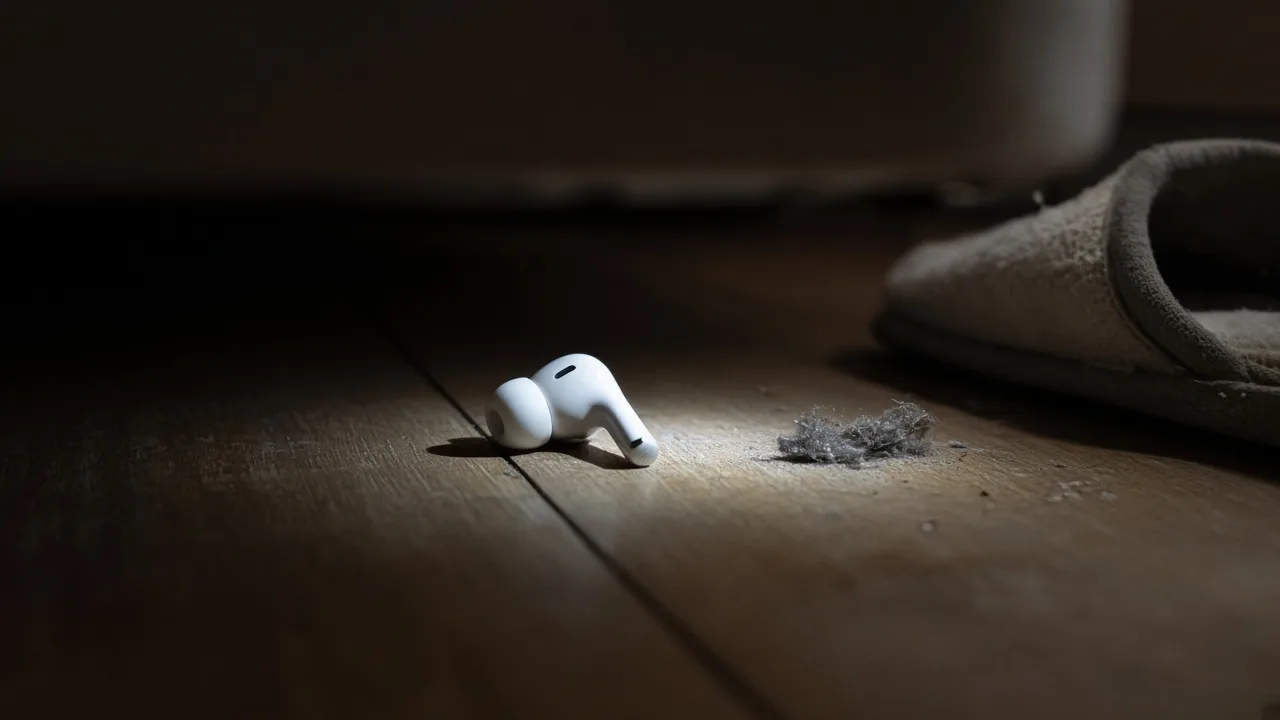
Single AirPods most often turn up in the same few places: under the bed, between sofa cushions, inside a hood or a scarf, or on the floor of the car.
If Only the Case Is Missing
This depends on your model:
- AirPods Pro 2, AirPods Pro 3, AirPods 4 with Active Noise Cancellation and newer cases appear in Find My on their own. Apple says you can mark the case as lost separately and play a sound on it, and with AirPods Pro 2 or Pro 3 and a UWB-capable iPhone you can find the precise location of the case.
- Older cases have no speaker and don't report their own location. If the AirPods were inside, Find My shows where the AirPods were. If the case is empty, you will need to search by hand or follow its Bluetooth signal while it still has charge.
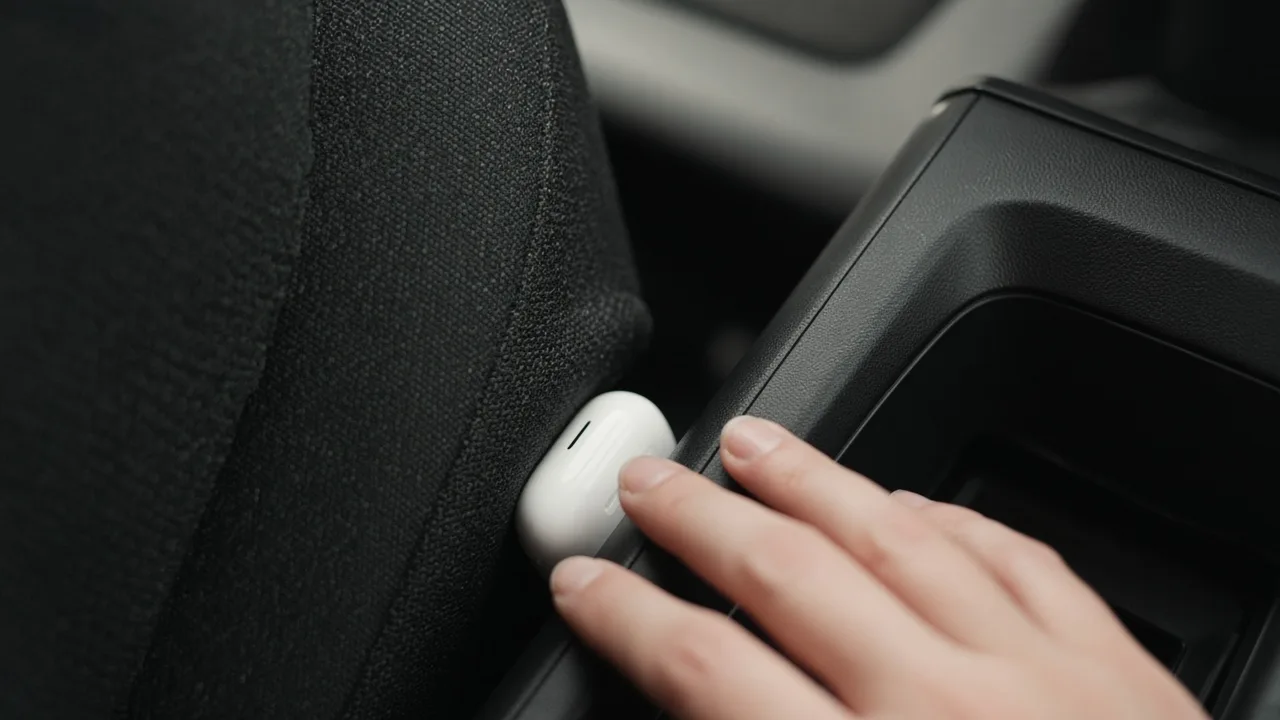
Cases end up in pockets of coats you haven't worn since, bags, gym lockers and, very often, wedged down the side of a car seat.
If Your AirPods Show Offline, No Location Found, or Are Dead
Offline or No location found usually means the AirPods are out of range or out of battery. Apple's guidance is that you may still see their last known location and get directions to it, but you won't be able to play a sound or use Find Nearby, and you'll get a notification if they come back online.

What to do:
- Go to the last known location and retrace what you did after that time.
- Turn on Notify When Found in Find My, so you hear the moment they connect again.
- Mark them as lost if your model supports it, so whoever finds them sees a message with your contact details.
- Check lost property at places you visited: the gym, the office, the café, the airline or the bus company.
A dead battery means nothing can detect them electronically, not Find My and not a Bluetooth app. From there, it is a physical search of the places you have been.
How to Find AirPods Without Find My
If you never turned on Find My, or you use Android, you still have one electronic clue: the Bluetooth signal the AirPods give off while they have charge.
- Open a Bluetooth scanner such as FindMyGear.
- Look for your AirPods in the list of nearby devices.
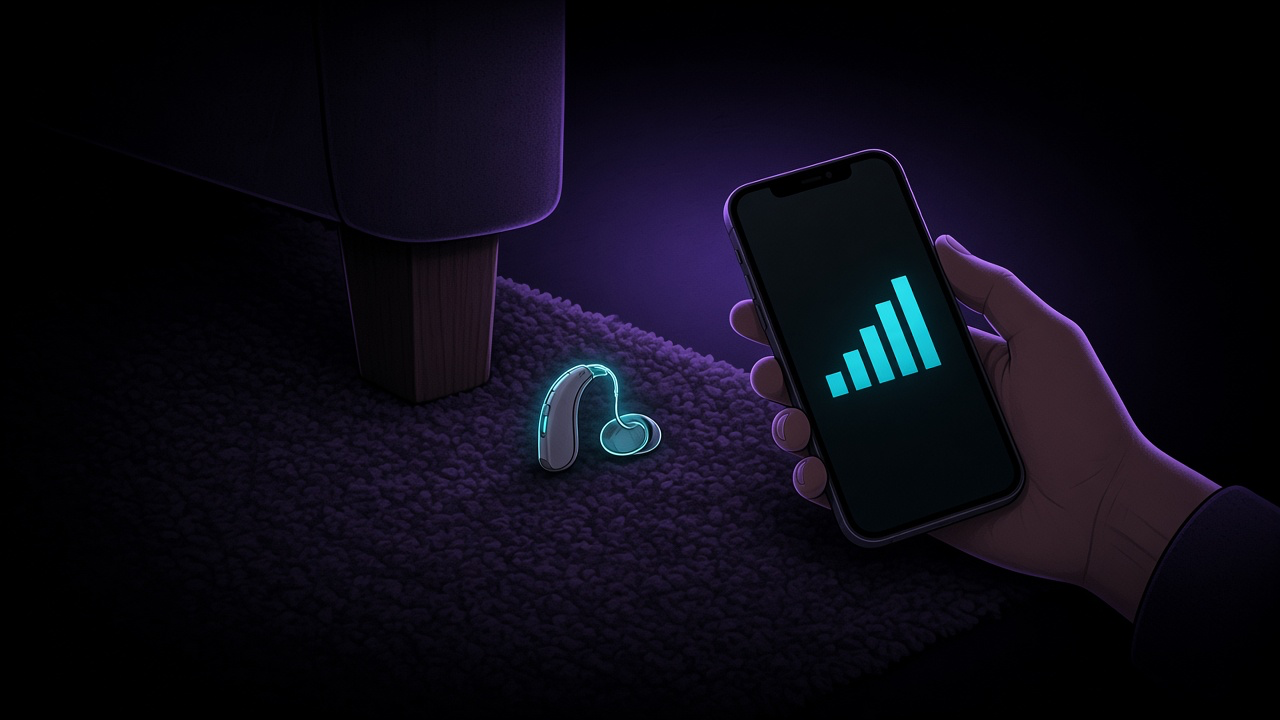
- Walk slowly and watch the signal strength. It rises as you get closer.
- When it peaks, search that spot by hand.
AirPods broadcast most when they are out of the case or the lid is open. A closed case, or AirPods that are connected to another device, may not show up, so if you see nothing, try again in different rooms and at different times. Our guide to Bluetooth signal strength explains how to read the numbers, and the same method works for other Bluetooth headphones.
If You Can't Find Them
Apple sells replacements for a single AirPod or a charging case through AirPods service. Have your serial number ready: it is printed on the original box and usually on your receipt.
Make the Next Loss Easier
- Turn on the Find My network for your AirPods now, in Settings under your AirPods' name.
- Turn on separation alerts in Find My, so your iPhone warns you when you leave them behind.
- Keep them in the case when they're not in your ears; the case is bigger and easier to find.
- Use a case cover with a clip or a lanyard loop, and attach it to your bag.
If you use AirPods Pro as hearing aids, or wear dedicated hearing aids, see our guide to finding a lost hearing aid with your phone.
What FindMyGear Can and Can't Do Here
FindMyGear shows the Bluetooth devices broadcasting around you, AirPods included when they advertise, with a signal reading that rises as you get closer. It is most useful when Find My was never set up, when you are on a device that can't use Find My, or when Find My only gets you to the right room.
It cannot find AirPods that are out of battery, show where they were hours ago, or make them play a sound.