The Short Answer
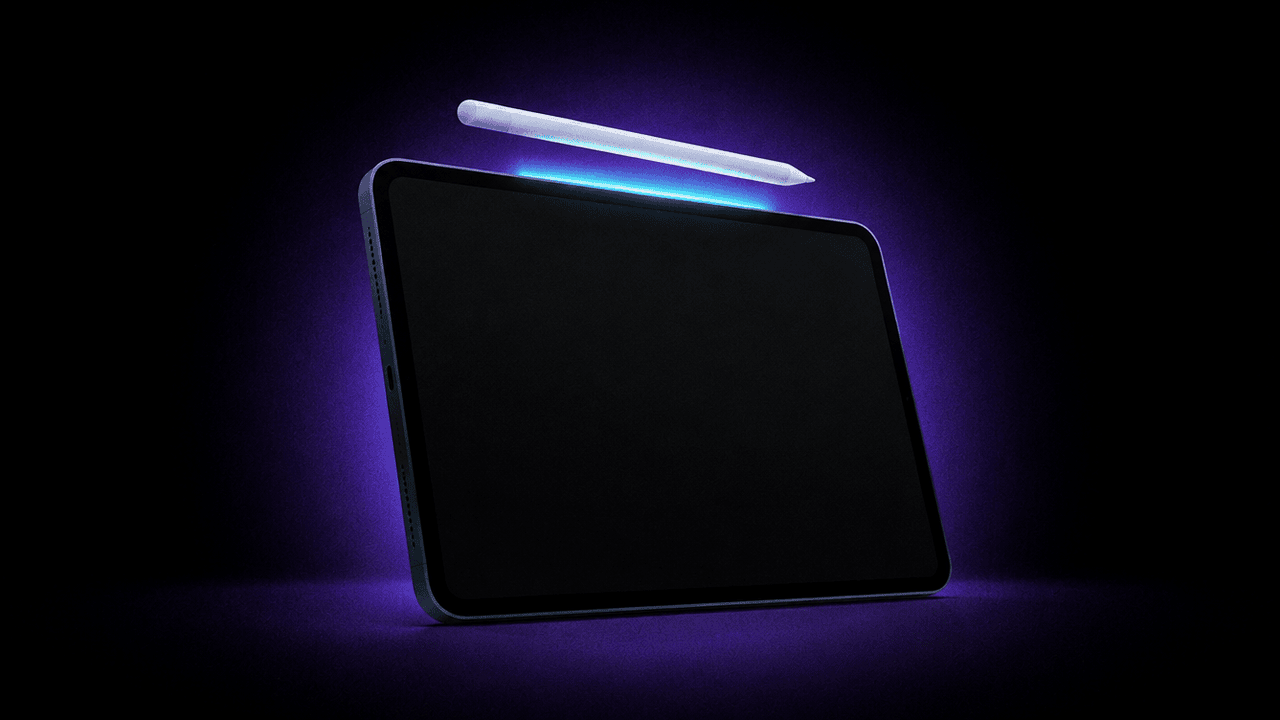
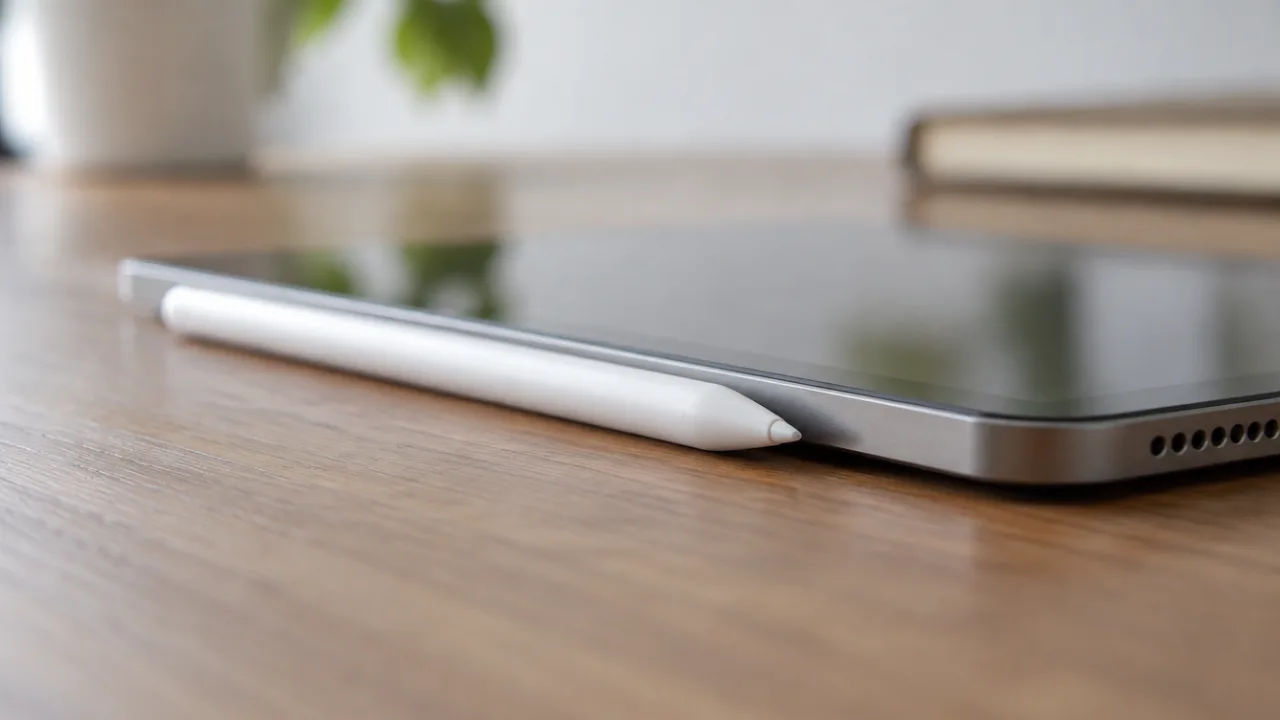
How you connect an Apple Pencil depends on the model. Apple Pencil Pro and Apple Pencil (2nd generation) pair when you attach them to the magnetic connector on the iPad. Apple Pencil (USB-C) and Apple Pencil (1st generation) pair over a cable or the iPad's port, and you then tap the button that appears on the screen.
| Apple Pencil | How to connect | What to tap |
|---|---|---|
| Apple Pencil Pro | Attach to the magnetic connector on the long side of the iPad | Nothing |
| Apple Pencil (2nd generation) | Attach to the magnetic connector on the right side of the iPad | Nothing |
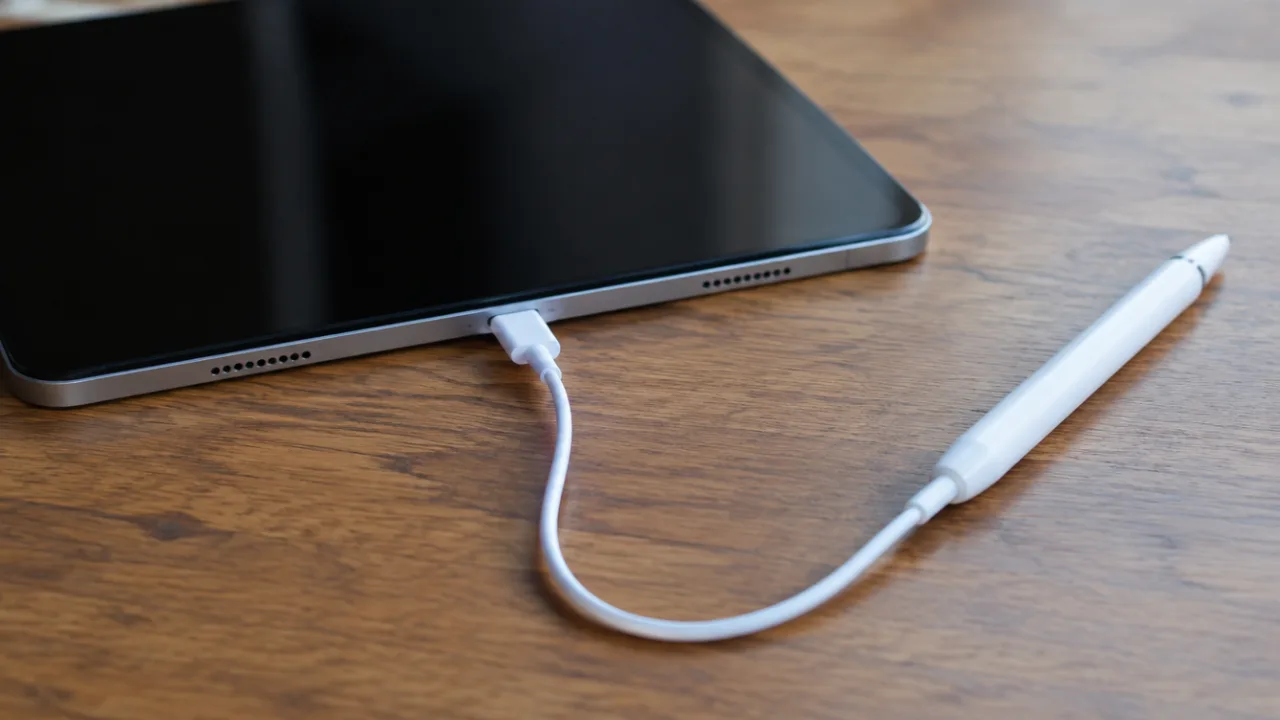
| Apple Pencil (USB-C) | Slide open the end and connect with a USB-C charge cable | Tap to Connect |
| Apple Pencil (1st generation) | Remove the cap and plug into the Lightning connector, or use the USB-C to Apple Pencil Adapter | Pair |
There's no need to search for the Pencil in Bluetooth settings first, but Bluetooth has to be on.
Which Apple Pencil Works With Your iPad?
A Pencil that isn't made for your iPad won't pair at all, so check this first. From Apple's compatibility list:
| Apple Pencil | Works with |
|---|---|
| Apple Pencil Pro (iPadOS 17.5 or later) | iPad Pro 13-inch and 11-inch (M4, M5); iPad Air 13-inch and 11-inch (M2, M3, M4); iPad mini (A17 Pro) |
| Apple Pencil (USB-C) (iPadOS 17.1.1 or later) | iPad Pro 13-inch and 11-inch (M4, M5); iPad Pro 11-inch (1st to 4th generation); iPad Pro 12.9-inch (3rd to 6th generation); iPad Air 13-inch and 11-inch (M2, M3, M4); iPad Air (4th, 5th generation); iPad (A16); iPad (10th generation); iPad mini (A17 Pro); iPad mini (6th generation); iPhone Duo |
| Apple Pencil (2nd generation) | iPad mini (6th generation); iPad Air (4th, 5th generation); iPad Pro 12.9-inch (3rd to 6th generation); iPad Pro 11-inch (1st to 4th generation) |
| Apple Pencil (1st generation) | iPad mini (5th generation); iPad (6th to 9th generation); iPad (A16) and iPad (10th generation) with the adapter; iPad Air (3rd generation); iPad Pro 12.9-inch (1st, 2nd generation); iPad Pro 10.5-inch; iPad Pro 9.7-inch |
Common mismatches: the 2nd generation doesn't work with iPad (A16) or iPad (10th generation), and Apple Pencil Pro doesn't work with iPad Pro models before M4.
How to Connect Apple Pencil Pro to iPad
- Check that Bluetooth is on in Settings > Bluetooth.
- Attach the Pencil to the magnetic connector on the long side of the iPad.
The same connection pairs and charges it.
How to Connect Apple Pencil (2nd Generation) to iPad
- Check that Bluetooth is on in Settings > Bluetooth.
- Attach the Pencil to the magnetic connector on the right side of the iPad.
This also charges it.
How to Connect Apple Pencil (USB-C) to iPad
- Slide open the end of the Pencil and connect it to the USB-C charge cable that came with your iPad.
- Connect the other end of the cable to the iPad's USB-C connector.
- Tap "Tap to Connect".
You can then unplug the cable. The Pencil stays paired until you restart the iPad, turn off Bluetooth or pair it with another iPad, so expect to repeat these steps after a restart. The Pencil charges while it's plugged in.
How to Connect Apple Pencil (1st Generation) to iPad
On an iPad with a Home button:
- Remove the cap and plug the Pencil into the iPad's Lightning connector.
- Tap Pair when the button appears (Apple's steps).
- Unplug the Pencil.
On iPad (10th generation) or iPad (A16):
- Remove the cap and plug the Pencil into the USB-C to Apple Pencil Adapter.
- Connect the adapter to the iPad with the USB-C charge cable.
- Tap Pair when the button appears, then unplug.
As with the USB-C model, the Pencil stays paired until you restart the iPad, turn off Bluetooth or pair it with another iPad.
Can You Connect Apple Pencil to an iPhone?
Only one iPhone is on Apple's list: iPhone Duo, with Apple Pencil (USB-C). Connect it the same way as on an iPad, with the USB-C cable and "Tap to Connect". Other iPhones aren't listed for any Apple Pencil.
Apple Pencil Not Connecting? Try These in Order
From Apple's pairing guide:
- Check the model. Use the table above.
- Update the iPad to the latest software.
- Charge the Pencil. It might need charge before it can pair. If the Pair button doesn't appear, wait a minute while it charges, then connect it again.
- Turn Bluetooth on in Settings > Bluetooth.
- Forget the Pencil. In Settings > Bluetooth, find it under My Devices, tap the info button, then tap Forget this Device. Connect it again and tap Pair.
- Restart with the Pencil connected. Keep it attached or plugged in, restart the iPad and try again.
- Remove the case. For Apple Pencil Pro or the 2nd generation, take off any case or cover, because the Pencil has to sit centered on the magnetic connector.
If the Pair button still doesn't appear, Apple says you might need service.
Using a 1st-generation Pencil with iPad (10th generation)? Make sure you have the adapter and a compatible cable, such as the USB-C Charge Cable.
How to Check Your Apple Pencil's Battery
Add the Batteries widget, or go to Settings > Apple Pencil. Apple lists both for all models.
Lost It Instead?
If the Pencil shows as Not Connected because you can't find it, see how to find a lost Apple Pencil. FindMyGear, our app, runs on iPad as well as iPhone and lists the Bluetooth devices around you with a signal reading that rises as you get closer.
FAQ
How do I connect my Apple Pencil to a new iPad?
Follow the steps for your model on the new iPad. Check the compatibility table first, because your old Pencil may not work with it. Pairing with the new iPad replaces the pairing with the old one.
Why does my Apple Pencil keep disconnecting?
Apple Pencil (USB-C) and the 1st generation lose their pairing when you restart the iPad, turn off Bluetooth or pair with another iPad. Pair again with the same steps.
Do I need Bluetooth on to use Apple Pencil?
Yes. Pairing uses Bluetooth, and Apple says turning it off ends the pairing on models that connect by cable or port.
Does Apple Pencil connect to Android tablets?
Apple lists only iPad models and iPhone Duo for Apple Pencil.