The Short Answer
AirTag (2nd generation), released in January 2026, looks the same as the 2021 original and costs the same: 29 dollars, or 99 for four. Inside, it has a louder speaker (Apple says 50 percent louder, audible from up to twice as far), a longer Bluetooth range, and Apple's second-generation Ultra Wideband chip, which lets Precision Finding guide you from up to 50 percent farther away. For the first time, Precision Finding also works on Apple Watch.
The quickest way to tell which one you have: open Find My, tap Items, tap the AirTag's name, then tap its address. The model number appears: A2187 is the original, A2937 is the 2nd generation.
AirTag 1 vs AirTag 2 at a Glance
From Apple's tech specs for the original AirTag and the 2nd generation, and Apple's announcement:
| AirTag (1st generation) | AirTag (2nd generation) | |
|---|---|---|
| Released | 2021 | January 2026 |
| Model number | A2187 | A2937 |
| Ultra Wideband | U1 chip | Second-generation chip, as in iPhone 17 |
| Precision Finding range | Baseline | Up to 50% farther (with iPhone 15 or later, or iPhone Air) |
| Precision Finding on Apple Watch | No | Series 9 or later, Ultra 2 or later |
| Bluetooth | Standard | Upgraded chip, longer range |
| Speaker | Built in | 50% louder, audible up to 2x farther |
| Size | 31.9 x 8.0 mm | 31.9 x 8.0 mm |
| Weight | 11 g | 11.8 g |
| Water and dust | IP67 | IP67 |
| Battery | CR2032, user-replaceable | CR2032, user-replaceable |
| Needs to set up | iOS 14.5 or later | iOS 26.2.1 or later |
| Price | 29 dollars, 99 for four | 29 dollars, 99 for four |
The form factor didn't change, so every AirTag holder, key ring and case fits both.
What Actually Got Better
A louder speaker
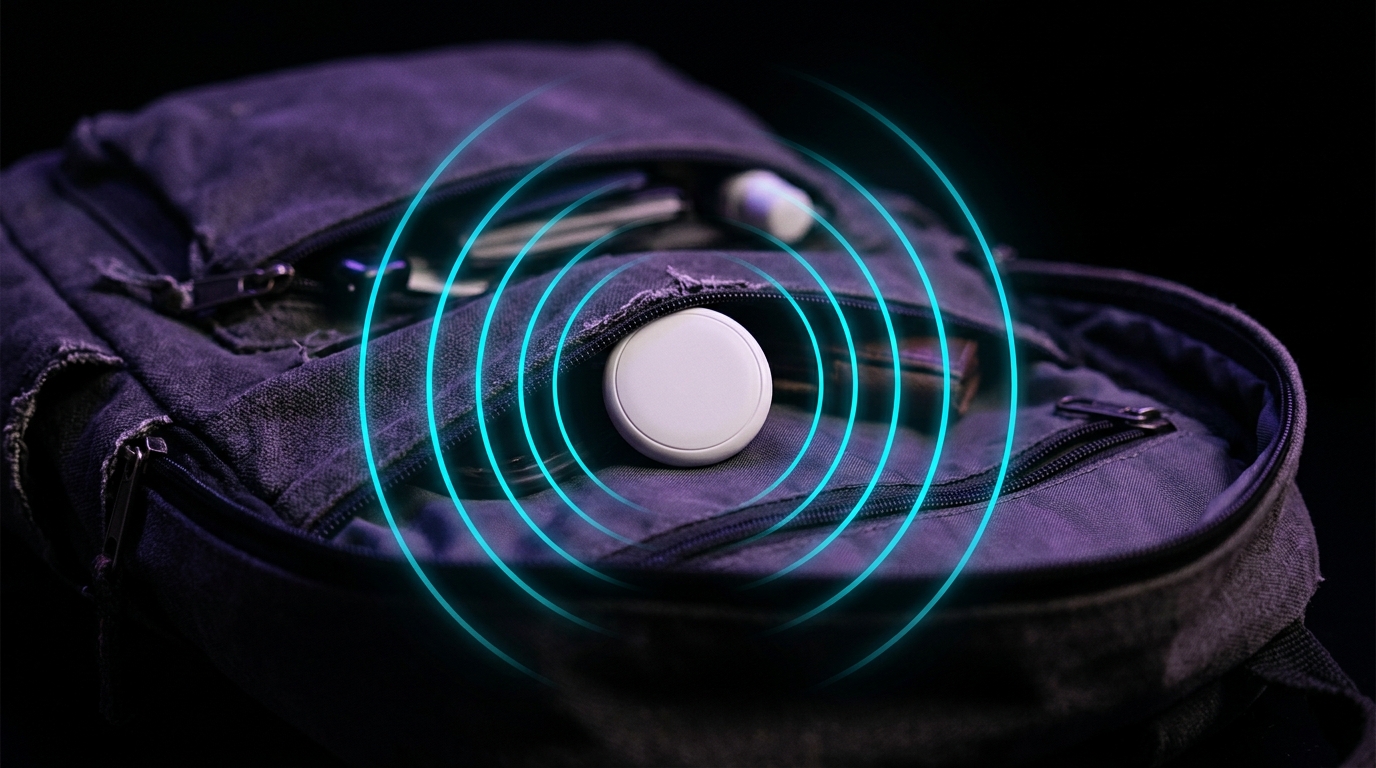
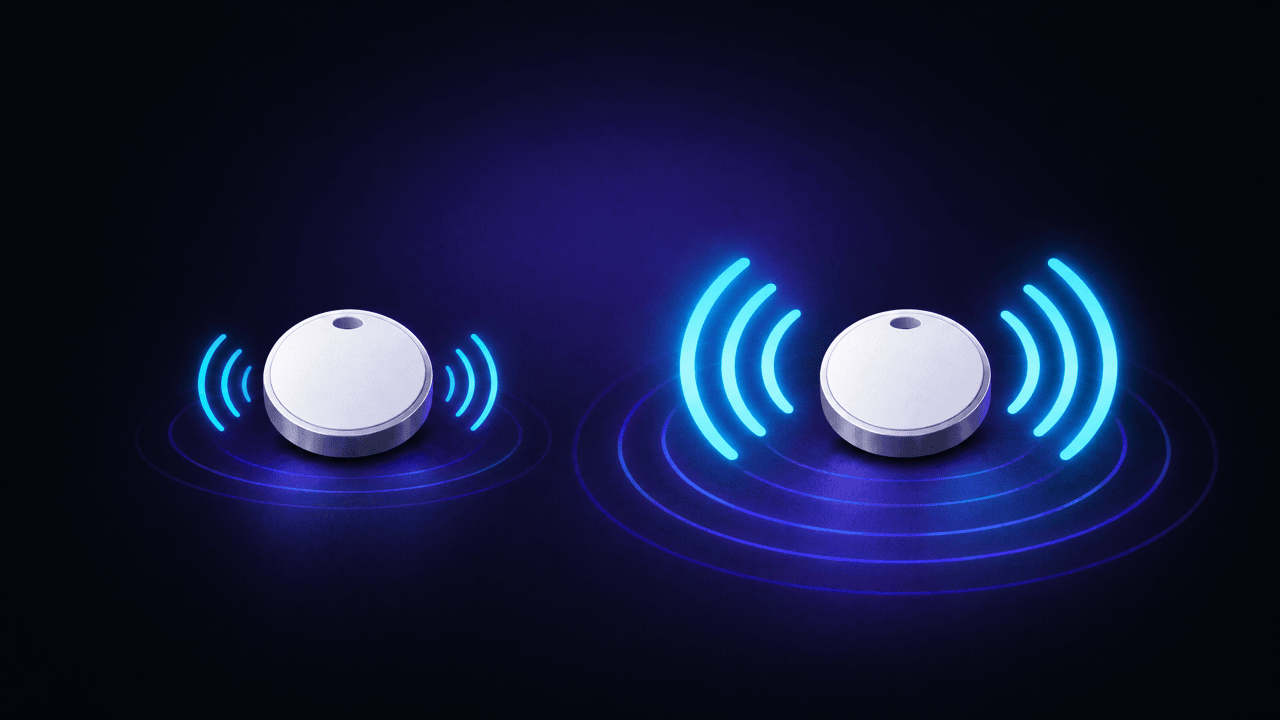
Apple says the new speaker is 50 percent louder and can be heard from up to twice the distance. This is the change you notice first: a tag inside a sofa, a coat pocket or a car seat is much easier to hear.
Precision Finding from farther away
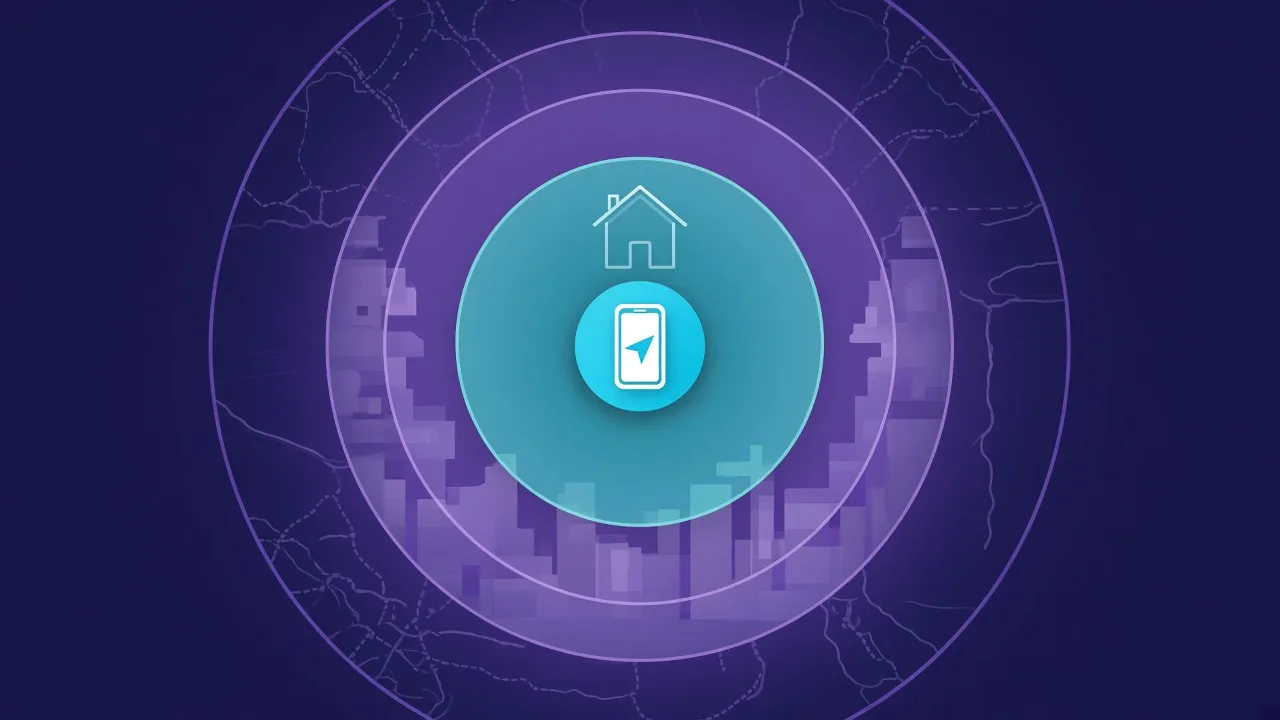
Precision Finding is the arrow and distance on your iPhone. With the second-generation chip it starts working from up to 50 percent farther away, but only with an iPhone that has the same new chip: iPhone 15 or later or iPhone Air, excluding iPhone 16e and iPhone 17e.
In Japan, local radio rules limit some Ultra Wideband frequencies, and Apple's Ultra Wideband page says the expanded range isn't available there.
Precision Finding on Apple Watch
With an Apple Watch Series 9 or later, or Ultra 2 or later, you can follow the arrow on your wrist. The original AirTag doesn't support this.
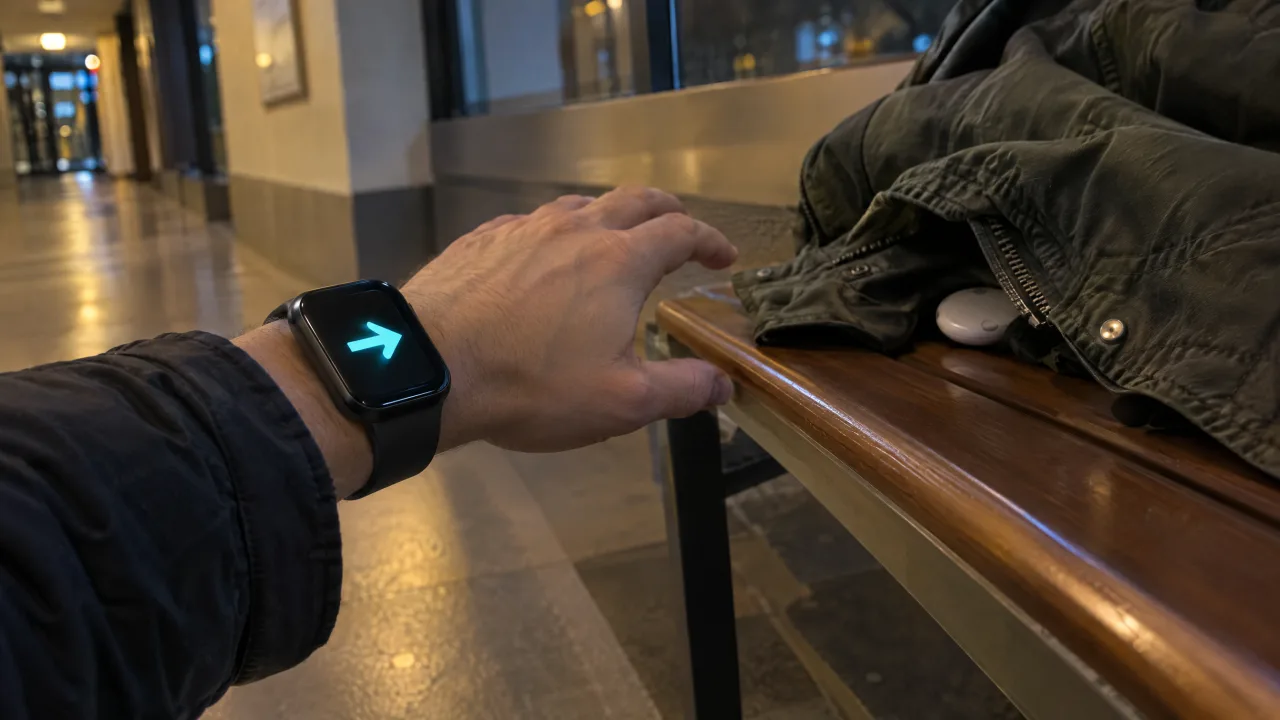
A longer Bluetooth range
Apple doesn't publish numbers in metres, but says the upgraded Bluetooth chip extends the distance at which an item can be located. In practice, your iPhone picks the tag up from further away when you walk through a house or a car park.
What Stayed the Same
- The look and size, so you can't tell them apart by eye.
- The battery: a CR2032 coin cell that you change yourself. Our battery guide works for both.
- The Find My network and the privacy design behind it.
- Anti-stalking alerts, including alerts on Android. Our AirTag 2 detection guide covers what the louder speaker means if you are looking for someone else's tag.
How to Tell Which AirTag You Have
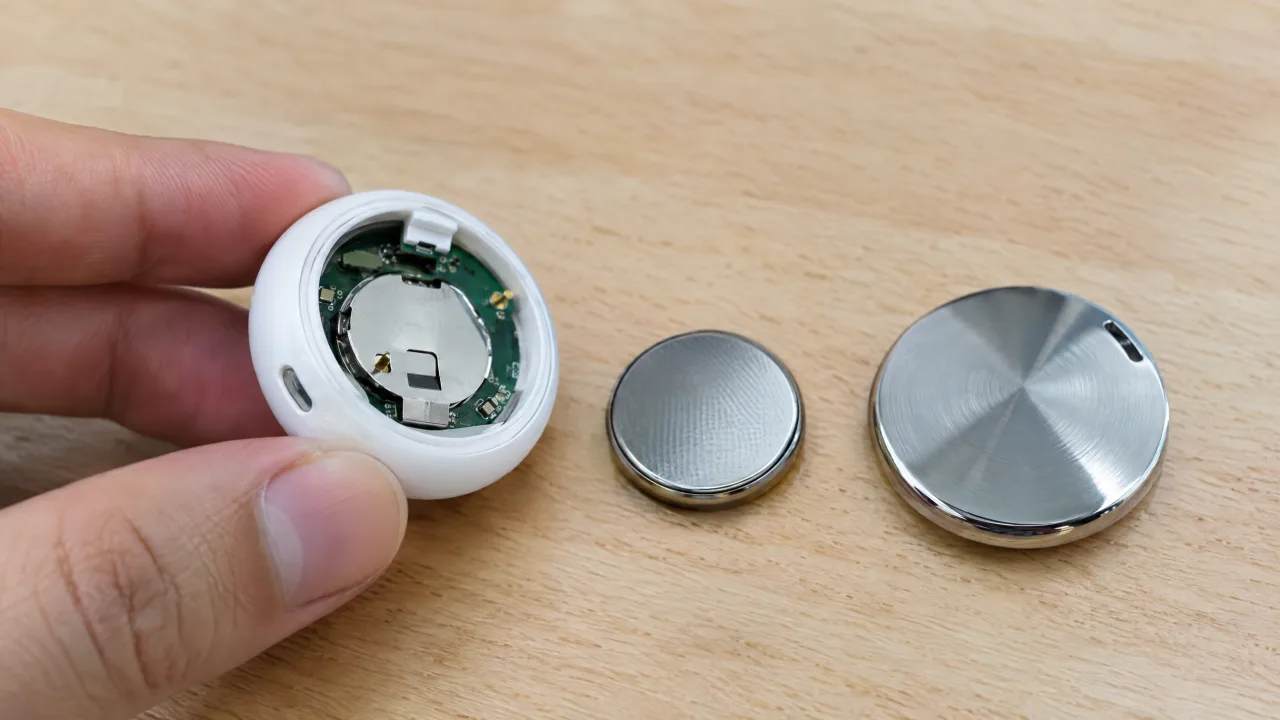
Apple's guide to model and serial numbers gives three ways:
- In Find My: tap Items, tap the AirTag's name, then tap the address under it. The model and serial number appear.
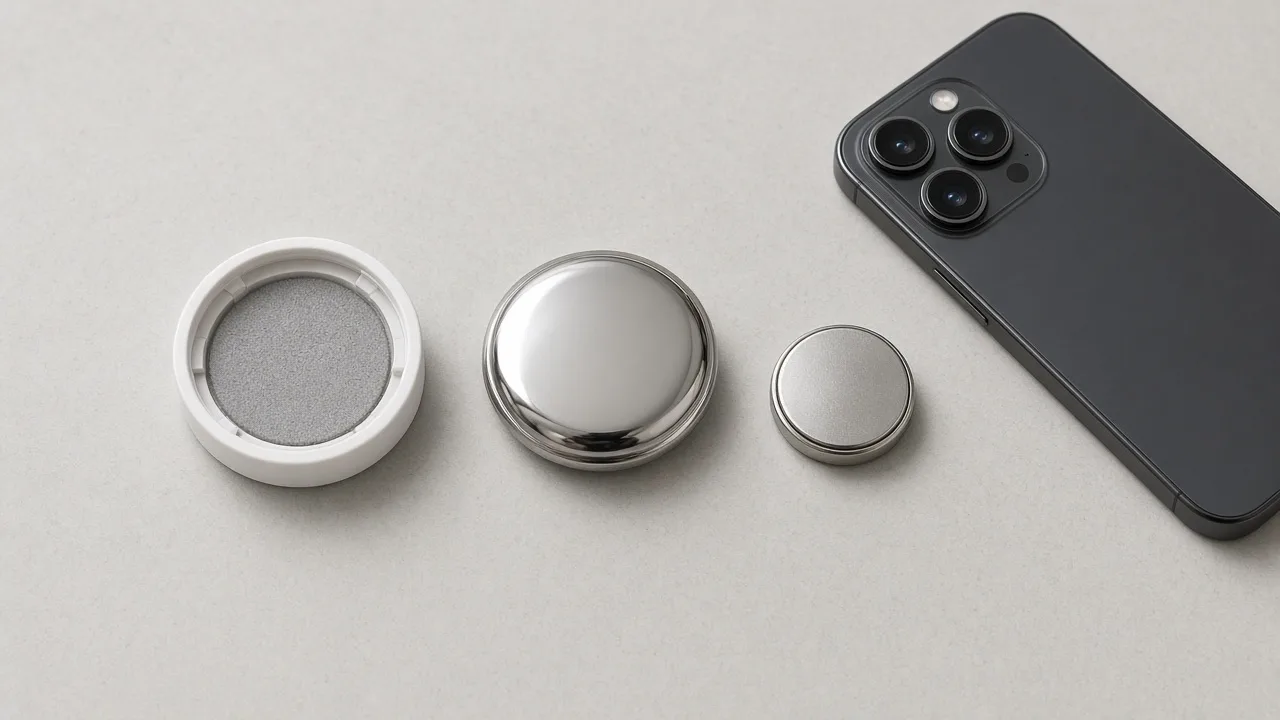
- Under the battery cover: press down on the steel cover, twist it anticlockwise and lift it off. The numbers are printed inside. A2187 means 1st generation, A2937 means 2nd generation.
- With NFC: hold the top of your iPhone, or any phone with NFC, against the white side of the AirTag and tap the notification. A web page opens with the serial number.
The reset rhythm also differs: on a 2nd generation AirTag you wait about 12 seconds between each battery press. Our reset guide has both versions.
Is AirTag 2 Worth It?
- You have iPhone 15 or later, or an Apple Watch Series 9 or later: yes, for new tags. You get the longer Precision Finding range and the arrow on your wrist.
- You have an older iPhone: the gain is the louder speaker and longer Bluetooth range. That still helps for keys and bags at home.
- You already own original AirTags: they keep working. Mixing generations in one Find My account is fine, so there is no need to replace working tags.
- You give one as a gift: check the person's iPhone first. The 2nd generation needs iOS 26.2.1 or later to set up.
Setting Up Either Generation
Setup is the same: pull the tab, hold the AirTag near your iPhone and tap Connect. Our AirTag setup guide walks through it, along with sharing and what to do when it won't connect.
Both generations broadcast over Bluetooth Low Energy. FindMyGear, our app, lists the Bluetooth devices around your iPhone with a live signal reading that rises as you get closer, which is handy for the tags, earbuds and gadgets in your home that aren't in your own Find My.
FAQ
Is AirTag 2 bigger than AirTag 1?
No. Both are 31.9 mm across and 8.0 mm thick. The 2nd generation weighs 11.8 g, against 11 g.
Do AirTag 2 and AirTag 1 use the same battery?
Yes, both use a CR2032 coin cell.
Does AirTag 2 work with old AirTag accessories?
Yes. Apple kept the same form factor, so existing holders and key rings fit.
Can I use AirTag 2 with an older iPhone?
You need iOS 26.2.1 or later to add it. The expanded Precision Finding range needs iPhone 15 or later, or iPhone Air.