The Short Answer
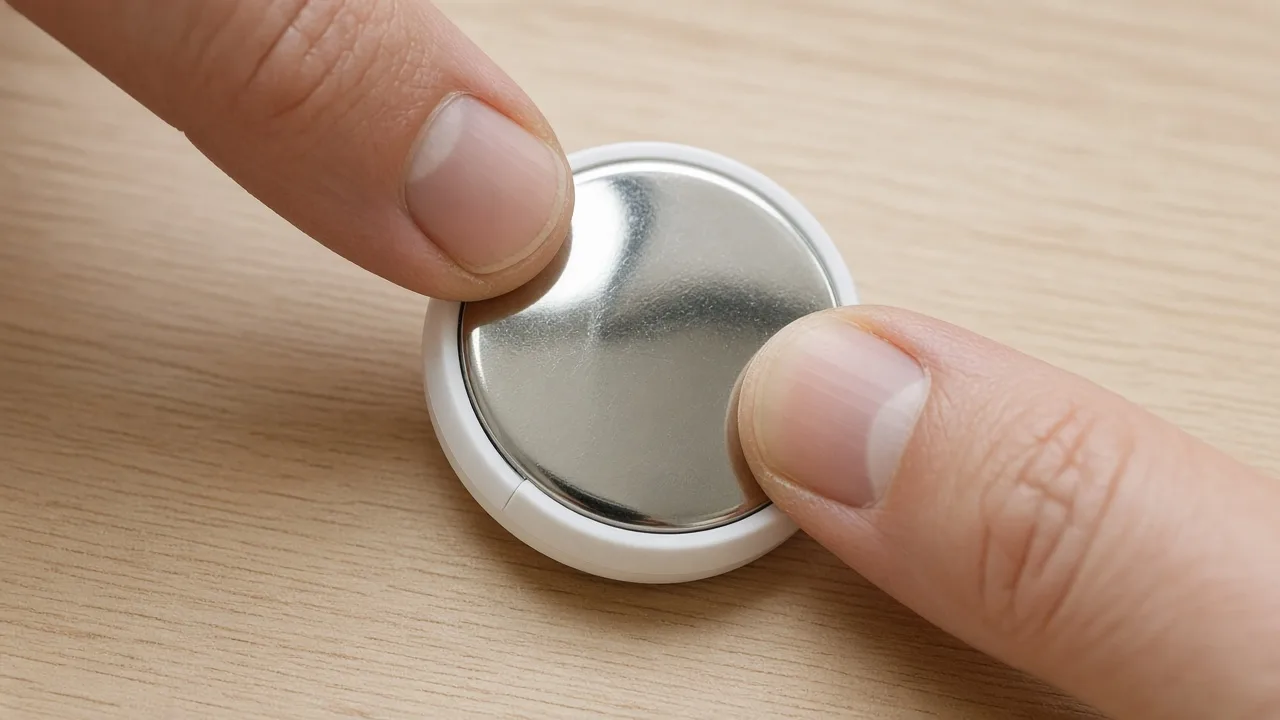
- Battery type: a CR2032 lithium 3V coin battery, sold in most supermarkets, pharmacies and electronics shops.
- How long it lasts: more than a year, according to Apple, depending on how often you use it.
- How to change it: press down on the steel cover, twist it anticlockwise, swap the battery positive side up, and twist the cover back on.
- The catch: some CR2032 batteries with a bitter child-safety coating don't make proper contact in an AirTag.
Which Battery Does an AirTag Use?
Apple's battery replacement guide specifies a CR2032 lithium 3V coin battery. Apple's safety and handling guide adds that you should replace it only with the same type and rating, observing the correct polarity. The second-generation AirTag uses the same battery: its tech specs list a CR2032 coin cell in the box.
The bitter coating problem
Many CR2032 batteries now have a bitter coating that discourages small children from swallowing them. That is a good safety idea, but Apple warns that some batteries with bitterant coatings might not work with AirTag or other battery-powered products. When Apple first published the guidance, it explained the reason, as MacRumors reported: it depends on how the coating lines up with the battery contacts.
Apple's current guide does recommend a coated battery for homes with children, specifically one whose packaging says it is compatible with Apple AirTag. So the practical rule is simple: either buy a coated battery labelled as AirTag-compatible, or a plain CR2032.
How Long Does an AirTag Battery Last?
Apple says the battery lasts more than a year. Its AirTag tech specs explain that this estimate assumes four play-sound events and one Precision Finding session a day, and that battery life varies with usage, conditions and the brand of replacement battery.
You won't see a percentage. Instead, your iPhone shows a low battery notification, and the item's details in Find My tell you when it needs replacing.
How to Replace an AirTag Battery
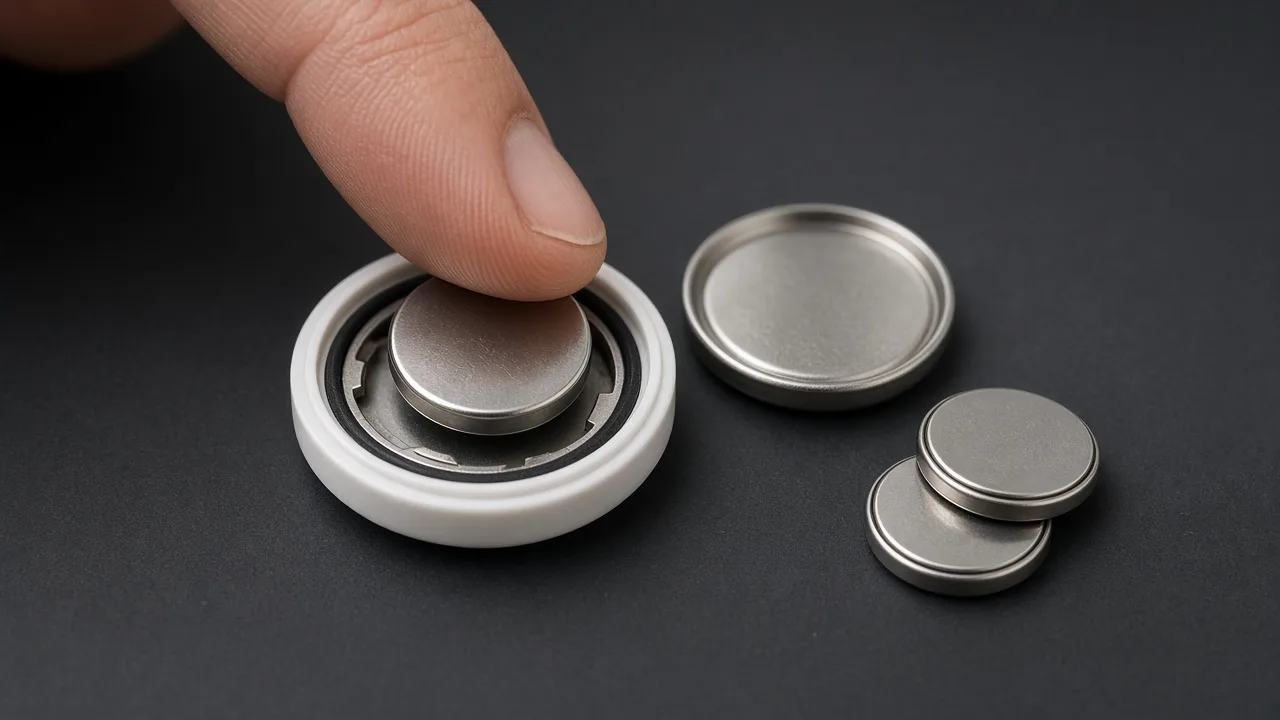
Following Apple's steps:
- Press down on the polished stainless steel cover and rotate it anticlockwise until it stops.
- Lift off the cover and remove the old battery.
- Insert a new CR2032 battery with the positive side facing up. You will hear a sound that tells you the battery is connected.
- Put the cover back, lining up its three tabs with the three slots on the AirTag.
- Rotate the cover clockwise until it stops.
Then open Find My, tap Items, choose the AirTag and play a sound to confirm everything works.
AirTag Not Working After a Battery Change?
Work through these in order:
- No sound when you inserted it? Check that the positive side is facing up and the battery is seated flat.
- Using a coated battery? Try a plain CR2032 or one labelled AirTag-compatible.
- Check the contacts. Apple's safety guide warns against pressing anything sharp on the battery contacts inside, so just look for dirt or a bent contact.
- Make sure the cover is fully closed. It should rotate until it stops.
- Still nothing? Try resetting it. Our guide explains how to reset an AirTag for both generations.
Battery Safety
Apple's safety guide is blunt about coin batteries: swallowing one can cause severe chemical burns in as little as two hours. Keep the AirTag, its cover and spare batteries away from small children, store spares in their packaging, and recycle old batteries according to local rules.
Found Someone Else's AirTag?
Removing the battery is also how you disable an AirTag that isn't yours. Before you do, photograph it and read its serial number, because disabling it is visible to the owner. Our guide on what to do in the first hour after finding a tracker walks through it.
What FindMyGear Can and Can't Do Here
FindMyGear shows Bluetooth devices broadcasting around you, with a signal strength that rises as you get closer. That helps when you are hunting for a tag nearby, including one you can hear but can't see.
It cannot find an AirTag with a dead battery, because a tag with no power sends nothing. Nor can any other app.