How to Set Up an AirTag on iPhone, and How AirTag Actually Works
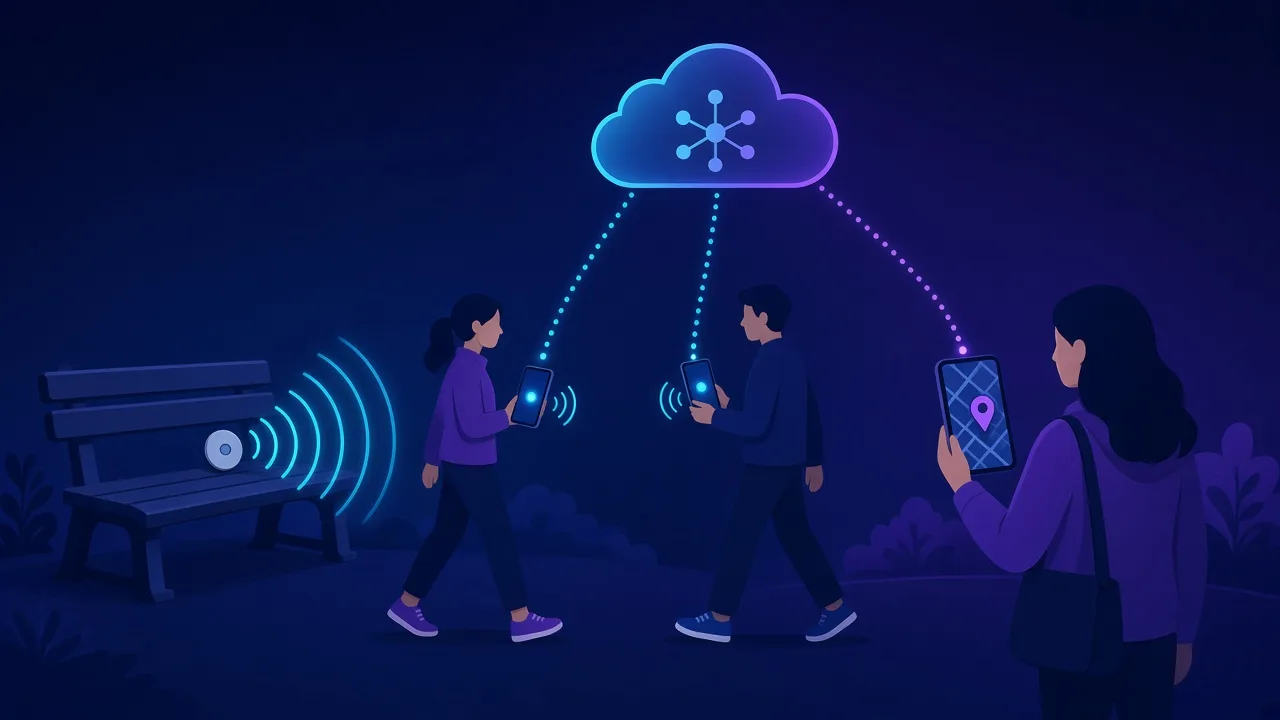
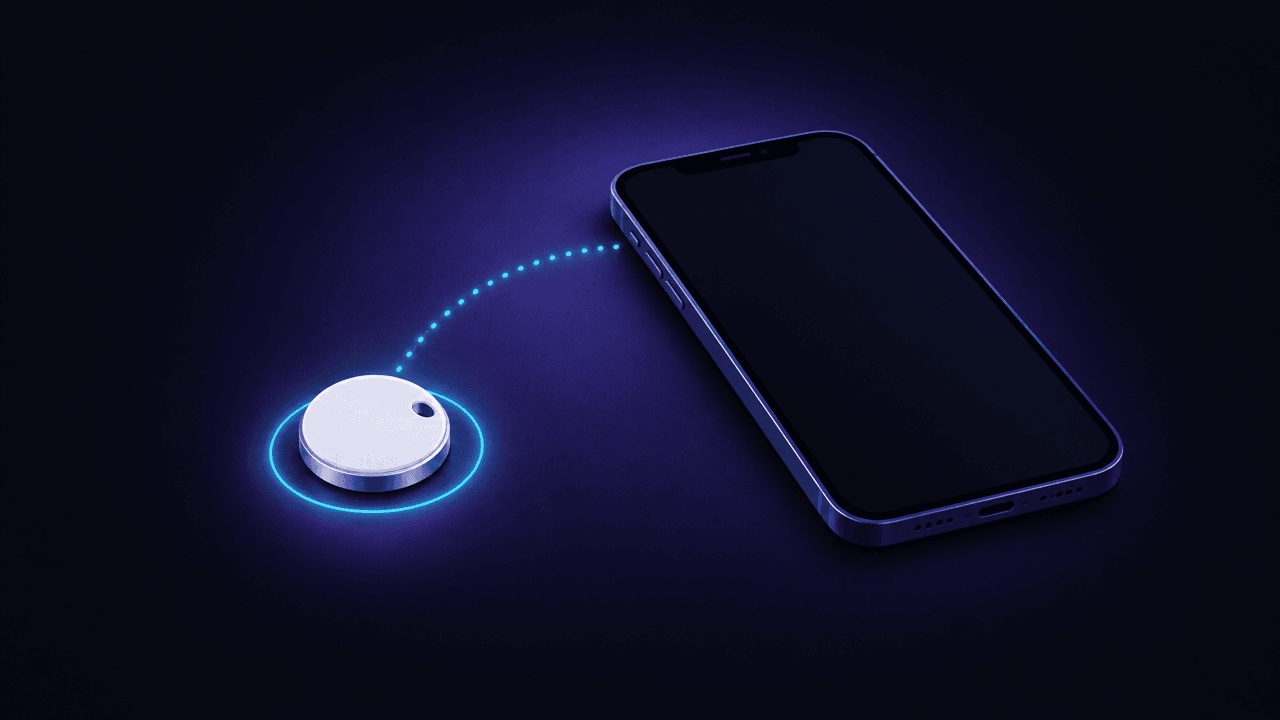
To set up an AirTag, pull the tab, hold it near your iPhone and tap Connect. How AirTag finds things without GPS or internet, and what to do if it won't pair.
Everything about keeping an AirTag working: batteries, resets, range, luggage, and when Find My won't update.

To set up an AirTag, pull the tab, hold it near your iPhone and tap Connect. How AirTag finds things without GPS or internet, and what to do if it won't pair.

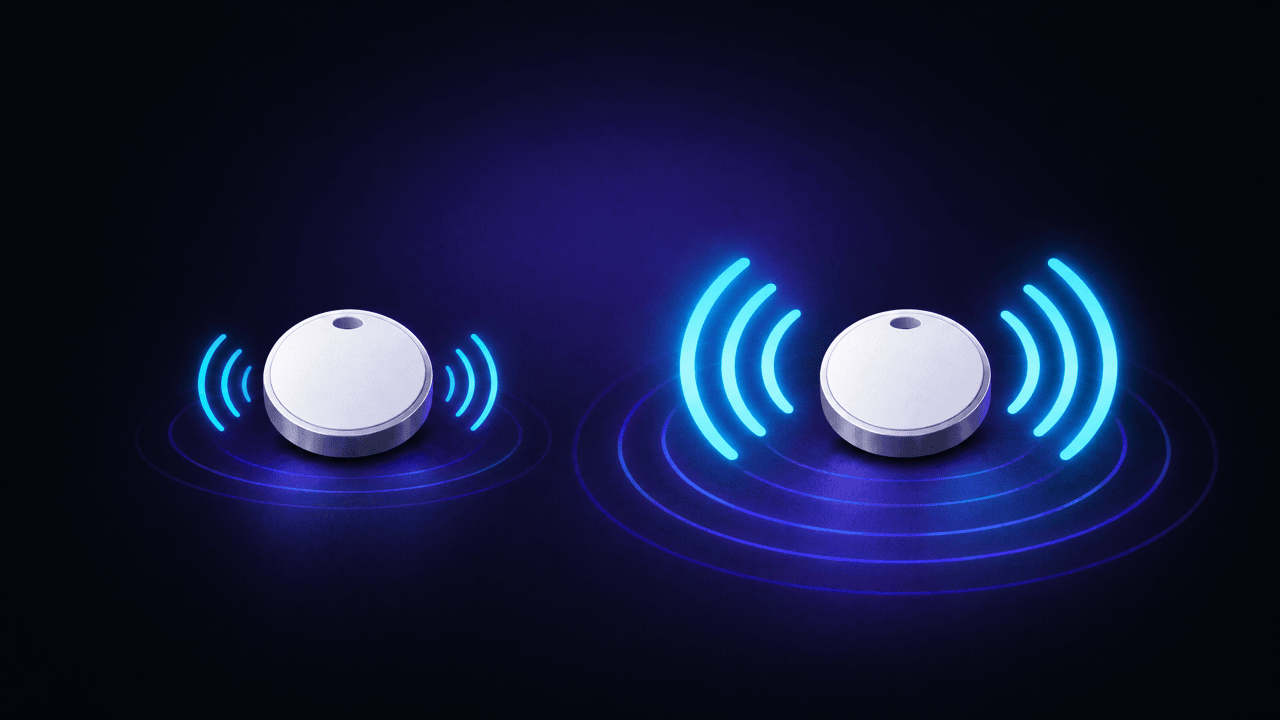
AirTag 2 (2026) is 50% louder, finds items from up to 50% farther and works with Apple Watch. Same size, price and battery. How to tell which AirTag you have.

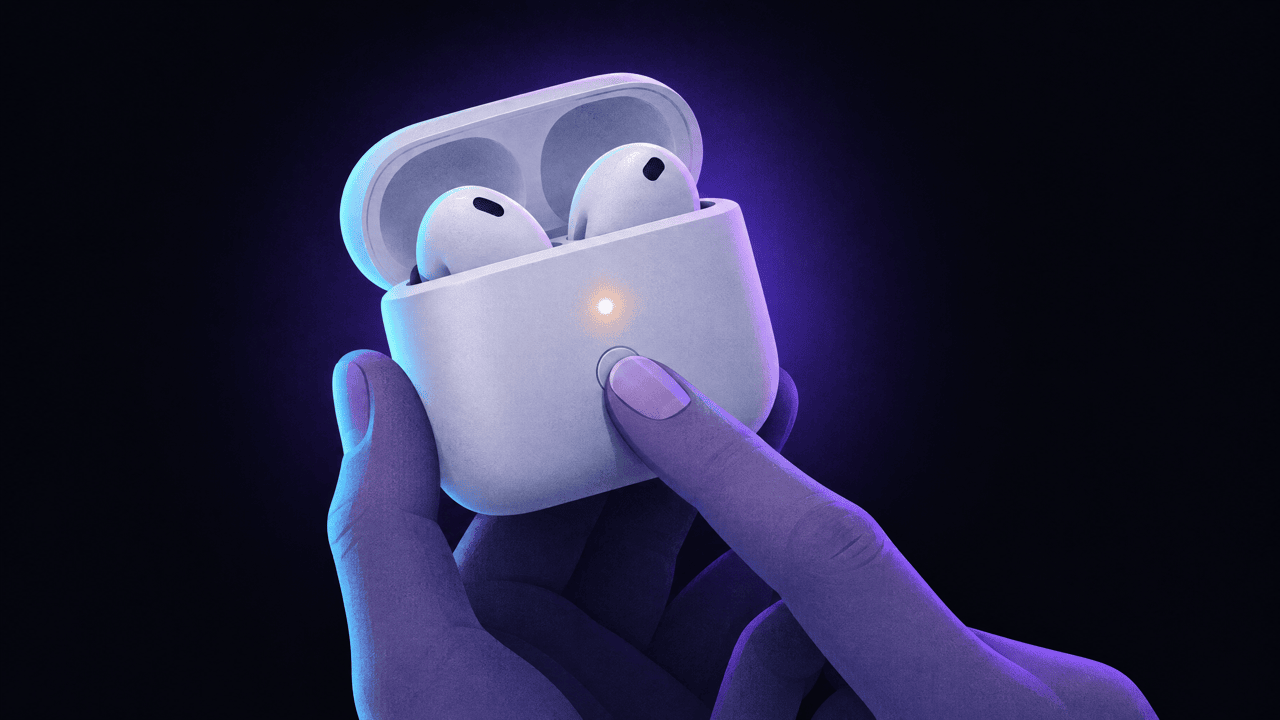
To reset AirPods, forget them in Settings > Bluetooth, then hold the case button 15 seconds (double-tap newer cases) until the light flashes amber, then white.

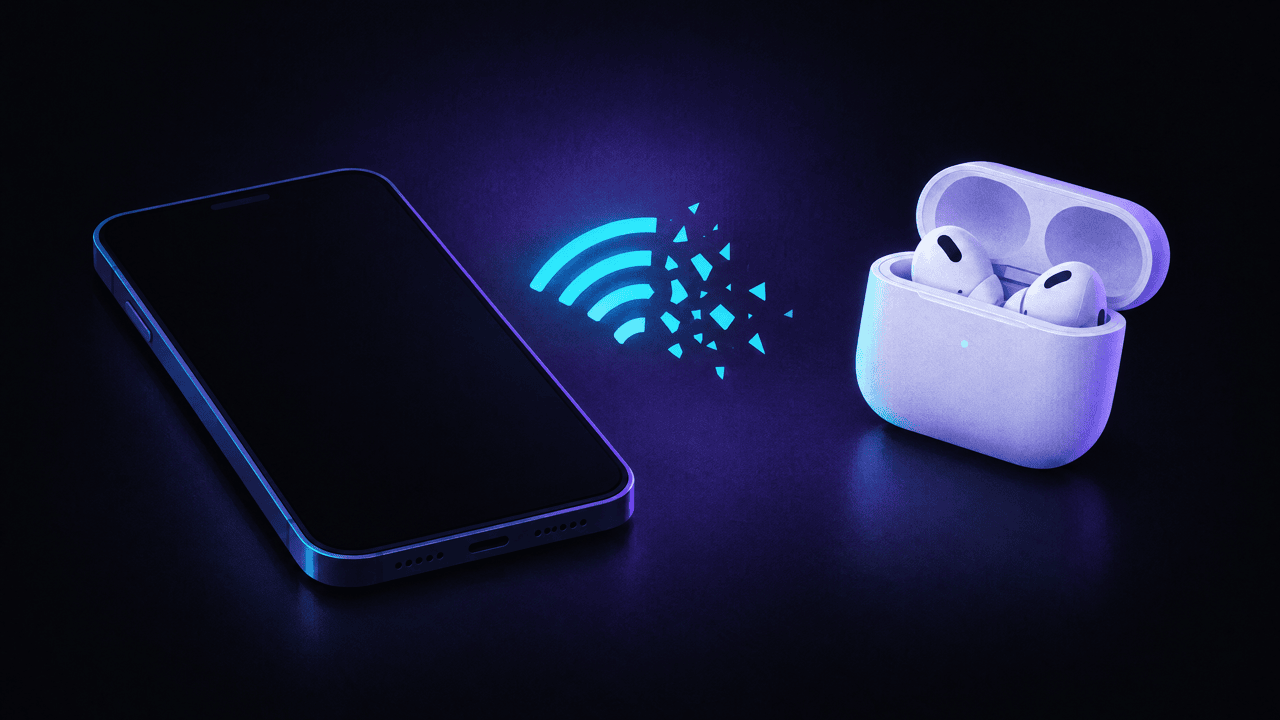
AirPods not connecting or keep disconnecting? Charge both, check Bluetooth and AirPlay, re-enter pairing mode, turn off auto-switching, then reset. Every model.

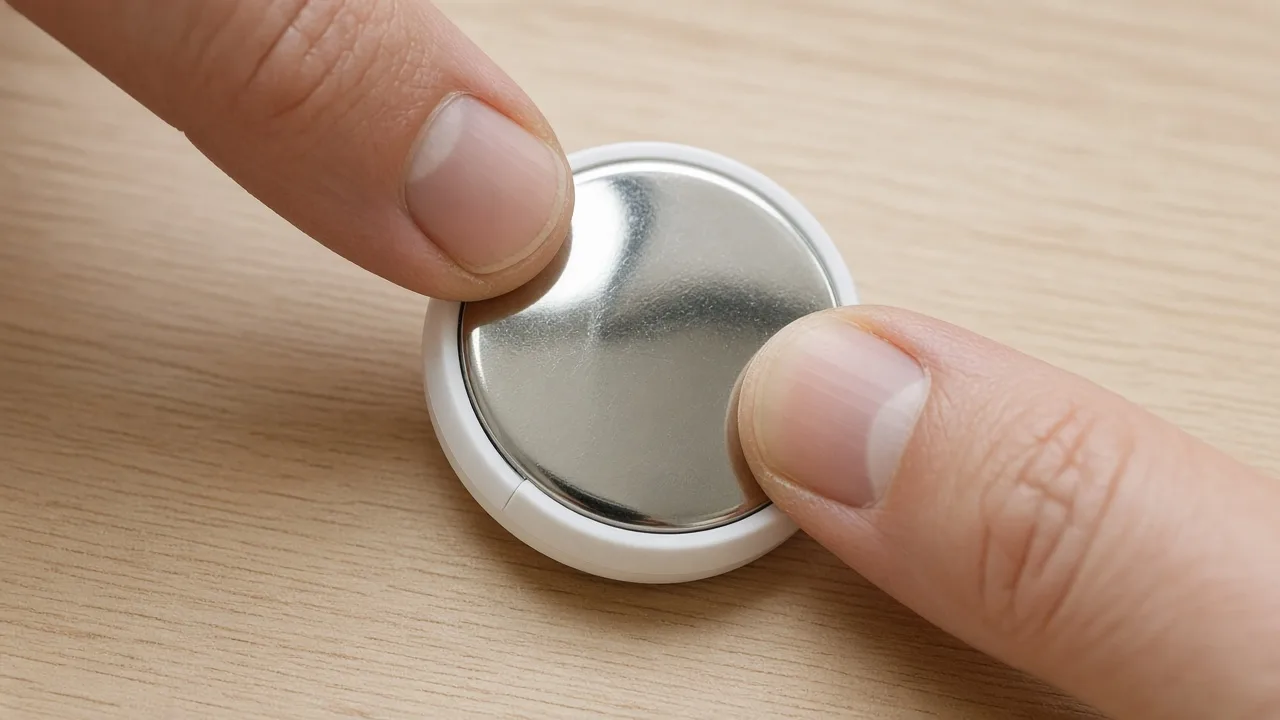
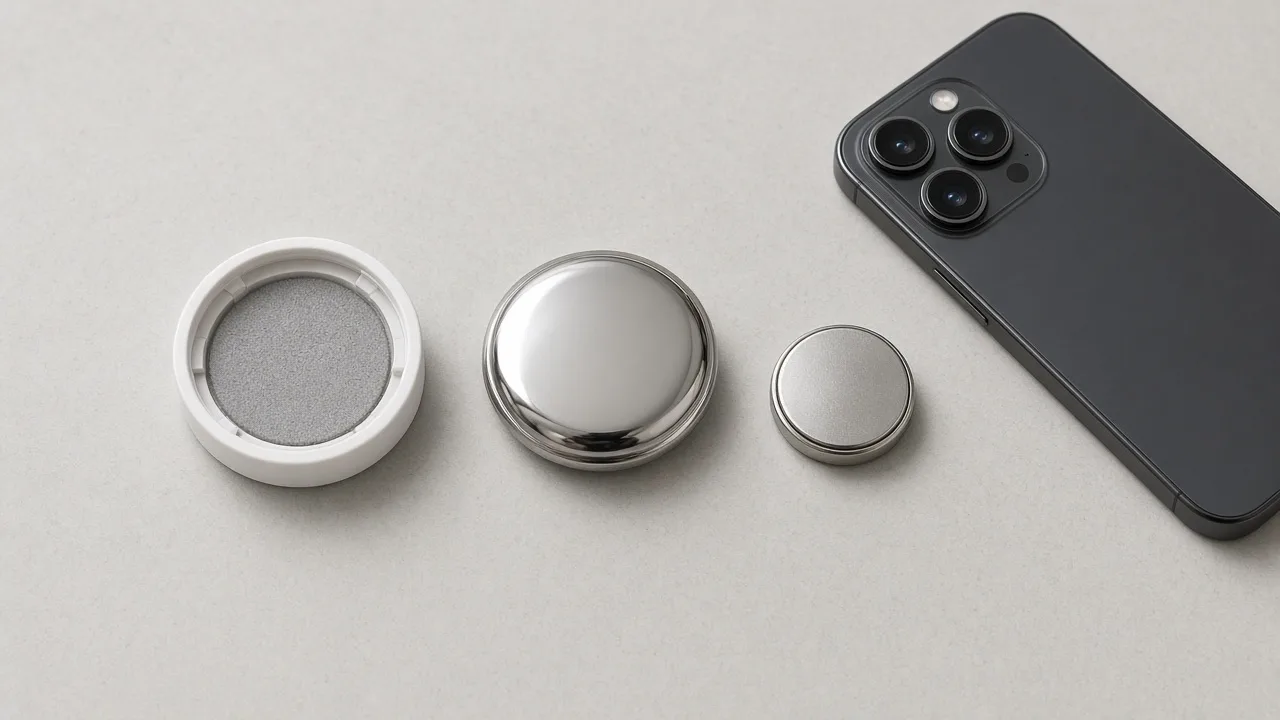
An AirTag takes a CR2032 3V coin battery that lasts about a year. How to open the AirTag, swap the battery, which coated batteries fail, and what to do next.

To reset an AirTag, remove it from Find My, then reinsert the battery five times until the fifth sound is different. Steps for both generations, plus fixes.

What Offline, No location found and Not sharing location mean in Find My, the settings to check on your iPhone, and why an AirTag stops updating in some places, with fixes for AirTag, AirPods and iPhone.

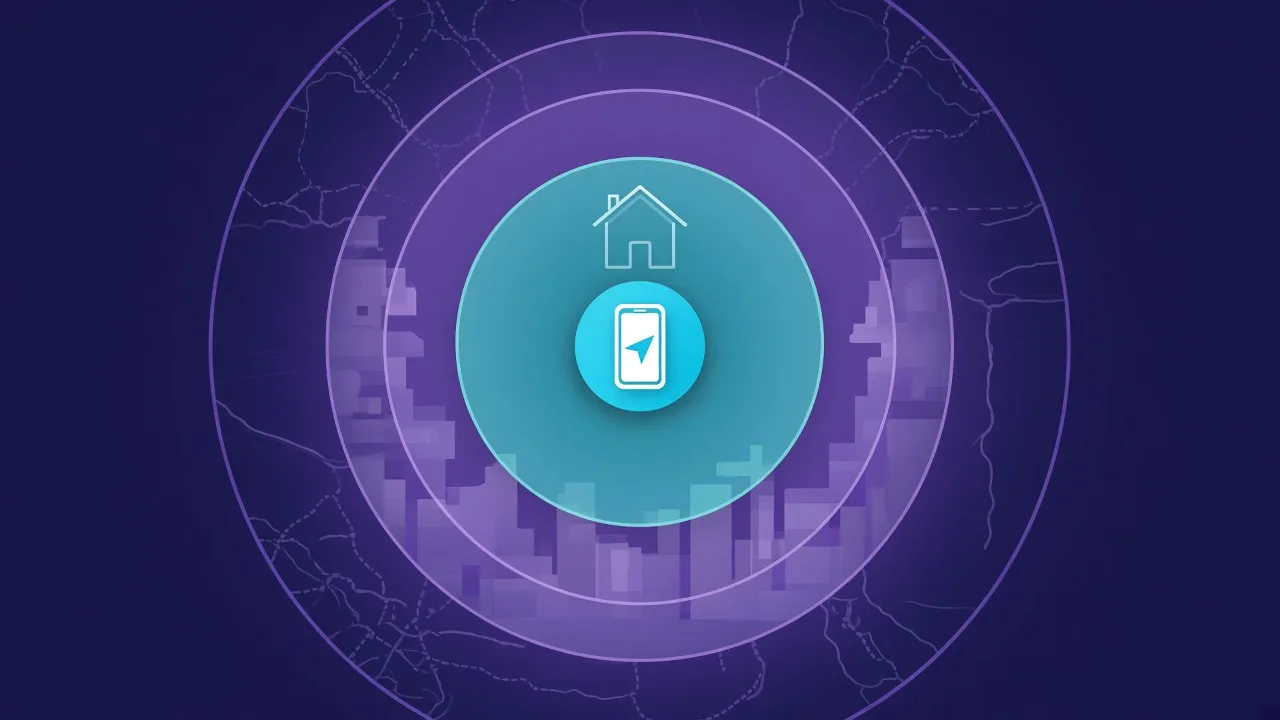
An AirTag has three ranges: Precision Finding up close, Bluetooth within a home, and the Find My network almost anywhere. Here is how far each reaches, what changed with AirTag 2, and which iPhones support what.
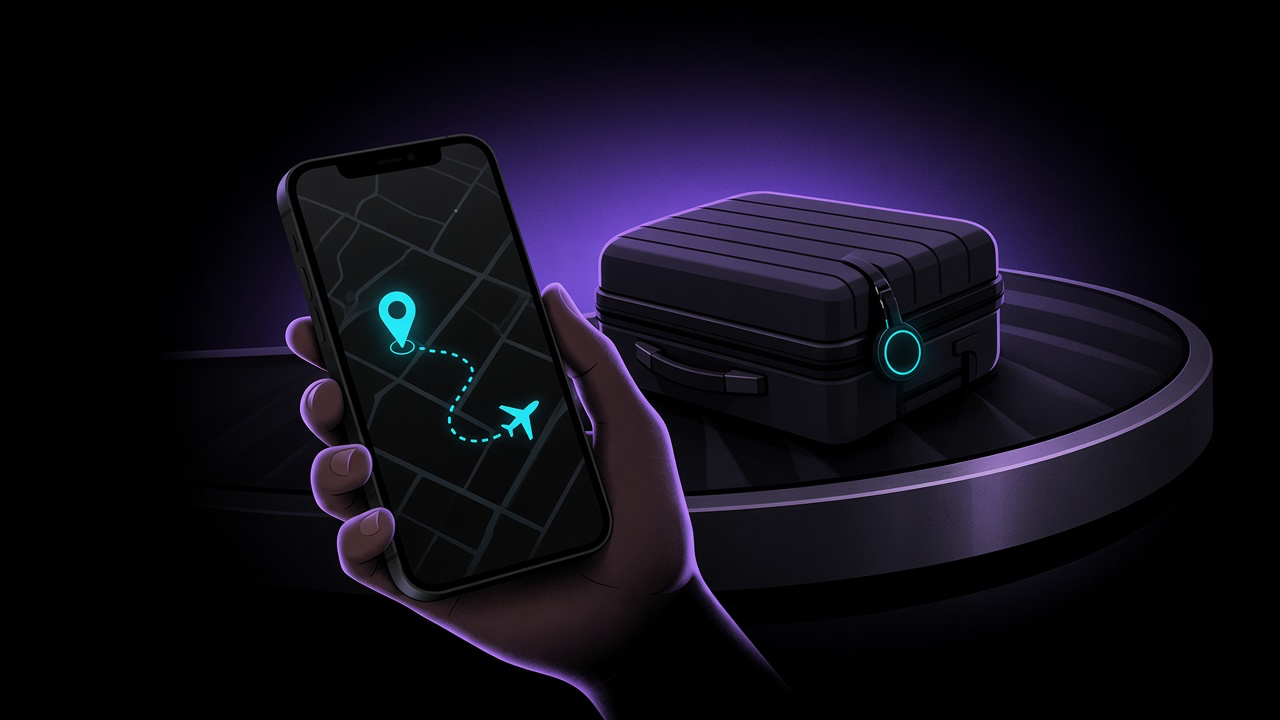
Apple's Share Item Location and Android's Find Hub now let airline staff see where your bag is. Which airlines accept the link, how to send it, and how to pack a tracker properly.